How to self-host Campfire without Docker on your own VPS
Run Campfire v1.5.2, the 37signals team chat, on your own Ubuntu server with ox: Rails, SQLite, Redis and a Resque worker, from the config that ran.

To self-host Campfire you need an Ubuntu server, a fork of the Campfire repo with one ox.toml file added, and five variables, two of them required before the first deploy. In our run the first deploy took about 7 minutes, and ox set up Redis and a Resque worker beside the Rails app.
How we tested On Oct 17, 2026, ox deployed Campfire v1.5.2 from commit 6e312c60 on a fresh DigitalOcean server with 8 vCPUs and 16 GB of memory. The run then redeployed it, backed it up and rebooted the server. Then a separate test agent, one that did not write the config, signed in, posted a message in the All Talk room and saw it after a reload, and checked the app's services and its backup.
Campfire is a team chat from 37signals that runs in the browser. It has rooms with access controls, direct messages, file attachments with previews, search, @mentions and an API for bots. It is a Rails app under the MIT license. Accounts and messages live in a SQLite file, and Redis carries live updates, the cache and the job queue. Campfire is single-tenant: one server holds one team, and a separate group gets its own copy.
ox deployed Campfire v1.5.2 (commit 6e312c60) on Oct 17, 2026 on a fresh DigitalOcean server with 8 vCPUs and 16 GB of memory; the first deploy took 7 minutes and a redeploy took 3 minutes.
- First deploy: 7 minutes, from adding the project until the app passed the run's first checks.
- Redeploy of the same commit: 3 minutes, until the app passed the checks again.
- Server: DigitalOcean, 8 vCPUs and 16 GB of memory (
s-8vcpu-16gb), with this app alone on it. Every one of the 85 apps we deployed ran on this one size, so it was not picked for this app. - Memory in use after the reboot: 1508 MB of 15986 MB, for the whole server: Ubuntu, the app and its staging copy, its services, Caddy and the ox agent. On a server with no apps, ox's tests on real servers hold the agent to 40 MB or less and Caddy to 50 MB or less.
- Services ox runs for it:
redis. - Background processes:
resque, each its own systemd unit beside the web process. - Source: github.com/basecamp/once-campfire at v1.5.2, commit
6e312c60.
What you need
An Ubuntu LTS server. The facts above give the size the run used and the memory measured on it.
A GitHub account to fork
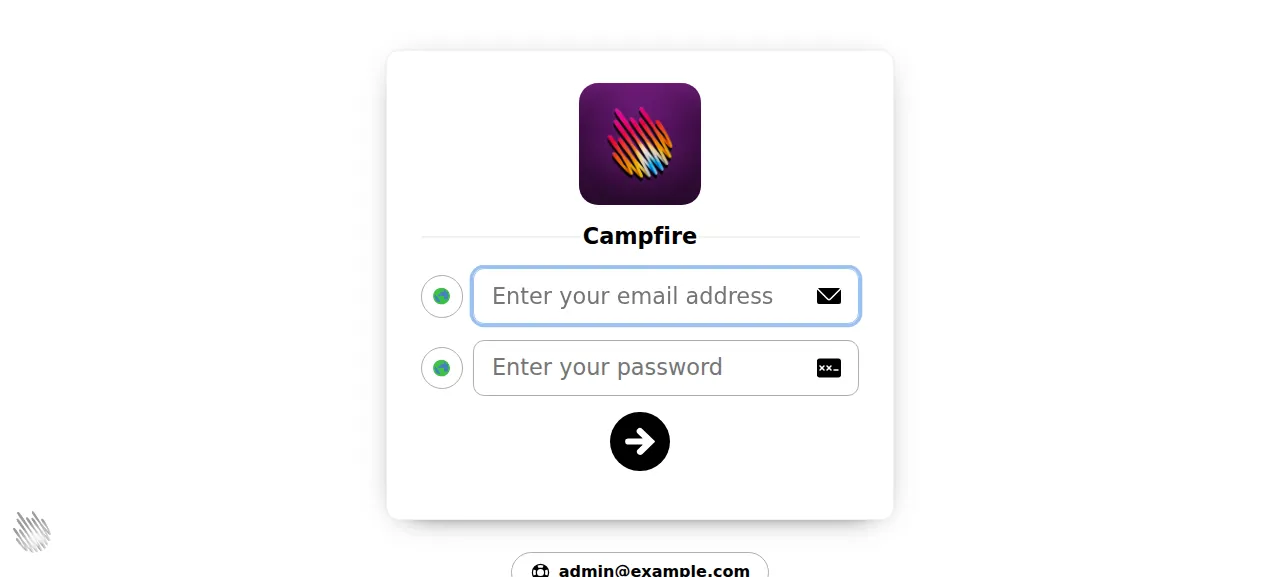
basecamp/once-campfire, and an ox account, which you open by signing in with GitHub.An email address and a password for the administrator. The sign-in page shows that address to every visitor, on purpose: it names whom to ask for help with an account. Pick one you are happy to show.
Not tested: file attachments and their previews, push notifications, the join link, bots and the API, search, a custom domain and a restore.
The steps
In the ox dashboard, open Servers and press the Add a server card. It gives a one-time command. Run it as root on your VPS. It installs only the ox agent and Caddy.
On GitHub, fork basecamp/once-campfire and name the fork campfire, so the project name matches the commands below. Put the branch ox will deploy on the tag v1.5.2, the release the run deployed, and add the ox.toml shown below at the repo root. The run added no other file. Commit and push.
Then write a file named campfire.env on your laptop, one KEY=value line for each of the five keys in the variables list. Campfire's script/admin/generate-secrets prints SECRET_KEY_BASE as 128 random hex characters, and openssl rand -hex 64 gives a value of the same kind. With the ox CLI signed in, run:
ox new <you>/campfire
ox review campfire --from-file campfire.env --wait
The review saves your values and starts the first deploy, and --wait prints the run's log until it ends. The quickstart shows the same steps in the browser.
When the deploy is green, open the address ox shows for the project and sign in with the administrator's email and password. The test agent first tried a wrong password and stayed on the sign-in page. It then signed in with the right one and landed in the All Talk room, typed a message and pressed Enter. After a reload the message was still there under the name Administrator. The first-run page, /first_run, sends you away on this install, because the deploy has already made the account.
Everything above ran on the preview address ox gives the project. A custom domain was not tried, and the domains page explains how ox adds one.
The ox.toml, line by line
# Campfire v1.5.2 (Rails, SQLite), as its operator would write it. ox
# detects Ruby, the gems, the asset build and Puma; the Dockerfile's
# bin/boot runs the same steps.

# Video attachment previews (lib/rails_ext/time_limited_video_previewer.rb),
# installed by the Dockerfile.
packages = ["ffmpeg"]

# The administrator the deploy makes (below): the only way in, since the
# first-run page goes away once it exists.
required_variables = ["CAMPFIRE_ADMIN_EMAIL", "CAMPFIRE_ADMIN_PASSWORD"]

[build]
# bin/start-app's db:prepare, then the administrator, made by the app's own
# FirstRun (what /first_run's form calls) the first time only: the account,
# the "All Talk" room and its admin, in one transaction. An error in the
# check raises and stops the deploy.
migrate = """
bundle exec rails db:prepare
bundle exec rails runner '
  if Account.any?
    puts "Campfire already has its account and administrator"
  else
    ActiveRecord::Base.transaction do
      FirstRun.create!(name: "Administrator", email_address: ENV.fetch("CAMPFIRE_ADMIN_EMAIL"), password: ENV.fetch("CAMPFIRE_ADMIN_PASSWORD"))
    end
    puts "Made the account and its administrator"
  end
'
"""

[workers]
# The Procfile's workers: Resque runs the job queue (web push, bot
# webhooks, unread counts).
resque = "FORK_PER_JOB=false INTERVAL=0.1 exec bundle exec resque-pool"

[services]
# The Procfile's redis: Action Cable, the cache and Resque all read REDIS_URL.
redis = {}

[storage]
# The SQLite database (storage/db) and uploads (storage/files).
keep = ["storage"]
The file is short because ox reads the rest from the repo. It takes Ruby 3.4.10 from .ruby-version, installs the gems from Gemfile.lock, runs the asset build and starts bundle exec rails server on the port it gives the app.
packagesnames ffmpeg, which Campfire's Dockerfile installs for video previews. A file inlib/rails_extkills ffmpeg when a preview takes too long. ox found the libvips and libyaml headers inGemfile.lockon its own, so ffmpeg is the one the config adds.required_variableslists the administrator's email and password. ox asks for them in the review, before the first deploy starts, because Campfire ships no example env file to read them from.migraterunsrails db:prepare, the first step of Campfire's ownbin/start-app: it creates the SQLite database and applies pending migrations. Arails runnerscript then checksAccount.any?. On a first deploy it callsFirstRun.create!, the code behind the first-run form, in one transaction. That makes the account, the All Talk room and an administrator named Administrator. An error stops the deploy.resqueunder[workers]is the Procfile's worker line withexecin front. Resque runs the job queue: web push, bot webhooks and unread counts. After the test agent's message, the worker's journal showedRoom::PushMessageJobandMessage::BroadcastUnreadRoomJobperformed.[services]asks for Redis, which the Procfile also starts. Action Cable, the cache and Resque all readREDIS_URL, which ox gives the app from the Redis it runs for the project.keep = ["storage"]carries thestoragefolder from one release to the next. Campfire's docs say the database and the uploaded files both live there, and every deploy starts a fresh release folder.
SECRET_KEY_BASE
RAILS_ENV
DISABLE_SSL
CAMPFIRE_ADMIN_EMAIL
CAMPFIRE_ADMIN_PASSWORD
SECRET_KEY_BASE signs Campfire's cookies. The docs ask you to keep the same value across restarts and upgrades, since a new one invalidates sessions. RAILS_ENV is production, the value in Campfire's Dockerfile. DISABLE_SSL is true. Left unset, Campfire forces HTTPS itself, and its docs say to set it when another proxy ends the HTTPS. Here that proxy is Caddy.
CAMPFIRE_ADMIN_EMAIL and CAMPFIRE_ADMIN_PASSWORD are names the config made up. Only the migrate script reads them, to make the first administrator. The variables page explains how ox stores and shows values.
Redis and the worker
ox runs a Redis for this project alone and a Resque worker beside the app. The run also deployed a staging copy next to production, and the memory figure above counts both. The test agent read the app, worker and Redis units twice, minutes apart, and found each one active with no restarts.
Campfire's puma.rb starts about two thirds as many web processes as the server has CPUs, unless WEB_CONCURRENCY is set, and resque-pool.yml starts half as many workers. The run left WEB_CONCURRENCY unset, and changing either count was not tested.
Updates and backups
To move to a new release, merge its tag into your fork and push, or run ox deploy campfire --wait. ox builds the new release beside the live one, runs migrate, and switches over when the app answers. The run redeployed the same commit, and its admin script printed that the account already existed. A move to a newer Campfire was not tested.
Backups need no setup. The run's backup folder held a daily archive of the kept storage folder, a Redis archive, and the SQLite file twice, once from the daily schedule and once from Back up now. Campfire's docs warn against copying the live database by hand, and ox copies SQLite files with SQLite's own online backup. Run ox backups campfire to list them. The backups page covers copies in your own S3 bucket, and the self-hosting page lists other apps ox has run.
Frequently asked questions
Do I need Docker to self-host Campfire?
No. Campfire's own routes are the ONCE installer and a Docker image that bundles the web app, job worker and Redis. With ox the same parts run as plain services. It builds Campfire from your fork and starts Rails, Resque and Redis as system units, and an update is a push to the fork.
What database does Campfire use?
A SQLite file, not Postgres or MySQL. Campfire keeps it in storage/db, with uploaded files in the same storage folder, and the config keeps that folder across deploys. Redis is the only service ox runs for it, and Redis holds live updates, the cache and the job queue, not your messages.
How do I make the first Campfire administrator?
Set CAMPFIRE_ADMIN_EMAIL and CAMPFIRE_ADMIN_PASSWORD before the first deploy. The migrate step makes the account, the All Talk room and the administrator, and you sign in at /session/new. The sign-in page shows that email to every visitor. Other people join through the join link, which was not tested.
How much memory does self-hosted Campfire use?
On the run's server the whole machine held the memory the facts show after the reboot. That counts Campfire, its staging copy, their Redis and Resque processes, Caddy and the ox agent. The build runs on the server too. ox works on any server from 1 GB up and tells you when memory is why an app stopped.
Do I need VAPID keys to run Campfire?
No. VAPID keys switch on web push, Campfire's browser notifications. The run set none, chat worked without them, and the browser's notification switch could not subscribe. The docs say to keep the keys you do set across restarts, because a change invalidates push subscriptions. Push itself was not tested.
New to running apps on your own server? How ox self-hosts your apps shows what ox sets up on your server.