How to self-host the Element Web client on your own VPS
Serve Element Web v1.12.31, the Matrix chat client, from your own Ubuntu server with ox: one ox.toml, no variables, no database, and Caddy for the files.

To self-host Element Web you need an Ubuntu server and a fork of the Element Web repo with one ox.toml file added. The config asks for no variables and no database, and in our run the first deploy took about 6 minutes.
How we tested On Oct 17, 2026, ox deployed Element Web v1.12.31 from commit 959eb558 on a fresh DigitalOcean server with 8 vCPUs and 16 GB of memory. The run then redeployed it and rebooted the server. Then a separate test agent, one that did not write the config, opened the site, went through the sign-in and sign-up pages, and switched the language, and checked that its pages and links answer.
Element Web is the browser version of Element, a chat app for the Matrix network. It is only a client: your account and your rooms live on a Matrix server called a homeserver, and Element Web signs you in to one. Its README calls the built webapp folder "entirely static content", so no Element process runs on your server. The code is free under the AGPL-3.0 or the GPL-3.0, and Element sells a commercial license too.
The repo is a monorepo: the web client is in apps/web and the desktop app in apps/desktop. The run deployed the web client only.
ox deployed Element Web v1.12.31 (commit 959eb558) on Oct 17, 2026 on a fresh DigitalOcean server with 8 vCPUs and 16 GB of memory; the first deploy took 6 minutes and a redeploy took 3 minutes.
- First deploy: 6 minutes, from adding the project until the app passed the run's first checks.
- Redeploy of the same commit: 3 minutes, until the app passed the checks again.
- Server: DigitalOcean, 8 vCPUs and 16 GB of memory (
s-8vcpu-16gb), with this app alone on it. Every one of the 85 apps we deployed ran on this one size, so it was not picked for this app. - Memory in use after the reboot: 643 MB of 15986 MB, for the whole server: Ubuntu, the app, its services, Caddy and the ox agent. On a server with no apps, ox's tests on real servers hold the agent to 40 MB or less and Caddy to 50 MB or less.
- Source: github.com/element-hq/element-web at v1.12.31, commit
959eb558.
What you need
An Ubuntu LTS server. The facts above give the size the run used and the memory in use after its reboot.
A GitHub account for the fork. Signing in to ox with GitHub makes your ox account.
A Matrix homeserver to sign in to, once the site is up. The config the run used points at matrix.org. Signing in to a real account, sending a message and making a call were not tested.
The steps
Open the ox dashboard and press Add a server. It prints one install command with a token that works once. Paste it into a root shell on the Ubuntu machine. It puts the ox agent and Caddy on the host, and the server then appears in the dashboard.
Fork element-hq/element-web on GitHub and check out commit 959eb558, the one the run deployed, whose package.json says 1.12.31. Put the ox.toml shown below at the root of the repo, then commit it and push to your fork. With the ox CLI signed in, run:
ox new <you>/element-web
ox deploy element-web --wait
The project takes the repo's name, so it is element-web here. --wait prints the run's log until the deploy ends. In the browser, New project and Deploy do the same, as the quickstart shows.
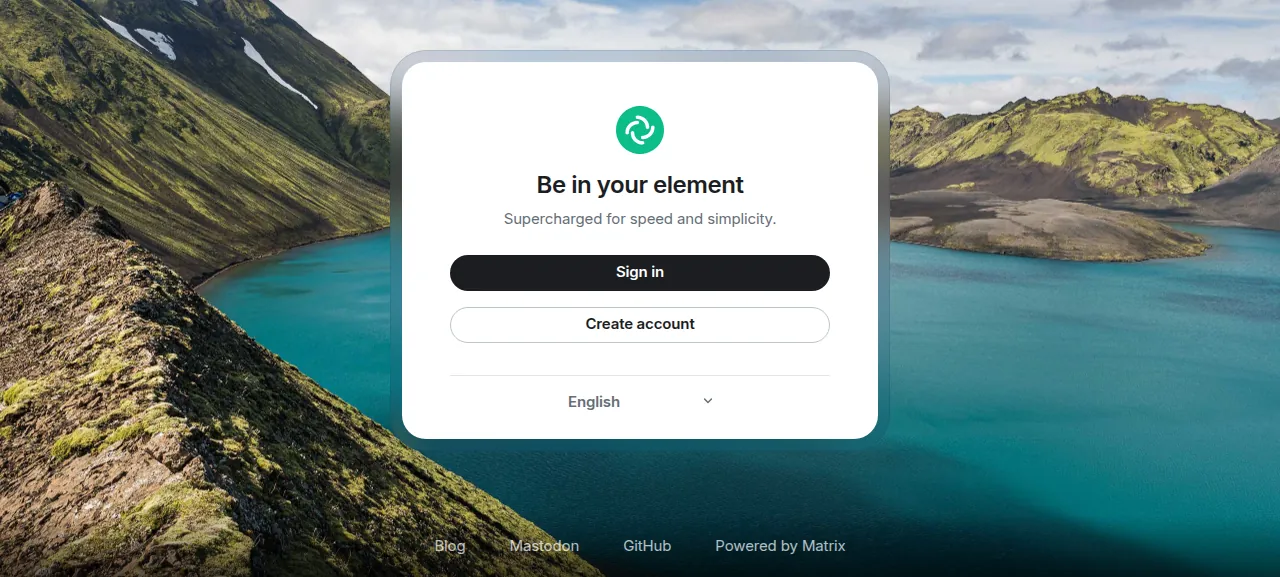
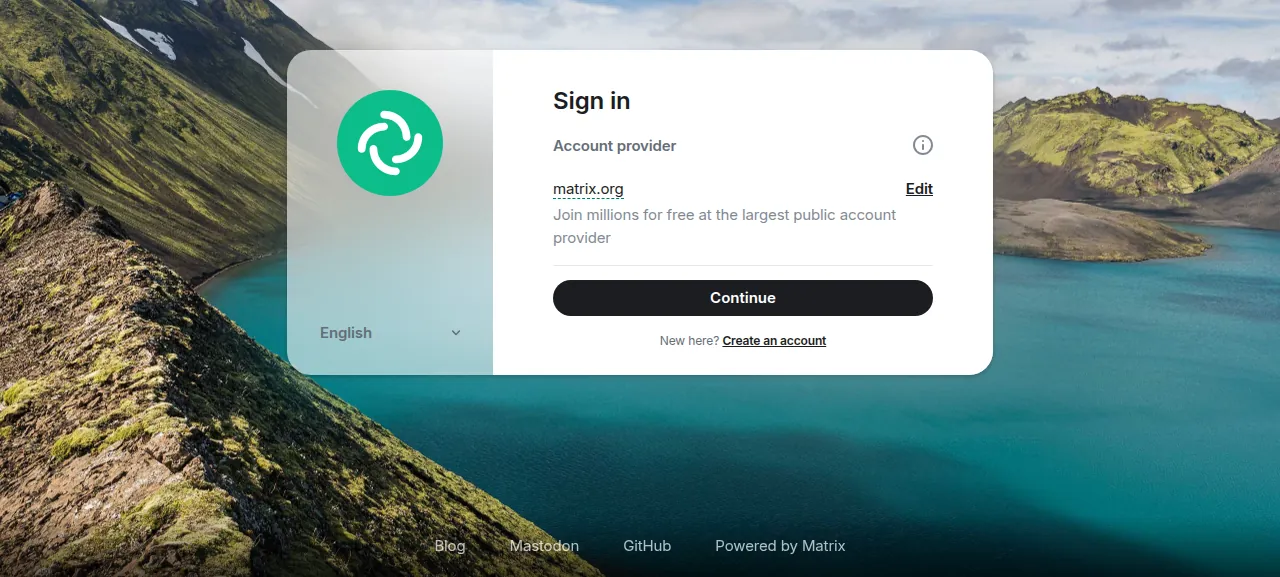
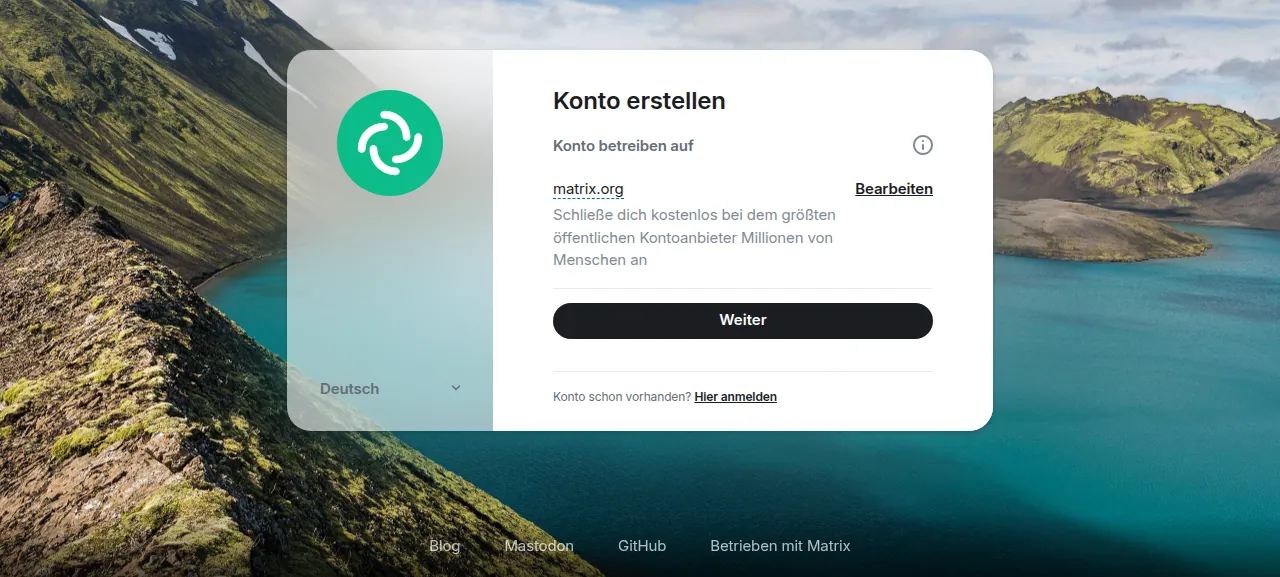
When the deploy is green, open the address ox shows for the project. The test agent saw the welcome page, "Be in your element", with Sign in, Create account and a language menu. Sign in led to a page that read "Account provider: matrix.org" with a Continue button, and Create account read "Host account on matrix.org". Picking Deutsch turned the page German, and the create-account page then read "Konto erstellen". The site's /version path answered 1.12.31.
The run served Element Web on that preview address only, over HTTPS. A domain of your own was not part of it, and the domains page covers how ox adds one. Element's README advises against serving the client from your homeserver's own domain, and matrix.org is a different one.
The ox.toml, line by line
# Element Web is a Matrix chat client made of static files: webpack builds apps/web/webapp,
# and Caddy serves it, as nginx does in apps/web/Dockerfile. It talks to the homeserver
# named in config.json (matrix.org unless ELEMENT_HOMESERVER_URL and ELEMENT_SERVER_NAME say otherwise).

# The install's postinstall runs apps/desktop's `electron-builder install-app-deps`, which builds
# pkcs11js with node-gyp; the Dockerfile's node:24-bullseye builder has these compilers.
packages = ["gcc", "g++", "make", "libc6-dev"]

[tools]
# package.json's devEngines.packageManager asks for this pnpm; the Dockerfile builds with node 24 (.node-version).
pnpm = "11.23.0"

[build]
# The detected `pnpm install --frozen-lockfile` runs first, as in the Dockerfile.
commands = [
    # scripts/docker-package.sh: the version comes from apps/web/package.json when VERSION is unset.
    # Nx runs no daemon in the Docker build; here it would start one that outlives the step.
    "NX_DAEMON=false pnpm --dir apps/web build",
    # The Dockerfile ships config.sample.json as webapp/config.json (docs/install.md: copy and edit it).
    """node -e '
const fs = require("fs");
const c = JSON.parse(fs.readFileSync("apps/web/config.sample.json", "utf8"));
const hs = c.default_server_config["m.homeserver"];
hs.base_url = process.env.ELEMENT_HOMESERVER_URL || hs.base_url;
hs.server_name = process.env.ELEMENT_SERVER_NAME || hs.server_name;
fs.writeFileSync("apps/web/webapp/config.json", JSON.stringify(c, null, 4));
'""",
]

[static]
# Element routes with URL fragments (#/login, #/room/...), so no SPA fallback is needed.
dir = "apps/web/webapp"packagesasks ox for four Ubuntu packages:gcc,g++,makeandlibc6-dev. The repo's rootpackage.jsonrunspnpm run -r sane-postinstallafter every install. Inapps/desktopthat script iselectron-builder install-app-deps, which compiles a native module,pkcs11js, with node-gyp. The install covers the whole monorepo, desktop app included, so the compilers have to be there.[tools]pins pnpm to 11.23.0, the version the rootpackage.jsonnames underdevEngines.packageManager. There is no line for Node: the repo's.node-versionfile says 24, and ox reads it. Because the repo has apnpm-lock.yaml, ox planspnpm install --frozen-lockfilebefore the build, the same install the Dockerfile runs.The first build command,
NX_DAEMON=false pnpm --dir apps/web build, runs the web app's build target, which startswebpack-cliin production mode insideapps/webthrough Nx and writesapps/web/webapp.NX_DAEMON=falsekeeps Nx from starting a background daemon that would outlive the build step. The config leavesVERSIONunset, so webpack takes the version fromapps/web/package.jsonand writes it to aversionfile in the output. That file is why/versionsays 1.12.31.The second command is a short Node script that writes
webapp/config.json. Element's install page says to copyconfig.sample.jsontoconfig.jsonand edit it, and the Dockerfile ships the sample as it is. The script starts from the sample. WhenELEMENT_HOMESERVER_URLorELEMENT_SERVER_NAMEis set, it replaces the homeserver'sbase_urlorserver_name. The run set neither, so the site kept the sample's homeserver, matrix.org, athttps://matrix-client.matrix.org. Setting them was not tested.[static]withdir = "apps/web/webapp"makes this a static site. There is no[app], so ox starts no web process, and Caddy serves that folder. Element's routes are URL fragments such as#/loginand#/register, so no fallback toindex.htmlis needed.The file has no
[services]section, worker or cron job.
This config asks for no variables.
The two optional names above were left unset. ox's variables page explains how values and references work.
What runs on the server
Caddy is the only program that serves the site, and ox already runs it on every server. ox starts no Node process and no database for this project, so there is no unit of its own to watch. The test agent found Caddy active.
Element Web calls other hosts from the browser. Sign in and Create account fetch the account provider live from matrix.org. The sample config the run shipped also names an identity server at vector.im, an integrations manager at scalar.vector.im, Jitsi at meet.element.io for conference calls, and a map style from MapTiler. Changing any of them was not tested.
Two things in the browser's network and console tabs look like errors. At start Element asks for config.<host name>.json first and gets a 404, then loads config.json. Its config docs describe that order as how per-domain configs work. The test agent also saw matrix.org refuse Element's guest sign-up request with a 403, and the welcome screen loaded anyway.
Updates and backups
To move to a newer release, merge it into your fork and push, or run ox deploy element-web --wait. ox builds the new release beside the live one and switches to it when the build is done. Every deploy repeats the install and both build commands, and the run's redeploy of the same commit took the time the facts show.
Element Web keeps nothing on the server. Accounts, rooms and messages are on the homeserver, and the site's files come from your fork. So there is no data of this project for ox to back up, and the run's server showed no backups for it. A restore was not tested. The backups page covers what ox backs up for projects that keep data.
Frequently asked questions
Do I need Docker to self-host Element Web?
No. Element's install page lists a release tarball, a Debian package and a Docker image, and its Dockerfile serves the built site with nginx. The run used none of those. ox built the site from the repo with pnpm on the server, and Caddy serves the files, so there is no image to pull.
Do I need my own Matrix server to run Element Web?
No. Element Web is only a client, and its sample config points it at matrix.org. The run kept that default, so accounts and rooms stay on matrix.org and your server holds none of them. Element's config docs say visitors can pick another homeserver unless disable_custom_urls is set. Hosting a homeserver was not part of the run.
How do I make the first Element Web account?
You do not make one on your server, because Element Web keeps no accounts of its own. The account lives on the homeserver. In the run, the Create account page said it would host the account on matrix.org. The test agent did not finish a sign-up or sign in to a real account, so that path was not tested.
How much memory does self-hosted Element Web use?
After the reboot, the whole server used the memory the facts show, with Caddy serving files and no Element process running. The build step, with pnpm, webpack and the compilers, was not measured on its own. ox works on any server from 1 GB up, and tells you when memory is why an app stopped.
Does Element Web need HTTPS?
Element's install page says to serve it over HTTPS for the security of chats, and browsers allow voice and video calls over HTTP only on localhost. The run opened Element Web on an https preview address, and no call was made. A domain of your own was not part of the run.
New to running apps on your own server? How ox self-hosts your apps shows what ox sets up on your server.