How to self-host GlitchTip without Docker on your own VPS
Run GlitchTip v6.2.6, the open-source error tracker for Sentry SDKs, on your own Ubuntu server with ox: Postgres, Redis and a worker, no Docker.

Self-hosting GlitchTip takes an Ubuntu server, a GitHub repository with GlitchTip's backend code and one added ox.toml, and seven variables, two of them references that ox fills in. The first deploy in our run took about 2 minutes. ox set up the Postgres and Redis that GlitchTip uses and ran its worker beside the web process.
How we tested On Oct 17, 2026, ox deployed GlitchTip v6.2.6 from commit d3039088 on a fresh DigitalOcean server with 8 vCPUs and 16 GB of memory. The run then redeployed it, backed it up and rebooted the server. Then a separate test agent, one that did not write the config, signed in, created a project, sent it one error event, and saw the issue listed after a reload, and checked the app's services and its backup.
GlitchTip is an error tracker you run yourself. Your apps report crashes to it with a Sentry SDK, and it groups them into issues you can read and resolve. Its README calls it Sentry API compatible. The license is MIT.
This guide deploys the backend repository: a Django app served by granian, plus a worker with a scheduler. Postgres stores the errors, and Redis is the cache and task queue, though the README calls Valkey optional. The repo has no web interface of its own. That is a separate project, and the config fetches its build.
ox deployed GlitchTip v6.2.6 (commit d3039088) on Oct 17, 2026 on a fresh DigitalOcean server with 8 vCPUs and 16 GB of memory; the first deploy took 2 minutes and a redeploy took 73 seconds.
- First deploy: 2 minutes, from adding the project until the app passed the run's first checks.
- Redeploy of the same commit: 73 seconds, until the app passed the checks again.
- Server: DigitalOcean, 8 vCPUs and 16 GB of memory (
s-8vcpu-16gb), with this app alone on it. Every one of the 85 apps we deployed ran on this one size, so it was not picked for this app. - Memory in use after the reboot: 1196 MB of 15986 MB, for the whole server: Ubuntu, the app and its staging copy, its services, Caddy and the ox agent. On a server with no apps, ox's tests on real servers hold the agent to 40 MB or less and Caddy to 50 MB or less.
- Services ox runs for it:
postgres,redis. - Background processes:
worker, each its own systemd unit beside the web process. - Source: gitlab.com/glitchtip/glitchtip-backend at v6.2.6, commit
d3039088.
What you need
An Ubuntu LTS server where you can run one command as root. The run used the size in the facts above, with GlitchTip and its staging copy on it.
A GitHub account, which also opens your ox account. GlitchTip's code lives on GitLab, and the
ox.tomlhas to sit in a repository of yours, so the run's copy of the code sat in a GitHub one. Deploying straight from a GitLab address was not tested.An SMTP server for GlitchTip's mail settings. The run pointed them at a test mail catcher, so real delivery was not tested.
A real Sentry SDK, email alerts, uptime monitors, source map uploads and a restore were not tested either.
The steps
In the ox dashboard, press Add a server and run the command it shows as root on your server. It sets up the ox agent and Caddy there.
Next, make the repository. Clone glitchtip-backend from GitLab, check out the commit named in the facts above (release v6.2.6), push it to a new GitHub repository of yours, and add the ox.toml shown below at the root. The run added no other file.
Write glitchtip.env on your laptop with the seven keys from the variables section. SECRET_KEY takes a long random value, and GlitchTip's own warning suggests python -c 'import secrets; print(secrets.token_urlsafe(50))' to make one. GLITCHTIP_DOMAIN is ${PUBLIC_URL}, ALLOWED_HOSTS is ${PUBLIC_HOST}, and GLITCHTIP_VERSION is 6.2.6. The other three are the SMTP host, its port and a sender address. With the ox CLI signed in, run:
ox new <you>/glitchtip
ox review glitchtip --from-file glitchtip.env --wait
The review saves your values and starts the first deploy, and --wait prints the run's log until it ends. The quickstart shows the same two steps in the browser.
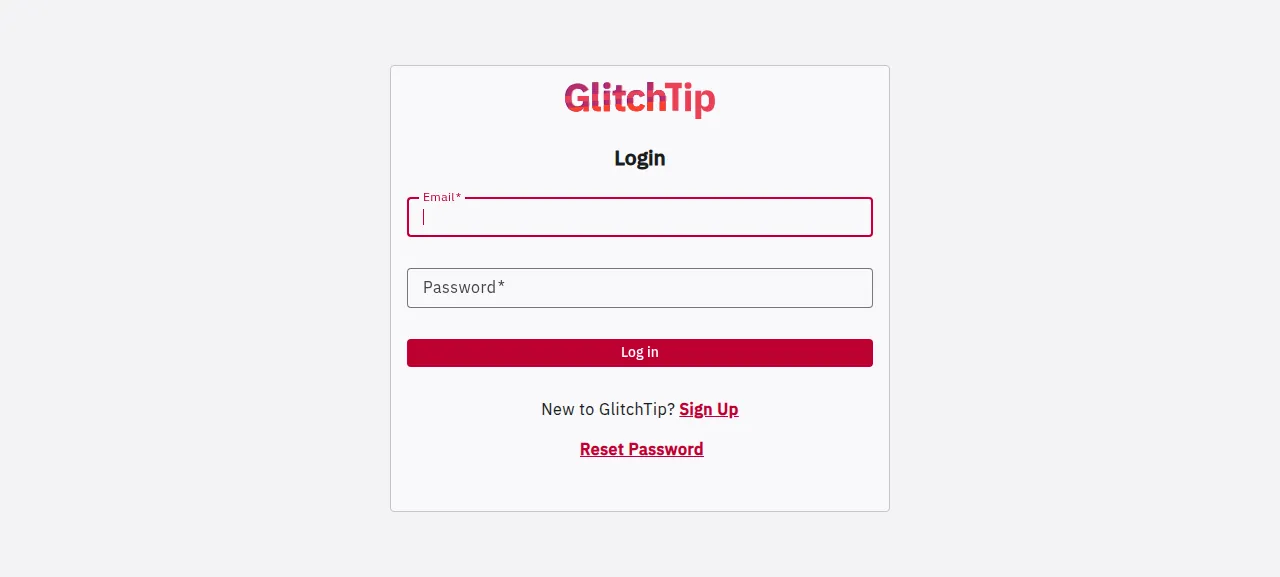
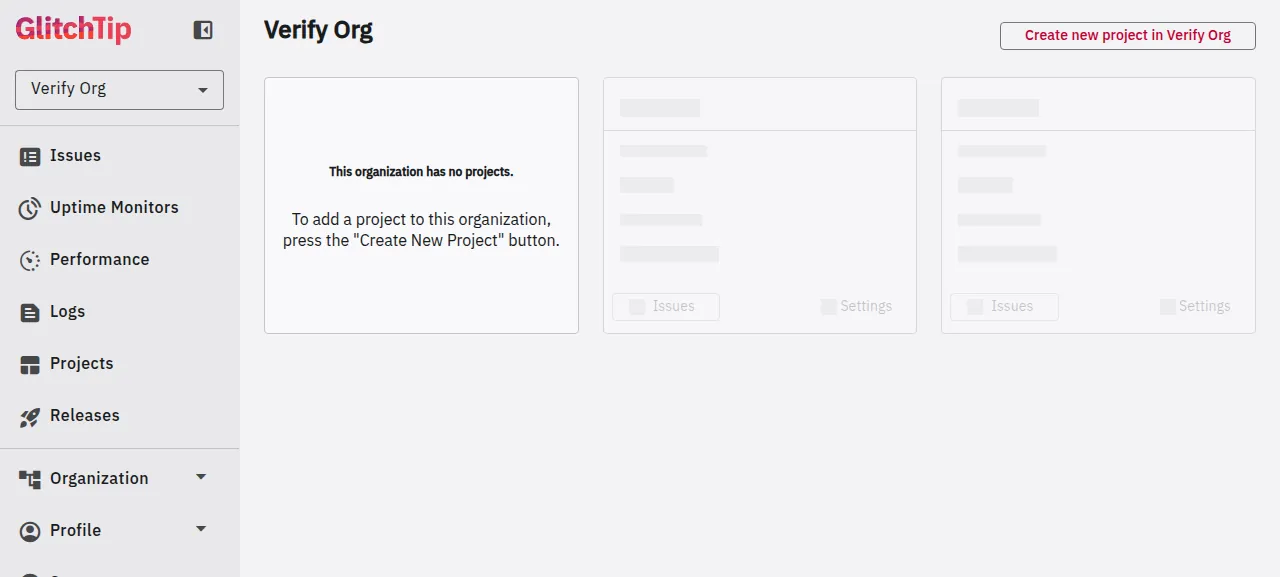
When the deploy is green, open the address ox shows. The login page has a Sign Up link to /register. An email and a password make an account, and the test agent landed signed in on the Create Organization screen. It made an organization and a Python project, and the project page showed its DSN, the address a Sentry SDK sends errors to.
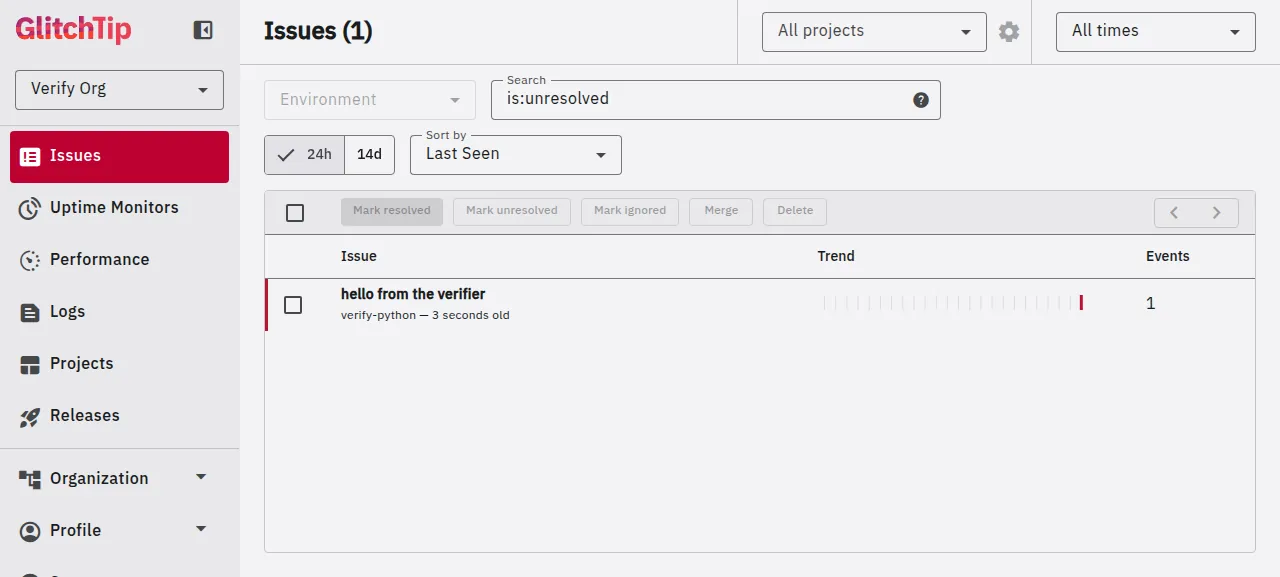
The test agent sent one error event to that DSN with an HTTP request. The issue "hello from the verifier" was on the Issues page a few seconds later, and it was still there after a full reload.
The run used ox's preview address. A domain of your own was not tested, and the domains page covers adding one.
The ox.toml, line by line
# GlitchTip v6.2.6 (Django, granian, django-vtasks, postgres, valkey), run
# the way its release image runs it: the Dockerfile built by
# .gitlab-ci.yml's release jobs, and the bin/ scripts the image starts.

# settings.py falls back to a public "change_me" key when this is unset.
required_variables = ["SECRET_KEY"]

[app]
# bin/start.sh's default role runs bin/run-web.sh: granian on $PORT, bound
# to GRANIAN_HOST (default 0.0.0.0), trusting the proxy's X-Forwarded-Proto.
start  = "export GRANIAN_HOST=127.0.0.1; exec bin/run-web.sh"
# The Dockerfile's HEALTHCHECK path.
health = "/_health/"

[build]
commands = [
  # The release CI (release_prepare_assets) puts the Angular UI, built by
  # the glitchtip-frontend project's build-assets job for the same tag, in
  # dist/: index.html is the template "/" renders, the rest static files.
  # The tag is the newest CHANGELOG heading (v6.2.6 at this commit).
  '''python -I - <<'PY'
import io, os, re, shutil, urllib.request, zipfile
tag = "v" + re.search(r"^# (\S+)", open("CHANGELOG").read(), re.M).group(1)
url = f"https://gitlab.com/api/v4/projects/15449363/jobs/artifacts/{tag}/download?job=build-assets"
print("frontend", tag)
data = urllib.request.urlopen(url, timeout=600).read()
shutil.rmtree("dist", ignore_errors=True)
zipfile.ZipFile(io.BytesIO(data)).extractall(".")
browser = "dist/glitchtip-frontend/browser"
for name in os.listdir(browser):
    shutil.move(os.path.join(browser, name), os.path.join("dist", name))
shutil.rmtree("dist/glitchtip-frontend")
assert os.path.isfile("dist/index.html"), "the frontend build has no index.html"
PY''',
  # The Dockerfile's COLLECT_STATIC step (the release sets it).
  "uv run python manage.py collectstatic --noinput",
]
# The image's migrate role: migrations, the cache table, event partitions.
migrate = "bin/run-migrate.sh"

[workers]
# bin/run-worker.sh: the vtasks worker with the scheduler (alerts,
# retention, partition upkeep, uptime checks).
worker = "exec bin/run-worker.sh"

[services]
postgres = {}
# Valkey is the cache and the task broker; settings.py reads REDIS_URL when
# VALKEY_URL is unset.
redis    = {}

[tools]
# The Dockerfile's python:3.14.
python = "3.14"

[storage]
# The Dockerfile makes uploads/ writable for the app: file blobs (source
# maps, debug files) land in uploads/file_blobs with the default storage.
keep = ["uploads"]
The file follows GlitchTip's Dockerfile and the scripts in its bin/ folder.
required_variableslistsSECRET_KEY. GlitchTip's settings fall back to a placeholder key,change_me, with only a warning, so ox asks for a real value before the first deploy.startrunsbin/run-web.sh, which starts granian on$PORT. The script binds to every address by default, soGRANIAN_HOST=127.0.0.1keeps the app behind Caddy. GlitchTip trusts the proxy'sX-Forwarded-Protoheader to know a visit came over HTTPS.healthis/_health/, the path GlitchTip's ownhealthcheck.pyasks. ox switches traffic to a new release only once it answers.The first build command downloads the web interface, which the backend repo lacks: its README says that without the frontend the site gives TemplateDoesNotExist errors. GlitchTip's release CI adds the glitchtip-frontend build for the same tag to
dist/, and this command does the same with Python's standard library. It reads the newestCHANGELOGheading (6.2.6 here), fetches that tag'sbuild-assetszip from GitLab, and stops if there is noindex.html.The second command,
collectstatic, gathers the static files intostatic/, which granian serves.No
installline is needed: ox seesuv.lockand runsuv sync --frozen --no-dev. The[tools]table asks for Python 3.14, the version in GlitchTip's Dockerfile.migraterunsbin/run-migrate.sh: Django's migrations, the cache table, and the creation and removal of Postgres partitions. It runs before traffic switches, after ox dumps Postgres.The worker runs
bin/run-worker.sh, GlitchTip's task worker with its scheduler. It turns events into issues, and the scheduler runs timed jobs such as uptime checks. Its log shows a line every second even when idle, which is the scheduler ticking.[services]asks for Postgres and Redis, and ox gives the appDATABASE_URLandREDIS_URL. GlitchTip reads the second as its cache and task queue address whenVALKEY_URLis not set.[storage]keeps theuploadsfolder, where GlitchTip saves source maps and debug files. Each release starts fresh from the commit, so ox links the folder to its data directory to keep it writable across deploys.
SECRET_KEY
GLITCHTIP_DOMAIN
ALLOWED_HOSTS
DEFAULT_FROM_EMAIL
EMAIL_HOST
EMAIL_PORT
GLITCHTIP_VERSION
SECRET_KEY signs session cookies and password-reset tokens. GLITCHTIP_DOMAIN is the full address with its scheme. GlitchTip builds its email links and each project's DSN from it, and stops if it does not start with http or https. The run set it to ${PUBLIC_URL}, a reference ox fills in with the project's address. ALLOWED_HOSTS lists host names and defaults to a wildcard that GlitchTip warns about outside debug mode. The run set it to ${PUBLIC_HOST}. See variables for how references work.
EMAIL_HOST and EMAIL_PORT name the SMTP server. With no mail transport setting, GlitchTip turns email off, and address confirmation and password reset with it. Setting EMAIL_HOST or another transport variable turns it on. DEFAULT_FROM_EMAIL is the sender, and the run used an example.com address. GLITCHTIP_VERSION is the version GlitchTip reports in its settings API, emails and own error reports. It defaults to 0.0.0-unknown because the release image sets it from the tag, so the run set it to 6.2.6.
Postgres and Redis
Postgres is shared with other ox projects on the server, and GlitchTip gets its own database and role. Redis runs for GlitchTip alone. The staging copy beside production has a Redis of its own, and the memory figure above counts both.
Updates and backups
To move to another release, push its commit and run ox deploy glitchtip --wait, or push the branch ox tracks, and change GLITCHTIP_VERSION with it. The run redeployed the same commit, and ox dumped Postgres before the migrate step. A newer release was not tested, so read GlitchTip's CHANGELOG first.
ox backs the project up daily without setup. The run's backups held Postgres dumps, a Redis archive and the uploads folder. ox backups glitchtip lists them, and Back up now makes one on demand. A restore was not tested. The backups page covers copies in an S3 bucket.
Frequently asked questions
Do I need Docker to self-host GlitchTip?
No. GlitchTip's repo has a Dockerfile, and its README says the project uses Docker for development, but the app is a plain Django project. ox builds it from your repository on the server and runs the web process and the worker as system services, with Postgres and Redis beside them. There is no image to pull.
How do I create the first GlitchTip account?
Open the address ox shows and use the Sign Up link on the login page. An email and a password are enough, and confirming the address is optional. Sign-up stays open by default, and a new organization is allowed only while none exists, unless ENABLE_ORGANIZATION_CREATION is set. Inviting people by email was not tested.
How much memory does self-hosted GlitchTip use?
On the run's server, the whole machine used the memory shown in the facts after a reboot. That counts GlitchTip, its worker, the staging copy, two Redis instances, Postgres, Caddy and the ox agent. ox works on any server from 1 GB up and tells you when memory is why an app stopped.
Does GlitchTip need Redis or Valkey?
Postgres is required, because it stores the errors. GlitchTip's README calls Valkey optional and a boost to performance, and its settings accept a Redis address too. The run declared a Redis service, so ox started one and passed it as REDIS_URL, and GlitchTip used it as cache and task queue. Running without one was not tested.
New to running apps on your own server? How ox self-hosts your apps shows what ox sets up on your server.