How to self-host Kavita reading server on your own VPS
Run Kavita v0.9.1.4 on your own Ubuntu server with ox: an ASP.NET Core build, the Angular reader, SQLite and a first admin, from the config that ran.

To self-host Kavita you need an Ubuntu server, a fork of the Kavita repo with an ox.toml and two small files added, and four variables: the first admin's user name, password and email, and a time zone. In our run the first deploy took about 10 minutes, which covers building the .NET server and the Angular reader on the server, and ox set up no database server, because Kavita keeps its data in SQLite files.
How we tested On Oct 17, 2026, ox deployed Kavita v0.9.1.4 from commit 879b8b73 on a fresh DigitalOcean server with 8 vCPUs and 16 GB of memory. The run then redeployed it, backed it up and rebooted the server. Then a separate test agent, one that did not write the config, signed in, added a book library, saw the scan list its book, and opened the book in the reader, and checked the app's services and its backup.
Kavita is a reading server for books and comics. It scans folders of EPUB and PDF books and of comics in CBZ, CBR, 7-zip and image formats, and opens them in browser readers that work on a phone, tablet or desktop. Its README says to treat it as beta software until 1.0.0, and the code is under the GPL 3. The server is an ASP.NET Core program with an Angular interface.
ox deployed Kavita v0.9.1.4 (commit 879b8b73) on Oct 17, 2026 on a fresh DigitalOcean server with 8 vCPUs and 16 GB of memory; the first deploy took 10 minutes and a redeploy took 8 minutes.
- First deploy: 10 minutes, from adding the project until the app passed the run's first checks.
- Redeploy of the same commit: 8 minutes, until the app passed the checks again.
- Server: DigitalOcean, 8 vCPUs and 16 GB of memory (
s-8vcpu-16gb), with this app alone on it. Every one of the 85 apps we deployed ran on this one size, so it was not picked for this app. - Memory in use after the reboot: 815 MB of 15986 MB, for the whole server: Ubuntu, the app, its services, Caddy and the ox agent. On a server with no apps, ox's tests on real servers hold the agent to 40 MB or less and Caddy to 50 MB or less.
- Source: github.com/Kareadita/Kavita at v0.9.1.4, commit
879b8b73.
What you need
An Ubuntu LTS server. The facts above give the size the run used and the memory it measured after a reboot.
A GitHub account to fork
Kareadita/Kavita, and an ox account, which you open by signing in with GitHub.A user name and a password for the first admin. Kavita sends invites and password resets by email. The run set up no mail server, so email was not tested.
The steps
On the ox dashboard, Add a server gives a one-line install command with a fresh token in it. Run it as root on your Ubuntu server.
Fork Kareadita/Kavita and start from the v0.9.1.4 release commit, 879b8b73 in the box above. Add the three files shown below at the paths shown: ox.toml at the root, and ox/start.sh and ox/sample-book.py in a new ox folder. Commit and push. Then write a file named kavita.env with one KEY=value line for each key under the variables heading. With the ox CLI signed in, run:
ox new <you>/Kavita
ox review kavita --from-file kavita.env --wait
The project is named after the repo in lower case, kavita. The review saves the values and starts the first deploy, and --wait prints the log until it ends. The quickstart shows the browser version.
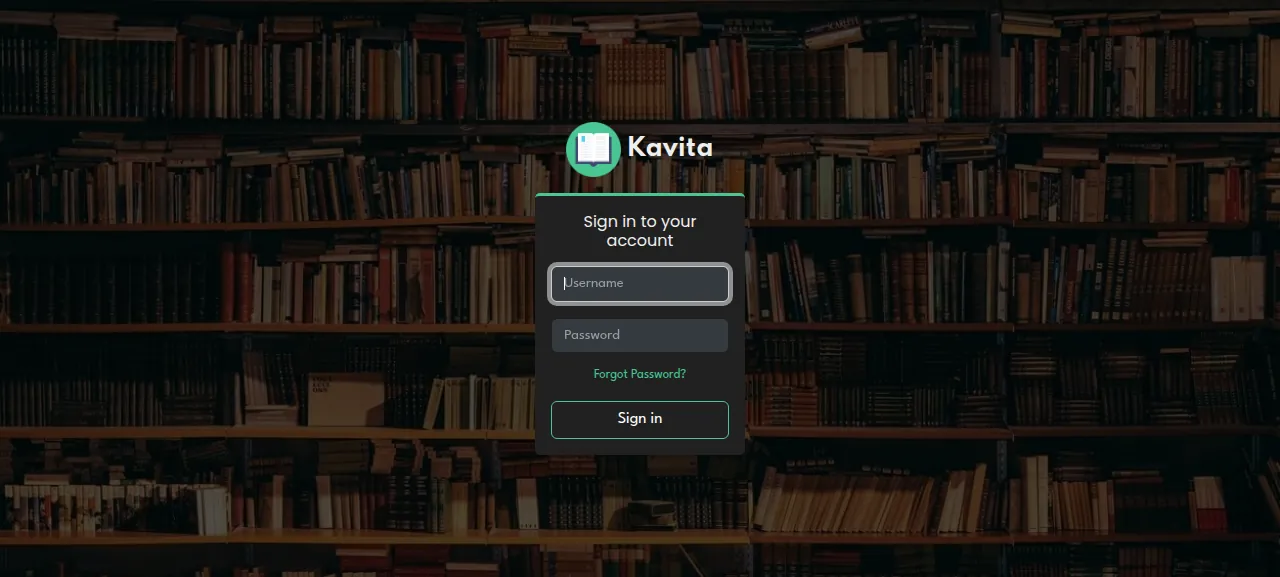
When the deploy is green, ox status kavita shows the project's address. Open it and sign in with KAVITA_ADMIN_USERNAME and KAVITA_ADMIN_PASSWORD. The test agent checked that a wrong password is refused ("Your credentials are not correct") and that the admin's own password gets in.
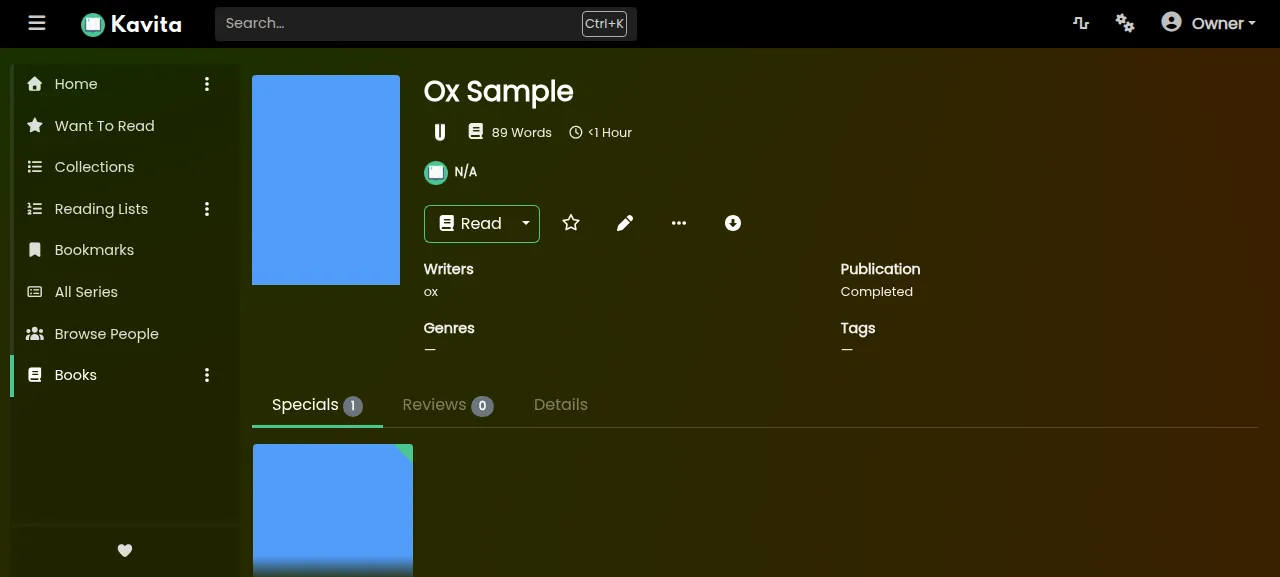
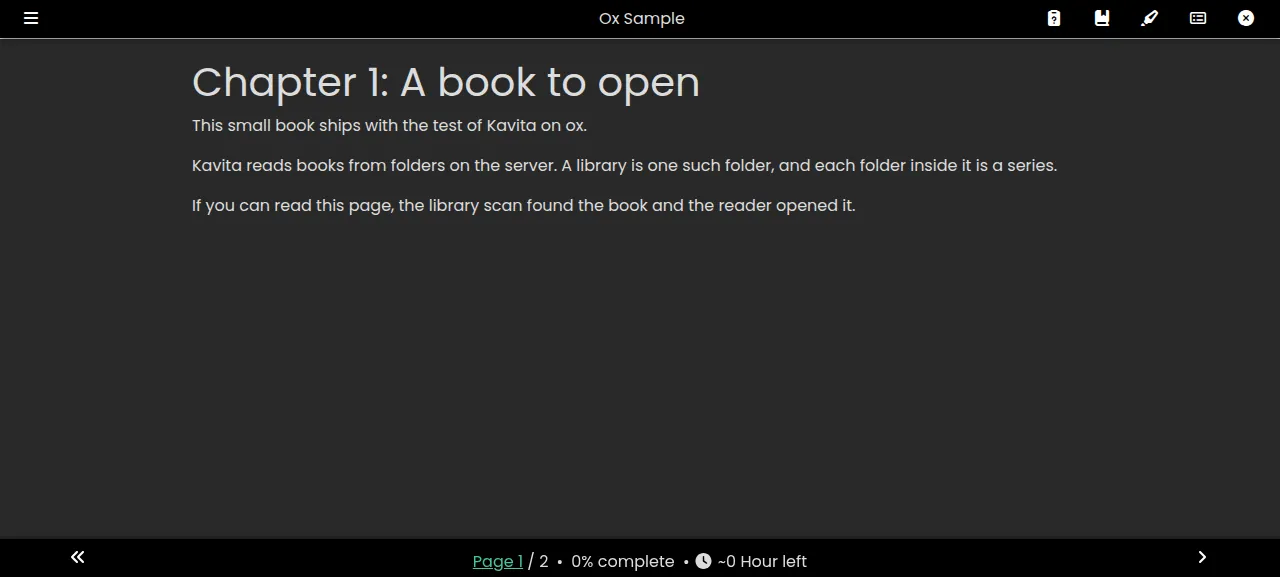
A new Kavita has no library. The test agent opened Settings, then Libraries, pressed Add Library, named it, chose the type Book, browsed to /srv/ox/kavita/data/library on the run's server, and saved. Kavita scanned the folder at once and listed one series, Ox Sample, which was still there after a reload. Read opened the first chapter in the web reader.
The run served Kavita on its preview address only, so a domain of your own was not part of it; the domains page covers adding one. Other users, the OPDS feed for reading apps, and Kavita+ were not tested.
The ox.toml, line by line
# Kavita: an ASP.NET Core server (Kavita.Server) that serves its Angular UI
# (UI/Web) from wwwroot. Mirrors build.sh (BuildUI, then Package's publish)
# and the Docker image: Kavita runs from its publish folder, out/, and keeps
# its data in out/config.

# The Dockerfile's runtime packages (libvips needs libgdiplus and jemalloc).
packages = ["libicu-dev", "libgdiplus", "curl", "tzdata", "libjemalloc2"]

# Kavita makes its first admin only through its running server (POST
# /api/account/register, open until an admin exists). The start makes it from
# these, so the deploy ends with an admin the operator signs in with.
required_variables = ["KAVITA_ADMIN_USERNAME", "KAVITA_ADMIN_PASSWORD"]

[tools]
# global.json and the release workflow: .NET 10, Node 24
dotnet = "10"
node   = "24"

[build]
install = "cd UI/Web && npm ci --legacy-peer-deps"
commands = [
  "cd UI/Web && npm run prod",
  "dotnet publish Kavita.Server/Kavita.Server.csproj -c Release -o out",
  "rm -rf out/BuildHost-net472 out/BuildHost-netcore",
  "mkdir -p out/wwwroot && cp -R UI/Web/dist/browser/. out/wwwroot/",
  # The test's sample book: the first deploy seeds it into the kept library.
  "python3 -I ox/sample-book.py 'library/Ox Sample/Ox Sample.epub'",
]
# Kavita runs its EF Core migrations itself as it starts (after a backup).
migrate = ""

[app]
start  = "exec bash ox/start.sh"
health = "/api/health"
# One SQLite database (config/kavita.db) and an in-process Hangfire scheduler:
# two copies must never run against one config folder.
stop_before_start = true

[storage]
# out/config: kavita.db, appsettings.json (its JWT key), covers, bookmarks,
# logs, backups, themes. library: a place for comics, manga and books (one
# folder per series), added as a library folder in Kavita's settings.
keep = ["out/config", "library"]
The config follows Kavita's build.sh and Dockerfile, and Kavita runs from a publish folder named out.
packagesis the apt line of the Dockerfile's runtime image. Its entrypoint preloadslibjemalloc2and warns of higher memory use without it, andtzdatabacksTZ.required_variablesnames the first admin's two keys, which ox asks for before the first deploy. Kavita's register call is open to anyone until an admin exists, so the start script makes the admin from your values and the first visitor cannot claim it.[tools]pins .NET 10 and Node 24, the versions Kavita'sglobal.jsonand workflows use.installrunsnpm ciinUI/Webwith the flagbuild.shuses.The build
commandsrun in order:npm run prodbuilds the interface, anddotnet publishputs a Release build ofKavita.Serverinout. The next line removes the twoBuildHostfolders from that output, and the interface is copied toout/wwwroot. The last command writes the sample book.migrateis empty, because Kavita applies its own database migrations as it starts.startruns the script below.healthis/api/health, the path the Dockerfile's health check calls, and ox switches to a new release only once it answers.stop_before_start = truestops the running copy before the new one starts, because two copies must not share one SQLite database and one scheduler. The cost is a short gap on each deploy, when the address answers 502.keepcarries two folders across deploys.out/configholds the database,appsettings.json, covers, bookmarks, logs and themes.libraryis the folder for books. ox backs both up.
There are no workers and no cron jobs. Kavita's scheduler runs inside the app, and the test agent saw it work in the log, in a library scan and a cache purge.
ox/sample-book.py
"""Write a small EPUB 3 book to the path in argv[1].

Kavita has no upload: a person puts books in a folder on the server and adds
that folder as a library. The test ships this book in library/, which ox
seeds into the kept folder on the first deploy, so a new library there has a
book to scan and open. The text is written for this test; the file is the
same on every build.
"""

import os
import struct
import sys
import zlib
import zipfile

STAMP = (2026, 1, 1, 0, 0, 0)
TITLE = "Ox Sample"
BOOK_ID = "urn:uuid:5f1c2a64-6c1e-4d3b-9a57-0b6f0e7d2a10"

CHAPTERS = [
    (
        "Chapter 1: A book to open",
        [
            "This small book ships with the test of Kavita on ox.",
            "Kavita reads books from folders on the server. A library is one"
            " such folder, and each folder inside it is a series.",
            "If you can read this page, the library scan found the book and"
            " the reader opened it.",
        ],
    ),
    (
        "Chapter 2: Your own books",
        [
            "To add your own books, copy them into the library folder on the"
            " server, one folder per series, and scan the library again.",
            "Kavita reads EPUB and PDF books, comics in CBZ, CBR, CB7 and"
            " CBT archives, and folders of images.",
        ],
    ),
]


def png(width, height, rgb):
    def chunk(kind, data):
        body = kind + data
        return struct.pack(">I", len(data)) + body + struct.pack(">I", zlib.crc32(body))

    row = b"\x00" + bytes(rgb) * width
    return (
        b"\x89PNG\r\n\x1a\n"
        + chunk(b"IHDR", struct.pack(">IIBBBBB", width, height, 8, 2, 0, 0, 0))
        + chunk(b"IDAT", zlib.compress(row * height, 9))
        + chunk(b"IEND", b"")
    )


def page(title, body):
    return (
        '<?xml version="1.0" encoding="UTF-8"?>\n'
        '<html xmlns="http://www.w3.org/1999/xhtml" xmlns:epub="http://www.idpf.org/2007/ops" lang="en" xml:lang="en">\n'
        f"<head><title>{title}</title></head>\n"
        f"<body>\n{body}\n</body>\n</html>\n"
    )


def main():
    out = sys.argv[1]
    files = {}
    files["META-INF/container.xml"] = (
        '<?xml version="1.0" encoding="UTF-8"?>\n'
        '<container version="1.0" xmlns="urn:oasis:names:tc:opendocument:xmlns:container">\n'
        '<rootfiles><rootfile full-path="OEBPS/content.opf" media-type="application/oebps-package+xml"/></rootfiles>\n'
        "</container>\n"
    )
    items, spine, nav, ncx = [], [], [], []
    for i, (heading, paragraphs) in enumerate(CHAPTERS, 1):
        name = f"chapter-{i}.xhtml"
        body = f"<h1>{heading}</h1>\n" + "\n".join(f"<p>{p}</p>" for p in paragraphs)
        files[f"OEBPS/{name}"] = page(heading, body)
        items.append(f'<item id="c{i}" href="{name}" media-type="application/xhtml+xml"/>')
        spine.append(f'<itemref idref="c{i}"/>')
        nav.append(f'<li><a href="{name}">{heading}</a></li>')
        ncx.append(
            f'<navPoint id="c{i}" playOrder="{i}"><navLabel><text>{heading}</text></navLabel>'
            f'<content src="{name}"/></navPoint>'
        )
    files["OEBPS/nav.xhtml"] = page(
        TITLE, '<nav epub:type="toc"><h1>Contents</h1><ol>' + "".join(nav) + "</ol></nav>"
    )
    files["OEBPS/toc.ncx"] = (
        '<?xml version="1.0" encoding="UTF-8"?>\n'
        '<ncx xmlns="http://www.daisy.org/z3986/2005/ncx/" version="2005-1">\n'
        f'<head><meta name="dtb:uid" content="{BOOK_ID}"/></head>\n'
        f"<docTitle><text>{TITLE}</text></docTitle>\n"
        "<navMap>" + "".join(ncx) + "</navMap>\n</ncx>\n"
    )
    files["OEBPS/cover.png"] = png(300, 450, (0x51, 0x9D, 0xFA))
    files["OEBPS/content.opf"] = (
        '<?xml version="1.0" encoding="UTF-8"?>\n'
        '<package xmlns="http://www.idpf.org/2007/opf" version="3.0" unique-identifier="book-id">\n'
        '<metadata xmlns:dc="http://purl.org/dc/elements/1.1/">\n'
        f'<dc:identifier id="book-id">{BOOK_ID}</dc:identifier>\n'
        f"<dc:title>{TITLE}</dc:title>\n"
        "<dc:creator>ox</dc:creator>\n"
        "<dc:language>en</dc:language>\n"
        '<meta property="dcterms:modified">2026-01-01T00:00:00Z</meta>\n'
        '<meta name="cover" content="cover"/>\n'
        "</metadata>\n<manifest>\n"
        '<item id="nav" href="nav.xhtml" media-type="application/xhtml+xml" properties="nav"/>\n'
        '<item id="ncx" href="toc.ncx" media-type="application/x-dtbncx+xml"/>\n'
        '<item id="cover" href="cover.png" media-type="image/png" properties="cover-image"/>\n'
        + "\n".join(items)
        + '\n</manifest>\n<spine toc="ncx">\n'
        + "\n".join(spine)
        + "\n</spine>\n</package>\n"
    )

    os.makedirs(os.path.dirname(out), exist_ok=True)
    with zipfile.ZipFile(out, "w") as z:
        # The mimetype comes first and is stored, not compressed (OCF).
        z.writestr(zipfile.ZipInfo("mimetype", STAMP), "application/epub+zip", zipfile.ZIP_STORED)
        for name, data in files.items():
            z.writestr(zipfile.ZipInfo(name, STAMP), data, zipfile.ZIP_DEFLATED)


main()
ox/start.sh
#!/usr/bin/env bash
# Start Kavita on ox. The published server is in out/, and out/config (kept)
# holds appsettings.json, kavita.db, covers, logs and the rest of its data.
# Kavita reads its config folder from the working directory.
set -euo pipefail

repo=$PWD
cd out

# The Docker entrypoint's allocator for libvips.
jemalloc=$(ldconfig -p | grep -m1 'libjemalloc.so.2' | awk '{print $NF}') || true
if [ -n "$jemalloc" ]; then export LD_PRELOAD="$jemalloc"; fi

# The Docker entrypoint's first run: copy the default settings in.
if [ ! -f config/appsettings.json ]; then
  cp "$repo/Kavita.Server/config/appsettings.json" config/appsettings.json
fi

# Kavita takes its port and listen address only from appsettings.json.
listen() {
  sed -i -E \
    -e "s/\"Port\": *[0-9]+/\"Port\": $PORT/" \
    -e "s/\"IpAddresses\": *\"[^\"]*\"/\"IpAddresses\": \"$1\"/" \
    config/appsettings.json
}

# Kavita makes its first admin only through its running server: start it on
# another loopback address (so ox's health check never sees this copy), make
# the admin when none exists, stop it, then start it for real.
listen 127.0.0.2
./Kavita.Server &
pid=$!
base="http://127.0.0.2:$PORT"
for _ in $(seq 1 300); do
  curl -fsS -o /dev/null "$base/api/health" 2>/dev/null && break
  kill -0 "$pid" 2>/dev/null || { wait "$pid" || true; echo "Kavita exited before it answered"; exit 1; }
  sleep 1
done
exists=$(curl -fsS "$base/api/admin/exists")
if [ "$exists" = false ]; then
  # The values go through the environment and stdin, never a command line.
  answer=$(python3 -I -c 'import json, os; print(json.dumps({"username": os.environ["KAVITA_ADMIN_USERNAME"], "email": os.environ.get("KAVITA_ADMIN_EMAIL", ""), "password": os.environ["KAVITA_ADMIN_PASSWORD"]}))' |
    curl -sS -w '\n%{http_code}' -H 'Content-Type: application/json' --data-binary @- "$base/api/account/register")
  if [ "${answer##*$'\n'}" != 200 ]; then
    echo "Kavita refused the admin $KAVITA_ADMIN_USERNAME: ${answer%$'\n'*}" | head -c 400
    echo
    kill "$pid"
    wait "$pid" || true
    exit 1
  fi
  echo "Made the Kavita admin $KAVITA_ADMIN_USERNAME"
elif [ "$exists" != true ]; then
  echo "Kavita's /api/admin/exists answered: $exists"
  kill "$pid"
  wait "$pid" || true
  exit 1
fi
kill "$pid"
wait "$pid" || true

listen 127.0.0.1
exec ./Kavita.Server
start.sh does the Docker entrypoint's job, plus the first admin:
Kavita reads its port from
config/appsettings.json. The script copies the repo's default file there on the first start, as the entrypoint does, and writes$PORTinto it before every start. The Dockerfile'sDOTNET_RUNNING_IN_CONTAINER=truewould pin Kavita to port 5000 whatever the file says, so the config leaves it unset.It starts Kavita once on
127.0.0.2, an address ox's health check never asks, and reads/api/admin/exists. When the answer is false it posts/api/account/registerwith the user name, email and password, taken from the environment and sent on stdin, never on a command line. Then it stops that copy and starts the real one on127.0.0.1. When an admin exists it posts nothing, and if Kavita refuses the admin the deploy stops and prints Kavita's answer.
sample-book.py writes a small EPUB, Ox Sample, into library/ during the build. A kept folder starts with what the build left in it, so the first deploy seeds the book into the kept library, and a new Kavita library has something to scan.
TZ
KAVITA_ADMIN_USERNAME
KAVITA_ADMIN_EMAIL
KAVITA_ADMIN_PASSWORD
KAVITA_ADMIN_USERNAME and KAVITA_ADMIN_PASSWORD are the admin's name and password, and you choose both. KAVITA_ADMIN_EMAIL is the admin's address. The config does not require it, the run set it, and Kavita uses the user name in its place when it is empty. TZ is the time zone name, such as Europe/Berlin. Changing the admin keys later does not change the account. See variables for how ox stores values.
What it runs on
Kavita needed no service from ox. The run found one systemd unit, the app, with no restarts.
Updates and backups
To move to a new release, merge its tag into your fork and push, or run ox deploy kavita --wait. A newer version was not tested. Kavita's update check may call this release out of date, because the v0.9.1.4 tag still carries the version number 0.9.1.3.
Backups need no setup. The run's backup, made with Back up now, held four files: a tar of out/config, a tar of library, and compressed copies of kavita.db and cache.db. Daily backups ran too. Run ox backups kavita to list them, or open the Backups tab. A restore was not tested. The backups page covers keeping copies in an S3 bucket.
Frequently asked questions
Do I need Docker to self-host Kavita?
No. Kavita's repo has a Dockerfile, and its README points to a wiki with several install methods, but the app is a published .NET program and a folder of web files. ox builds both from your fork on the server and runs the program as a system service.
How do I create the first Kavita admin account?
Set KAVITA_ADMIN_USERNAME and KAVITA_ADMIN_PASSWORD before the first deploy. The start script registers that admin through Kavita's own first-user call before the site is reachable, and you sign in on the login page. Other users join by invite in Settings, which needs email and was not tested.
Which database does Kavita need?
None that you install. Kavita keeps its data in a SQLite file, kavita.db, with a small cache.db beside it, both in its config folder, so ox set up no Postgres. ox backs each file up as an entry of its own.
How do I add my own books to Kavita?
Kavita reads books from folders on the server, one folder per series, and a library is a folder you add in Settings. The run used one sample book in the kept library folder. Copying your own files in and scanning them was not tested. ox keeps that folder across deploys and backs it up.
How much memory does self-hosted Kavita use?
The facts above give what the run used: the whole server after a reboot, counting Kavita, Caddy and the ox agent, before the test agent added its library. Scanning a large collection was not measured. ox takes any server from 1 GB up and says so when memory stopped an app.
New to running apps on your own server? How ox self-hosts your apps shows what ox sets up on your server.