How to self-host Karakeep (bookmarks) on your own VPS
Run Karakeep v0.33.2, a bookmark app, on your own Ubuntu server with ox: Next.js, workers, headless Chrome and Meilisearch, from the config that ran.

To self-host Karakeep you need an Ubuntu server, a fork of the Karakeep repo with one ox.toml file added, and eight variables. In our run the first deploy took about 7 minutes, and ox ran Meilisearch for search and a headless Chrome for the crawler beside the app.
How we tested On Oct 17, 2026, ox deployed Karakeep v0.33.2 from commit 98c0c789 on a fresh DigitalOcean server with 8 vCPUs and 16 GB of memory. The run then redeployed it, backed it up and rebooted the server. Then a separate test agent, one that did not write the config, signed in, saved a link, saw its title and picture fill in, and found it again by search, and checked the app's services and its backup.
Karakeep, previously called Hoarder, is an app for saving links, notes, images and PDFs. For a link it fetches the title, the description and a picture, and its search looks through the saved text. A model from OpenAI or Ollama can tag bookmarks if you set one up. The code is under the AGPL-3.0. The web app is Next.js, its data sits in SQLite files, workers crawl each link through a headless Chrome, and Meilisearch does the search.
ox deployed Karakeep v0.33.2 (commit 98c0c789) on Oct 17, 2026 on a fresh DigitalOcean server with 8 vCPUs and 16 GB of memory; the first deploy took 7 minutes and a redeploy took 2 minutes.
- First deploy: 7 minutes, from adding the project until the app passed the run's first checks.
- Redeploy of the same commit: 2 minutes, until the app passed the checks again.
- Server: DigitalOcean, 8 vCPUs and 16 GB of memory (
s-8vcpu-16gb), with this app alone on it. Every one of the 85 apps we deployed ran on this one size, so it was not picked for this app. - Memory in use after the reboot: 1268 MB of 15986 MB, for the whole server: Ubuntu, the app, its services, Caddy and the ox agent. On a server with no apps, ox's tests on real servers hold the agent to 40 MB or less and Caddy to 50 MB or less.
- Services ox runs for it:
meilisearch. - Background processes:
chrome,workers, each its own systemd unit beside the web process. - Source: github.com/karakeep-app/karakeep at v0.33.2, commit
98c0c789.
What you need
An Ubuntu LTS server. The run used the size shown in the facts, with Karakeep alone on it, and the build and every process ran there.
A GitHub account to fork
karakeep-app/karakeep, and an ox account, which you open by signing in with GitHub.No outside account is required. Karakeep can tag bookmarks through OpenAI or a local Ollama and send mail through SMTP. The run set up neither, so links got no automatic tags and no email went out.
Install Karakeep on Ubuntu without Docker
In the ox dashboard, press Add a server and run the command it shows, as root, on the new machine. It carries a fresh token and installs only ox's agent and Caddy.
Fork karakeep-app/karakeep and put the code of the tag v0.33.2, the release the run deployed, on your fork's default branch, which is the branch ox deploys. Add the ox.toml shown below at the repo root and push. The run added no other file.
Then write karakeep.env with the eight values from the variables section. Karakeep's docs make the secret with openssl rand -base64 36, and the run used a random value. With the ox CLI signed in, run:
ox new <you>/karakeep
ox review karakeep --from-file karakeep.env --wait
The project takes the repo's name, karakeep. The review saves the values and starts the first deploy, and --wait prints the run until it ends. The browser has the same two steps, as the quickstart shows.
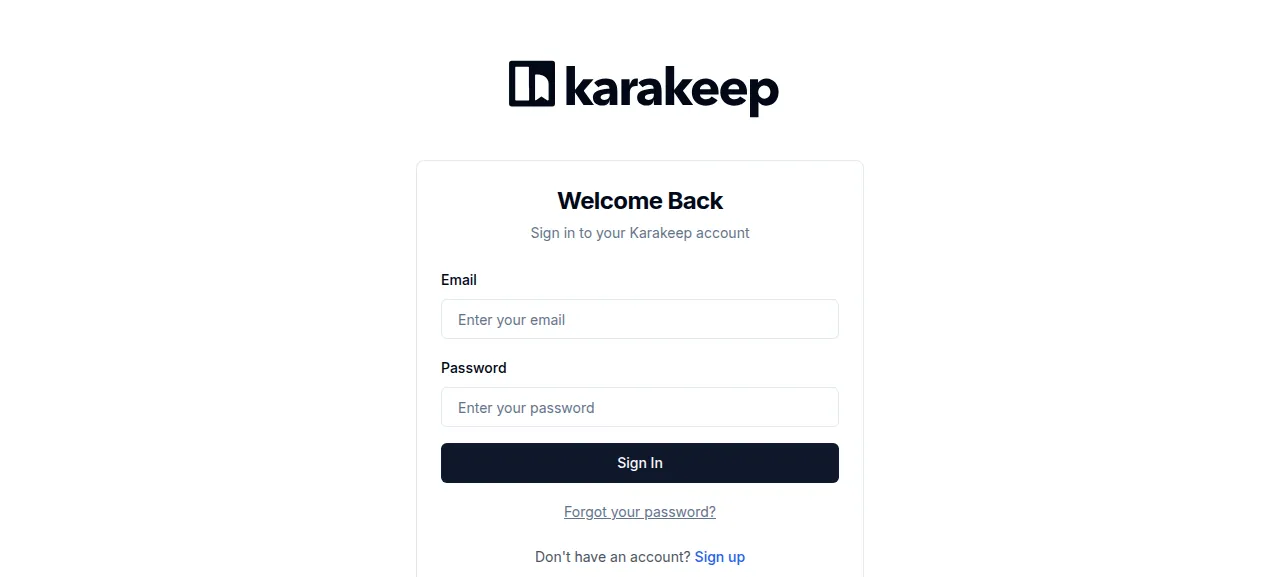
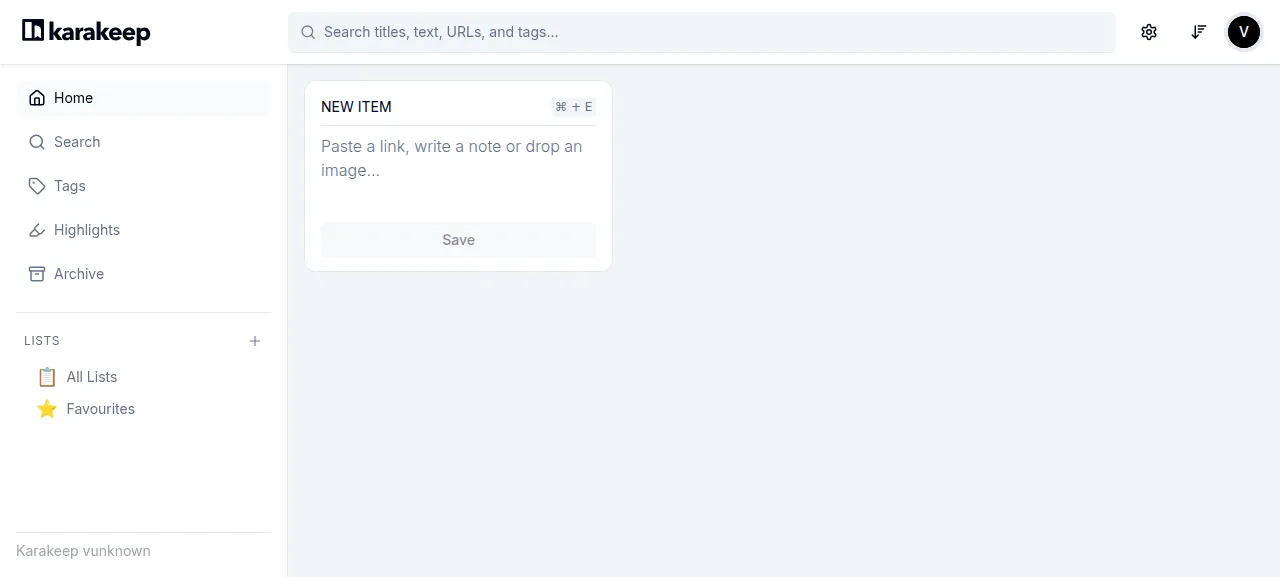
When the deploy is green, open the address ox shows for the project. No account exists yet, so press Sign Up under the sign-in form and give a name, an email address and a password of at least 8 characters. The first account becomes the admin, and you land on the home page signed in.
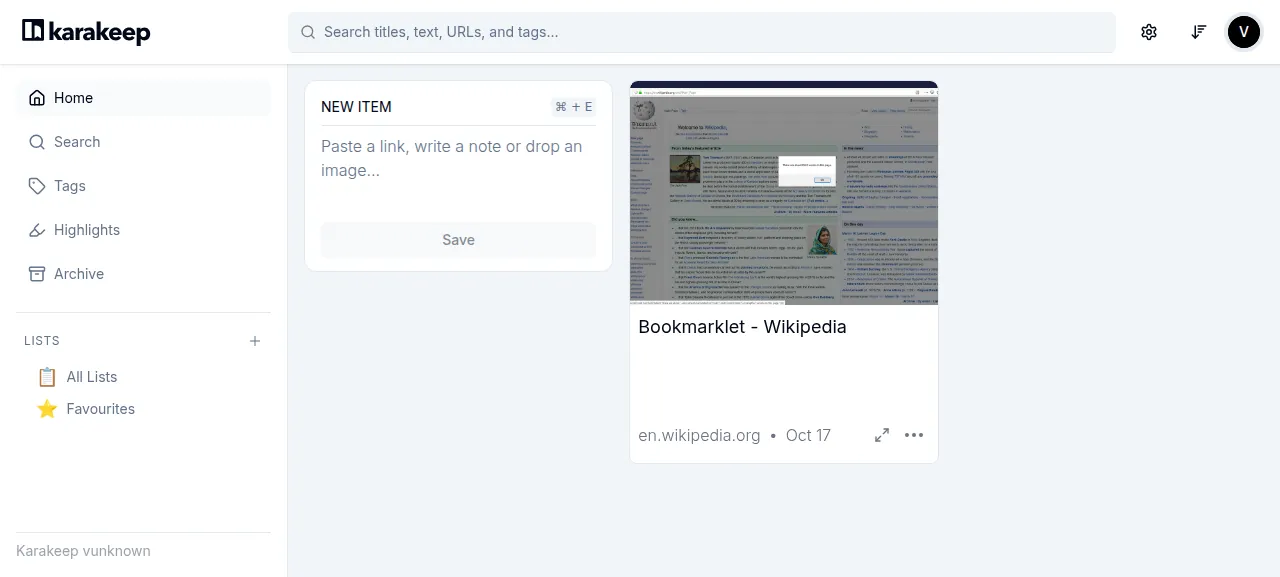
To save a link, paste it into the NEW ITEM box and press Save. The card first shows only the address, then the worker fills in the title and a picture. The test agent saved a Wikipedia page this way and the card read "Bookmarklet - Wikipedia". After a reload it was still there, and searching for "Bookmarklet" found it.
The run used the preview address, so a domain of your own was not tested. The domains page describes how ox adds one. The mobile apps, the browser extension, imports and PDF uploads were not tested either.
The ox.toml, line by line
# Karakeep on ox, as its docker/Dockerfile (aio) and docker-compose.yml run
# it: the Next.js web app, the workers, the database migration, Meilisearch
# and a headless Chrome the crawler drives over CDP.
#
# Every process finds its data (SQLite db.db and the assets) through
# DATA_DIR, which the catalog entry sets to the kept data folder.

# The image's runtime tools: PDF previews (graphicsmagick, ghostscript)
# and video handling (ffmpeg).
packages = ["graphicsmagick", "ghostscript", "ffmpeg"]

[app]
# svc-web: the standalone Next.js server, on the loopback only.
start  = 'export HOSTNAME=127.0.0.1 NEXTAUTH_URL_INTERNAL="http://127.0.0.1:$PORT" && cd apps/web/.next/standalone/apps/web && exec node server.js'
health = "/api/health"

[build]
commands = [
  "cd apps/web && pnpm exec next build --experimental-build-mode compile",
  # The standalone server serves .next/static and public from beside
  # itself; the Dockerfile copies both there.
  "cp -R apps/web/.next/static apps/web/.next/standalone/apps/web/.next/static && cp -R apps/web/public apps/web/.next/standalone/apps/web/public",
  "cd apps/workers && pnpm build",
  # The compose file's chrome service, in the release: one browser that
  # matches this Playwright, found by the chrome worker below.
  'cd apps/workers && PLAYWRIGHT_BROWSERS_PATH="$PWD/../../.browsers" pnpm exec playwright install chromium-headless-shell',
]
# init-db-migration: drizzle migrations on DATA_DIR/db.db.
migrate = "cd packages/db && pnpm migrate"

[workers]
# svc-workers: crawling, indexing into Meilisearch, assets.
workers = { run = "cd apps/workers && exec node dist/index.js" }
# The crawler's browser (BROWSER_WEB_URL=${CHROME_URL}), with the flags of
# the compose file's chromedp/headless-shell image.
chrome = { run = 'exec "$(find .browsers -type f \( -name chrome-headless-shell -o -name headless_shell \) | head -n1)" --no-sandbox --disable-gpu --disable-dev-shm-usage --hide-scrollbars --disable-blink-features=AutomationControlled --window-size=1440,900 --remote-debugging-address=127.0.0.1 --remote-debugging-port="$PORT" --user-data-dir=/tmp/chrome-profile about:blank', port = true, health = "/json/version" }

[services]
meilisearch = {}

[tools]
# docker/Dockerfile pins this Node until nodejs/node#65042 ships.
node = "24.18.1"
# The versions the v0.33.2 image installed (the latest at its release).
yt-dlp = "2026.07.04"
"github:y2z/monolith" = "2.10.1"

[storage]
keep = ["data"]packagesis the Docker image's apt list. graphicsmagick and ghostscript make the picture of an uploaded PDF's first page, and the image installs ffmpeg beside them. PDF previews were not tested.startruns the standalone Next.js server, as the image does.HOSTNAMEis set to the loopback address, which keeps the app behind Caddy. As in the image,NEXTAUTH_URL_INTERNALnames the app's own port, here the one ox gives the process.healthis/api/health, the path the image's health check calls. ox switches traffic only after it answers.There is no
installline. ox seespnpm-lock.yamland runs a frozen-lockfile pnpm install, as the Dockerfile does.The build
commandsfollow the Dockerfile. They compile the web app, copy.next/staticandpublicbeside the standalone server, and build the workers. The last one downloads the headless Chrome that matches the repo's Playwright into the release's.browsersfolder. The image gets its browser from a second container.migrateruns Karakeep's Drizzle migrations on the database in the data folder.The
workersworker is Karakeep's background process: crawling, search indexing and the rest of its job queue. Its log showed the test agent's crawl finish, then the search job.The
chromeworker is the browser the crawler drives.port = truegives it a port of its own and gives the app its address asCHROME_URL. The flags are the compose file's, plus--no-sandbox, a loopback debugging port and a profile folder under/tmp. Itshealthpath,/json/version, answers once the browser is up. Without a browser address, Karakeep's docs say, the crawler skips screenshots and JavaScript.[services]asks for Meilisearch. Karakeep's docs say search is off without its address.[tools]pins Node 24.18.1, as the Dockerfile does, and yt-dlp and monolith at the releases current for v0.33.2. yt-dlp downloads videos and monolith saves a full copy of a page. Karakeep leaves both features off by default, and neither was part of the run's checks.[storage]keeps thedatafolder across deploys. It holds the database, the job queue and the assets Karakeep saves.
DATA_DIR
NEXTAUTH_SECRET
NEXTAUTH_URL
MEILI_ADDR
BROWSER_WEB_URL
CRAWLER_YTDLP_ARGS
NODE_ENV
NEXT_TELEMETRY_DISABLED
DATA_DIR is where every Karakeep process finds its database and assets. The run set it to ${OX_DATA_DIR}/data, the kept folder. NEXTAUTH_SECRET signs login tokens. NEXTAUTH_URL is ${PUBLIC_URL}, a reference ox fills in with the project's address, and without it, Karakeep's docs say, sign-out redirects to wrong addresses. See variables for how references work.
MEILI_ADDR is ${MEILI_URL}, the Meilisearch ox set up, and BROWSER_WEB_URL is ${CHROME_URL}, the browser's debugging address. The master key is not on the list: ox's service hands it to the app as MEILI_MASTER_KEY, the name Karakeep reads.
CRAWLER_YTDLP_ARGS passes yt-dlp --js-runtimes node, written with %% between arguments as Karakeep's docs ask. The image does the same in /etc/yt-dlp.conf, because yt-dlp needs a JavaScript runtime. NODE_ENV is production and NEXT_TELEMETRY_DISABLED is 1, as in the image.
Meilisearch and the data folder
ox ran one Meilisearch for this project alone. Karakeep has no Postgres or Redis: its database is a SQLite file, db.db, and its job queue is a second, queue.db, both in the data folder.
A new link shows a bare card for a few seconds while the worker crawls it. The crawl runs on your server, so the page must be reachable from there.
Sign-up stays open by default. Karakeep's security notes say anyone with an account can make your server fetch a link through its browser, and advise limiting access to people you trust. The DISABLE_SIGNUPS variable turns sign-up off, and an admin can still add accounts in Admin Settings. The run left sign-up open and did not test that variable.
Updates and backups
To move to a newer release, merge its tag into your fork and push, or run ox deploy karakeep --wait. ox builds the new release beside the running one, migrates, and switches once it answers. The run redeployed the same commit, and an upgrade to a later version was not tested.
Backups need no setup. After Back up now, the run's server held three: an archive of Meilisearch, a copy of db.db and a copy of queue.db, none empty. ox backups karakeep lists them. A restore was not tested. The backups page explains how to keep copies in an S3 bucket.
Frequently asked questions
Do I need Docker to self-host Karakeep?
No. Karakeep's docs lead with Docker Compose, which runs the web app, Chrome and Meilisearch as containers. ox builds the same pieces from your fork and runs them as system services. Its docs also have an install script for Debian 12 and Ubuntu 24.04, which the run did not use.
How do I make the first Karakeep account?
Open the project's address and press Sign Up under the sign-in form. Give a name, an email address and a password of at least 8 characters. The first account becomes the admin. Later sign-ups stay open unless DISABLE_SIGNUPS is on. Email was not set up, so Karakeep sent no verification or reset mail.
Which database does Karakeep need?
Karakeep keeps its data in SQLite files in the data folder, so ox sets up no Postgres or MySQL for it. The one service it needs is Meilisearch, for search, which ox runs for the project alone. The run's backups held both SQLite files and an archive of Meilisearch.
How much memory does Karakeep use?
The facts above show what the run's whole server used after a reboot. That counts the web app, the workers, Chrome, Meilisearch, Caddy and the ox agent. Memory during a crawl was not measured. ox takes any server from 1 GB up and says so when memory is why an app stopped.
New to running apps on your own server? How ox self-hosts your apps shows what ox sets up on your server.