How to self-host Mealie on your own VPS, no Docker
Run Mealie v3.9.2, the recipe manager, on your own Ubuntu server with ox: a FastAPI backend, a Nuxt front end and Postgres, from the config that ran.

To self-host Mealie you need an Ubuntu server, a fork of the Mealie repo with one ox.toml file added, and ten variables that you copy as they are. In our run the first deploy took about 6 minutes, and ox set up Postgres for it.
How we tested On Oct 17, 2026, ox deployed Mealie v3.9.2 from commit 70b5865d on a fresh DigitalOcean server with 8 vCPUs and 16 GB of memory. The run then redeployed it, backed it up and rebooted the server. Then a separate test agent, one that did not write the config, signed in, created a recipe and saw it listed after a reload, and checked the app's services and its backup.
Mealie is a recipe manager, meal planner and shopping list for a household. You add a recipe by typing it in or by giving Mealie the address of a recipe page, then plan the week and send ingredients to a shopping list. The license is AGPL-3.0.
The backend is a FastAPI app. The front end is a Vue app that Nuxt builds into plain files, and the backend serves those files itself, so Mealie runs as a single process. Mealie stores its data in SQLite or PostgreSQL, and the run used Postgres.
ox deployed Mealie v3.9.2 (commit 70b5865d) on Oct 17, 2026 on a fresh DigitalOcean server with 8 vCPUs and 16 GB of memory; the first deploy took 6 minutes and a redeploy took 3 minutes.
- First deploy: 6 minutes, from adding the project until the app passed the run's first checks.
- Redeploy of the same commit: 3 minutes, until the app passed the checks again.
- Server: DigitalOcean, 8 vCPUs and 16 GB of memory (
s-8vcpu-16gb), with this app alone on it. Every one of the 85 apps we deployed ran on this one size, so it was not picked for this app. - Memory in use after the reboot: 1187 MB of 15986 MB, for the whole server: Ubuntu, the app and its staging copy, its services, Caddy and the ox agent. On a server with no apps, ox's tests on real servers hold the agent to 40 MB or less and Caddy to 50 MB or less.
- Services ox runs for it:
postgres. - Source: github.com/mealie-recipes/mealie at v3.9.2, commit
70b5865d.
What you need
An Ubuntu LTS server with root access. The facts above name the size the run used.
A GitHub account to fork
mealie-recipes/mealie, and an ox account, which you open by signing in with GitHub.No account details to invent. Mealie makes its own first admin, and none of the ten variables is a secret you write.
A mail server, only if you want invites and password resets by email. The run set no mail, so email was not tested. Importing a recipe from a web address was not tested either.
The steps
In the ox dashboard, press Add a server and run the install command it prints, as root, on your server. It installs only the ox agent and Caddy.
Fork mealie-recipes/mealie on GitHub and check out commit 70b5865d, the v3.9.2 code the run deployed. Put the ox.toml shown below at the root of the fork, then commit and push. No other file was added. Next write mealie.env on your laptop with the ten keys from the variables section, each with the value given there. With the ox CLI signed in, run:
ox new <you>/mealie
ox review mealie --from-file mealie.env --wait
The project takes the repo's name. The review saves your values and starts the first deploy, and --wait prints the log until it ends. The quickstart shows the same two steps in the browser.
When the deploy is green, open the project's address. A new Mealie has a default admin, and the sign-in page shows it: the email is [email protected], and the form is already filled in. Press Login. The test agent tried a wrong password first, which Mealie refused.
The first sign-in opens a First Time Setup page. Its steps were not tested. The notice on the sign-in page says to change your email in your user settings, and Mealie shows it until the default email is changed. Mealie's docs publish the default password, so until the account is changed anyone who finds the address can sign in as its admin. The run left the account as it was. Chrome may open its own Change your password warning after you sign in. Press OK.
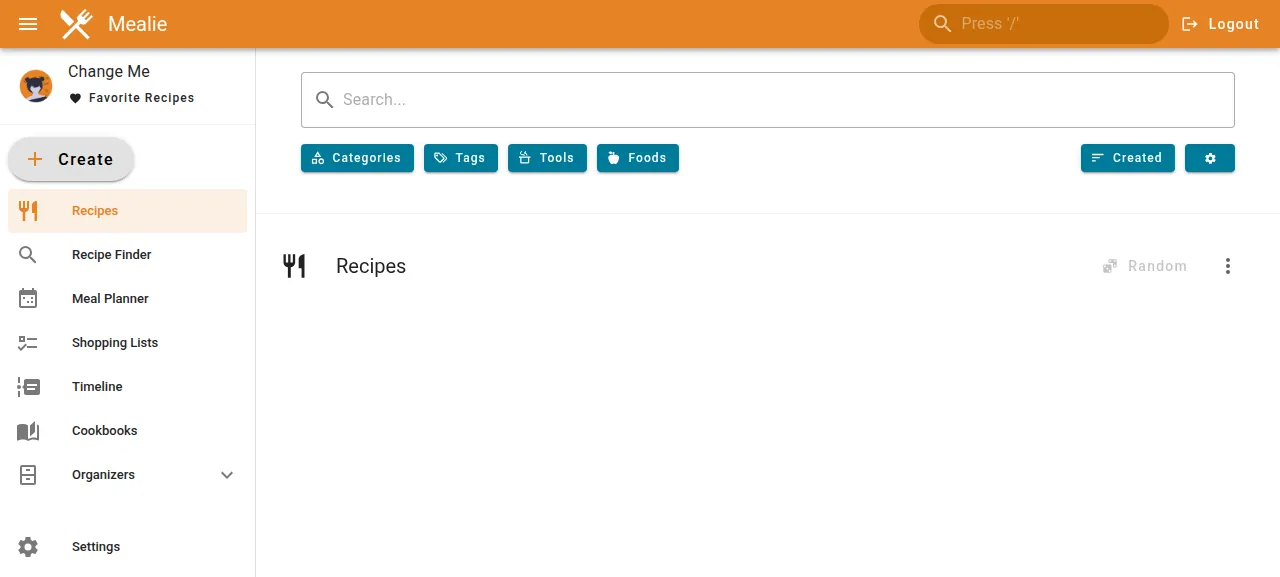
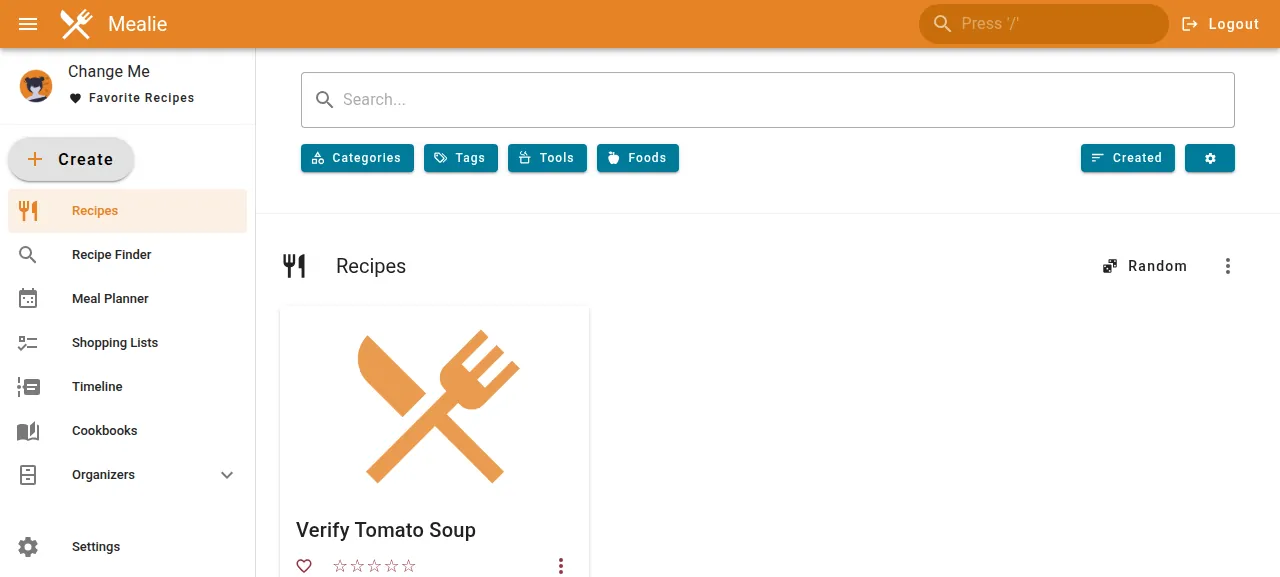
To try the app, press Create in the left menu, choose Create a recipe manually, type a name and create it. The test agent made a tomato soup this way, reloaded the page, and found it listed under Recipes.
The run served Mealie on its preview address only. A domain of your own was not part of it, and the domains page covers how ox adds one.
The ox.toml, line by line
# Mealie v3.9.2 (FastAPI + a Nuxt SPA it serves itself), run outside
# Docker the way docker/Dockerfile and docker/entry.sh build and run it.
[app]
# The `mealie` entry point runs uvicorn on API_HOST and API_PORT.
start  = "API_HOST=127.0.0.1 API_PORT=$PORT exec uv run mealie"
# Mealie's own about endpoint, the one its Docker healthcheck calls.
health = "/api/app/about"
[build]
# The pgsql extra carries psycopg2, as the Dockerfile's export does.
install = "uv sync --frozen --no-dev --extra pgsql"
# The Dockerfile's frontend stage, copied where Mealie serves the SPA from.
commands = [
  "cd frontend && yarn install --frozen-lockfile --non-interactive && yarn generate",
  "rm -rf mealie/frontend && cp -r frontend/dist mealie/frontend",
]
[tools]
# The Dockerfile's versions: node 24, python 3.12 (requires-python <3.13).
node   = "24"
yarn   = "1"
python = "3.12"
[services]
# Mealie runs on SQLite or PostgreSQL; PostgreSQL for a hosted install.
postgres = {}
The header says what the file is: Mealie run outside Docker, the way its docker/Dockerfile and docker/entry.sh build and start it.
[app] startrunsmealie, the commandpyproject.tomlmaps to Mealie's uvicorn launcher. Left alone it listens on every interface at port 9000, so the line setsAPI_HOSTto the loopback address andAPI_PORTto the port ox gives it, with Caddy in front.healthis/api/app/about, the address Mealie's own Docker health check calls. ox sends visitors to a new release only after it answers.installrunsuv syncwith--frozen, so the versions inuv.lockinstall as written, and--no-dev, which skips the development tools.--extra pgsqladds psycopg2, the Postgres driver, as the Docker image does.The two build
commandsare the Dockerfile's front end stage. The first installs the packages inyarn.lockand runsyarn generate, which turns the Nuxt app into static files infrontend/dist. The second copies them tomealie/frontend, the folder Mealie serves its pages from.[tools]pins node 24, the Dockerfile's front end image, and yarn 1, whichpackage.jsonnames. Mealie'srequires-pythonallows 3.12 only, and ox's default Python is newer, so the file pins 3.12.[services]asks for Postgres.
There is no migrate step, no worker and no cron entry. Mealie upgrades its own tables and makes the default admin when it starts, and its scheduler runs inside the web process. No [storage] line is needed: DATA_DIR points at ox's data folder, which already lives outside the release.
PRODUCTION
NLTK_DATA
DB_ENGINE
POSTGRES_SERVER
POSTGRES_PORT
POSTGRES_USER
POSTGRES_PASSWORD
POSTGRES_DB
BASE_URL
DATA_DIRPRODUCTIONistrue, as the Dockerfile sets it. In production mode Mealie serves the front end files and, on its first start, writes random.secretand.session_secretfiles into its data folder. WithPRODUCTIONfalse it uses a fixed test secret, so no secret of yours goes in the variables.DB_ENGINEispostgres, which switches Mealie from its default, SQLite.POSTGRES_SERVER,POSTGRES_PORT,POSTGRES_USER,POSTGRES_PASSWORDandPOSTGRES_DBare${postgres.host},${postgres.port},${postgres.user},${postgres.password}and${postgres.database}, references to the Postgres service.BASE_URLis${PUBLIC_URL}, a reference ox fills in with the project's address. Mealie's docs say it is used for notifications.DATA_DIRis${OX_DATA_DIR}, ox's data folder for the project. Mealie keeps recipe images, its own backup files and the two secret files there, and the folder survives every deploy.NLTK_DATAis${OX_DATA_DIR}too. Mealie's ingredient parser needs a small language model from NLTK. It looks for the model when the app loads and downloads it if it is missing, so the first start needs internet access. The download goes into the data folder, and later starts find it there.
See variables for how references work.
Postgres and the data folder
Postgres is shared with other apps on the server, and Mealie gets a database and a login role of its own. On Postgres, Mealie creates the pg_trgm extension itself at start, for fuzzy search. The staging copy the run deployed beside production has its own database, and the memory figure above counts both.
Updates and backups
To update, merge a newer Mealie release into your fork and push, or run ox deploy mealie --wait. ox builds the new release beside the running one and switches when /api/app/about answers. The run redeployed the same commit, and a newer version was not tested. Mealie's update notes say to read the release notes first.
Backups need no setup. The run's backup, made with Back up now, was a dump of Mealie's Postgres database, and pg_restore could read it. Run ox backups mealie to list it. That dump was the only entry in the run's backup list. Recipe images live in the data folder, which no entry covered, and the run added no images. Mealie's own zip backups and a restore were not tested. The backups page covers keeping copies in an S3 bucket.
Frequently asked questions
Do I need Docker to self-host Mealie?
No. Mealie's docs steer you to its Docker image, but the app is a Python package with a front end built into static files. ox installed Python 3.12 and node 24 on the server, built both from your fork, and ran the mealie command as a system service beside Postgres.
What is Mealie's default login?
A new install has one admin with the email [email protected]. The sign-in page shows it and fills in the form for as long as a user with that email exists, so you press Login. Mealie's notice says to change the email in your user settings. The run signed in this way, and changing the account was not tested.
Which database does Mealie need?
SQLite or PostgreSQL. SQLite is the default and needs nothing else. The run set DB_ENGINE to postgres and five POSTGRES_ keys that point at the Postgres ox set up for the project, and Mealie made its tables there when it started. Mealie's docs say fuzzy search works only on Postgres, and search was not tested.
Does Mealie need an email server?
Only for account invites and password resets, Mealie's docs say. The mail settings are SMTP_HOST, SMTP_PORT and a few more. The run set none and Mealie ran without them: sign-in, creating a recipe and the backup all worked. Sending mail itself was not tested.
How much memory does Mealie use?
The facts above give what the whole server used after the run's reboot, with Mealie, its staging copy, Postgres, Caddy and the ox agent running. ox accepts any server from 1 GB up, and names memory when that is why Mealie stopped.
New to running apps on your own server? How ox self-hosts your apps shows what ox sets up on your server.