How to self-host Meilisearch on your VPS without Docker
Run Meilisearch v1.55.0, the open-source search engine, on your Ubuntu server with ox, no Docker: a Rust build and a master key, from the config that ran.

To self-host Meilisearch you need an Ubuntu server, a fork of the Meilisearch repo with one ox.toml file added, and two variables, one of them the master key. In our run the first deploy took about 17 minutes, most of it compiling Meilisearch, and no database service was needed because Meilisearch keeps its data in a folder.
How we tested On Oct 17, 2026, ox deployed Meilisearch v1.55.0 from commit 420ff136 on a fresh DigitalOcean server with 8 vCPUs and 16 GB of memory. The run then redeployed it, backed it up and rebooted the server. Then a separate test agent, one that did not write the config, used the API with the server's key to add a document to a new index, then found it by search, a misspelled one too, and checked the app's services and its backup.
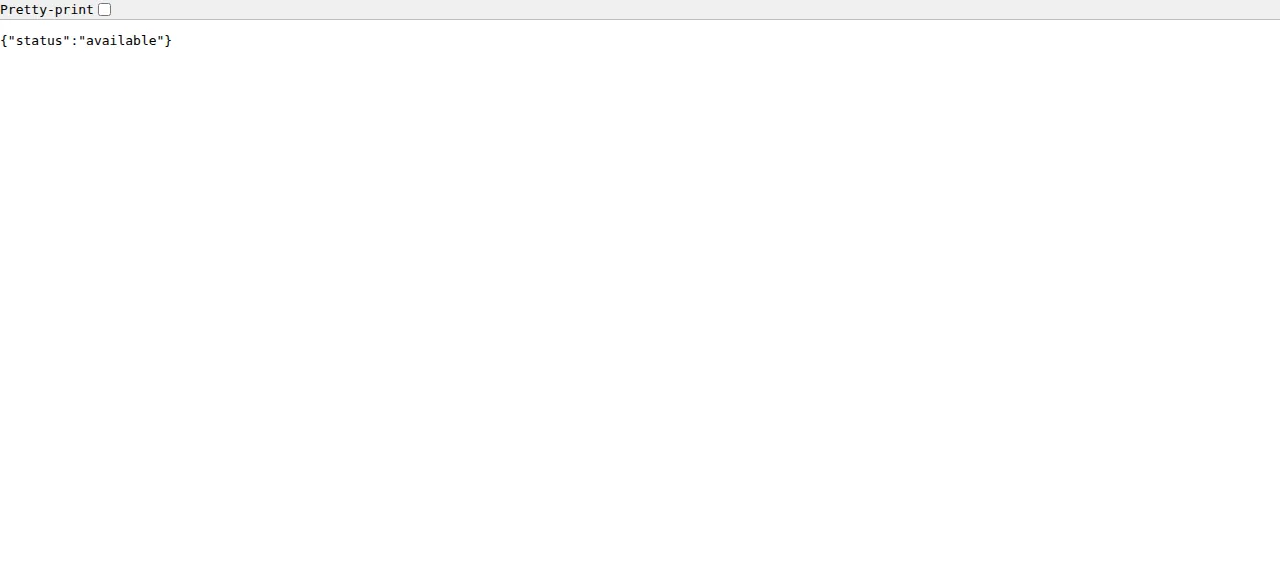
Meilisearch is a search engine that runs as a server. Your app sends it documents as JSON and asks it for results. It forgives typos in a query, filters and sorts results, counts facets, and can mix full-text with semantic search. It is a Rust program. The Community Edition is MIT-licensed, and the Enterprise Edition's features (sharding, S3-streaming snapshots, search rule previews) need a commercial agreement for production. The build here leaves the enterprise feature off. In production mode Meilisearch has no web interface, so the screenshot below is the whole page: the health endpoint, opened in a browser.
ox deployed Meilisearch v1.55.0 (commit 420ff136) on Oct 17, 2026 on a fresh DigitalOcean server with 8 vCPUs and 16 GB of memory; the first deploy took 17 minutes and a redeploy took 12 minutes.
- First deploy: 17 minutes, from adding the project until the app passed the run's first checks.
- Redeploy of the same commit: 12 minutes, until the app passed the checks again.
- Server: DigitalOcean, 8 vCPUs and 16 GB of memory (
s-8vcpu-16gb), with this app alone on it. Every one of the 85 apps we deployed ran on this one size, so it was not picked for this app. - Memory in use after the reboot: 648 MB of 15986 MB, for the whole server: Ubuntu, the app, its services, Caddy and the ox agent. On a server with no apps, ox's tests on real servers hold the agent to 40 MB or less and Caddy to 50 MB or less.
- Source: github.com/meilisearch/meilisearch at v1.55.0, commit
420ff136.
What you need
An Ubuntu LTS server. The run used the size in the facts above and measured the memory there. The server also builds the app, and the build reaches the internet: Cargo fetches the crates, and Meilisearch's build script downloads the mini dashboard's assets from GitHub.
A GitHub account to fork
meilisearch/meilisearch, and an ox account, which you open by signing in with GitHub.A master key you make yourself, the only secret the setup takes. No outside account is involved. A client library from Meilisearch's SDKs was not tested, because the test agent called the HTTP API.
The steps
In the ox dashboard press Add a server and copy the command it shows. Run it as root on the Ubuntu machine. It installs the ox agent and Caddy.
Fork meilisearch/meilisearch on GitHub and check out the tag v1.55.0, the release the run deployed. Add the ox.toml shown below at the root of the repo, then commit and push. The deploy needs no other file. Write a file named meilisearch.env on your laptop with a line for each of the two keys in the variables section. Make the master key with openssl rand -hex 32, which gives 64 characters, the length the run used. With the ox CLI signed in, run:
ox new <you>/meilisearch
ox review meilisearch --from-file meilisearch.env --wait
The project takes the repo's name. The review saves your values and starts the first deploy, and --wait follows the run to its end. The quickstart shows the same two steps in the browser.
When the deploy is green, open the address ox shows for the project. Meilisearch has no sign-in page or user accounts: apps reach it through its API, with keys. Put the address in SITE and run the checks the test agent made:
SITE=https://<the address ox shows>
curl -s $SITE/health
curl -si $SITE/indexes | head -1
curl -s -H "Authorization: Bearer $MEILI_MASTER_KEY" $SITE/keys
The health route answers {"status":"available"} without a key. The API routes answer 401 with no key and 403 with a wrong one, reads included. The master key lists the keys Meilisearch made at its first start. The test agent used two of them, the Default Admin API Key to write and the Default Search API Key to search. With their key values in ADMIN_KEY and SEARCH_KEY, it added a document and searched for it:
curl -s -X POST $SITE/indexes/books/documents \
  -H "Authorization: Bearer $ADMIN_KEY" -H 'Content-Type: application/json' \
  --data '[{"id":1,"title":"Hello from the ox verifier"}]'
curl -s -H "Authorization: Bearer $ADMIN_KEY" $SITE/tasks/<taskUid>
curl -s -X POST $SITE/indexes/books/search \
  -H "Authorization: Bearer $SEARCH_KEY" -H 'Content-Type: application/json' \
  --data '{"q":"verifer"}'
The first call answers 202 with a taskUid, meaning the work is queued. Ask for the task until its status reads succeeded, or a search can miss the document. On an index named verify_books, the test agent's searches for hello and for the misspelled verifer both returned its document.
The run served Meilisearch on its preview address only. A domain of your own was not part of it. The domains page covers how ox adds one.
The ox.toml, line by line
# Meilisearch on ox: the Docker image's build (the meilisearch and meilitool
# binaries, --locked as the release workflow builds them) and its server, in
# production mode.
# Production mode refuses to start without a master key of 16 bytes or more,
# and every API call then carries a key (Meilisearch docs, Security).
required_variables = ["MEILI_MASTER_KEY"]

[app]
# Flags win over ./config.toml, the repo's development config, which
# Meilisearch reads from the working directory (env = "development",
# http_addr = "localhost:7700", the database in ./data.ms).
start  = "exec target/release/meilisearch --env production --http-addr 127.0.0.1:$PORT --db-path meili_data/data.ms --dump-dir meili_data/dumps --snapshot-dir meili_data/snapshots"
health = "/health"
# One Meilisearch process per database: two would both run the task queue on
# the same LMDB files.
stop_before_start = true

[build]
commands = ["cargo build --release --locked -p meilisearch -p meilitool"]

[storage]
# The image's /meili_data: the database, dumps and snapshots.
keep = ["meili_data"]required_variablesnamesMEILI_MASTER_KEY. In production mode Meilisearch refuses to start without a master key of at least 16 bytes, so ox asks for one before the first deploy.startbegins withexec, so ox's stop signal reaches Meilisearch itself.--env productiondemands the master key and leaves out the mini dashboard, the search preview page that development mode serves.--http-addr 127.0.0.1:$PORTlistens on the loopback address and the port ox hands the app, and Caddy answers on the public one. The three path flags put the database, dumps and snapshots undermeili_data.The flags are there because the repo ships a
config.tomlthat Meilisearch reads from its working directory. It sets development mode,localhost:7700and a database at./data.ms. Meilisearch applies the file first, then environment variables, then flags, so the flags win.healthis/health, which stays open when a master key is set. ox switches to a new release once it answers.stop_before_startis on because Meilisearch keeps its database in LMDB files, and two processes on one database would both run the task queue. With this line ox stops the old copy before it starts the new release, so each redeploy has a short gap. A first deploy has none.The build command compiles the server and
meilitool, a command-line tool for editing a database that the run did not use. The Dockerfile builds the same pair, and--lockedkeeps Cargo to the versions inCargo.lock.There is no
[tools]orpackagesline. ox reads the Rust version fromrust-toolchain.toml, which pins 1.98.1, and adds the C compiler packages Rust needs.[storage]keepsmeili_data. Each deploy makes a new release folder from the commit, so a database inside it would be left behind. ox linksmeili_datato the project's data folder instead.
There are no services, workers or scheduled jobs: Meilisearch indexes inside its own process.
MEILI_MASTER_KEY
MEILI_NO_ANALYTICS
MEILI_MASTER_KEY protects every route except GET /health. Meilisearch computes each API key from the master key and the key's id, so a new master key gives every API key a new value. The run never changed it, so a rotation was not tested. MEILI_NO_ANALYTICS turns off the anonymized usage data Meilisearch sends to its makers, and the run set it to true. See variables for how ox stores and hides them.
Updates and backups
To move to a newer release, merge its tag into your fork and push, or run ox deploy meilisearch --wait. ox compiles the new release again, stops the running copy, starts the new one and switches once /health answers. If the new release does not come up, ox starts the previous one again. Meilisearch's versioning policy says a release that changes the database format fails at start until you import a dump, and that a minor version can do this. Read the release notes first. An update to a newer version and a dump import were not tested.
A dump (POST /dumps) or a snapshot (POST /snapshots) lands in meili_data/dumps or meili_data/snapshots here. The run made neither. ox backs up a kept folder daily with no setup. The run's backup was a manual one, the kind Back up now makes on the Backups tab: a .tar.gz of meili_data that listed data.ms with its indexes, tasks and auth databases. Run ox backups meilisearch to list backups. A restore was not tested. The backups page covers copies in an S3 bucket.
Frequently asked questions
Do I need Docker to self-host Meilisearch?
No. Meilisearch publishes a Docker image, but the server is one Rust program, built with cargo build. ox runs that build on your server and starts the binary as a system service in production mode. An update is a push to your fork or one deploy command.
How do I get the API keys for a self-hosted Meilisearch?
Set MEILI_MASTER_KEY before the first deploy, then call GET /keys with it as a bearer token. Meilisearch makes a Default Admin API Key for writes and settings and a Default Search API Key for search only. Give your apps those two, not the master key.
Does Meilisearch need Postgres or another database?
No. Meilisearch stores its indexes in its own database folder, meili_data/data.ms in this setup, so the config asks ox for no Postgres or Redis. ox keeps that folder across deploys, and the run's backup held it. Two Meilisearch processes must never share one folder.
How much memory does Meilisearch use?
After the run's reboot the whole server used the memory in the facts above, with Meilisearch, one small document, Caddy and the ox agent on it. By default indexing uses at most two thirds of the machine's memory, and MEILI_MAX_INDEXING_MEMORY changes that. ox takes any server from 1 GB up and says so when memory is why an app stopped.
New to running apps on your own server? How ox self-hosts your apps shows what ox sets up on your server.