How to self-host Memos on your own VPS without Docker
Run Memos v0.31.0, the open-source note-taking app, on your own Ubuntu server with ox and no Docker: a Go build and Postgres, from the config that ran.

To self-host Memos you need an Ubuntu server, a domain name, a fork of the Memos repo with one ox.toml file added, and three variables. In our run the first deploy took about 3 minutes, and ox set up the Postgres database where Memos keeps its notes.
How we tested On Oct 17, 2026, ox deployed Memos v0.31.0 from commit 2b2192d4 on a fresh DigitalOcean server with 8 vCPUs and 16 GB of memory. The run then redeployed it, backed it up and rebooted the server. Then a separate test agent, one that did not write the config, signed in, saved a note and saw it in the timeline after a reload, and checked the app's services and its backup.
Memos is a self-hosted note-taking app built for short notes. You type into an editor at the top of the page, and each note goes into a Markdown timeline that you browse by calendar, search, tags and pins. Each note is private or public. The code is MIT-licensed. Memos is a Go server with a React frontend that the binary embeds, and it keeps its data in SQLite, MySQL or PostgreSQL. This setup uses Postgres.
ox deployed Memos v0.31.0 (commit 2b2192d4) on Oct 17, 2026 on a fresh DigitalOcean server with 8 vCPUs and 16 GB of memory; the first deploy took 3 minutes and a redeploy took 75 seconds.
- First deploy: 3 minutes, from adding the project until the app passed the run's first checks.
- Redeploy of the same commit: 75 seconds, until the app passed the checks again.
- Server: DigitalOcean, 8 vCPUs and 16 GB of memory (
s-8vcpu-16gb), with this app alone on it. Every one of the 85 apps we deployed ran on this one size, so it was not picked for this app. - Memory in use after the reboot: 635 MB of 15986 MB, for the whole server: Ubuntu, the app and its staging copy, its services, Caddy and the ox agent. On a server with no apps, ox's tests on real servers hold the agent to 40 MB or less and Caddy to 50 MB or less.
- Services ox runs for it:
postgres. - Source: github.com/usememos/memos at v0.31.0, commit
2b2192d4.
What you need
An Ubuntu LTS server. The run used the size in the facts above and measured the memory there.
A domain name with an A record that points at the server. The run's config lists one name under
domains, and yours takes its place. Serving Memos on ox's free test address instead was not tested.A GitHub account to fork
usememos/memos, and an ox account, which you open by signing in with GitHub.No outside service. Memos can send notification email through an SMTP server set in its settings, and the run set none, so email was not tested.
The steps
Open the ox dashboard, press Add a server, and copy the command it prints. Run it on your Ubuntu machine with sudo. The machine becomes a server, with the ox agent and Caddy on it.
Fork usememos/memos on GitHub and check out the tag v0.31.0, the release the run deployed. Put the ox.toml shown below at the root of the repo and change its domains line to your name. Create that name's A record before the first deploy, as the domains page explains. Commit and push. Then write a file named memos.env on your laptop with a value for each of the three keys in the variables section. With the ox CLI signed in, run:
ox new <you>/memos
ox review memos --from-file memos.env --wait
The project takes the repo's name, memos here. The review saves your values and starts the first deploy, and --wait prints the run until it ends. The quickstart shows the same two steps in the browser, as New project and the review screen.
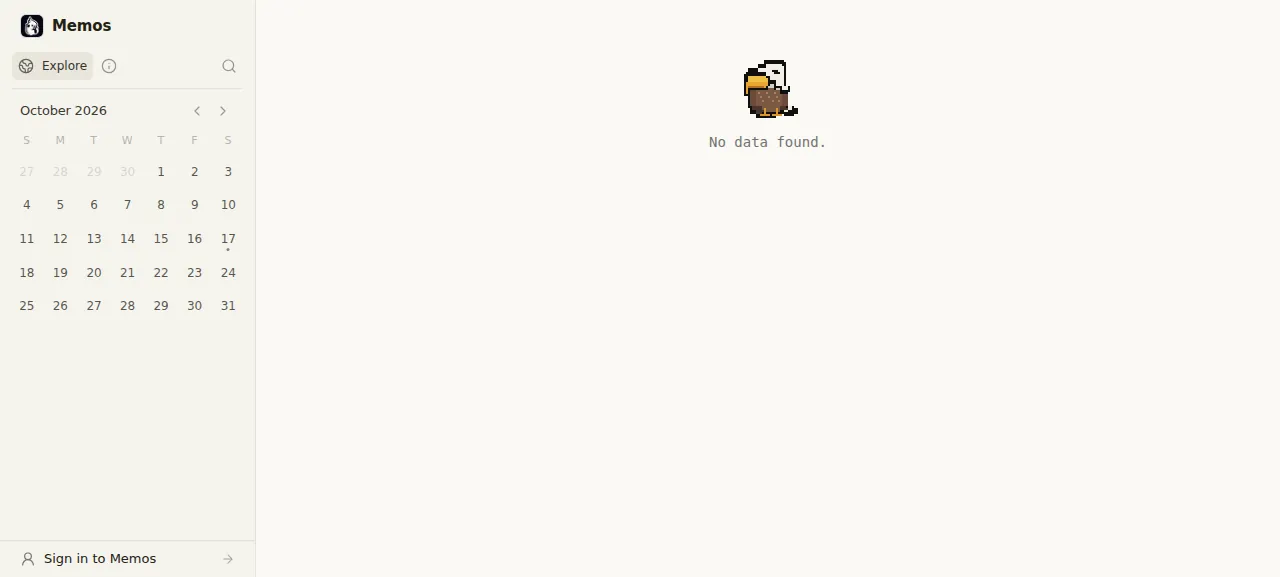
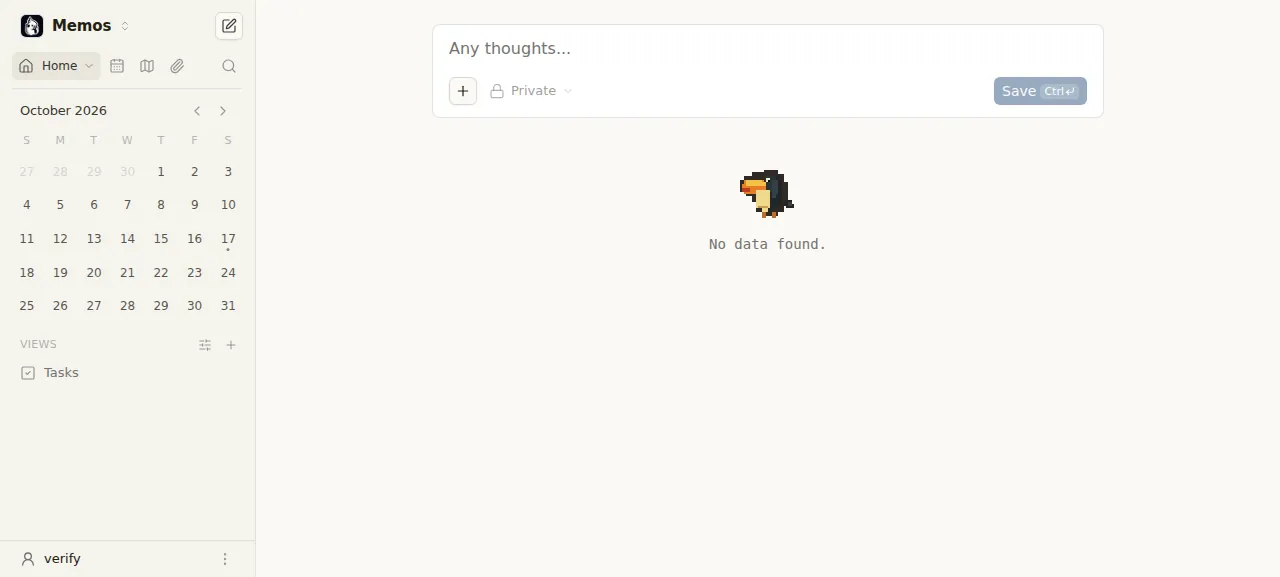
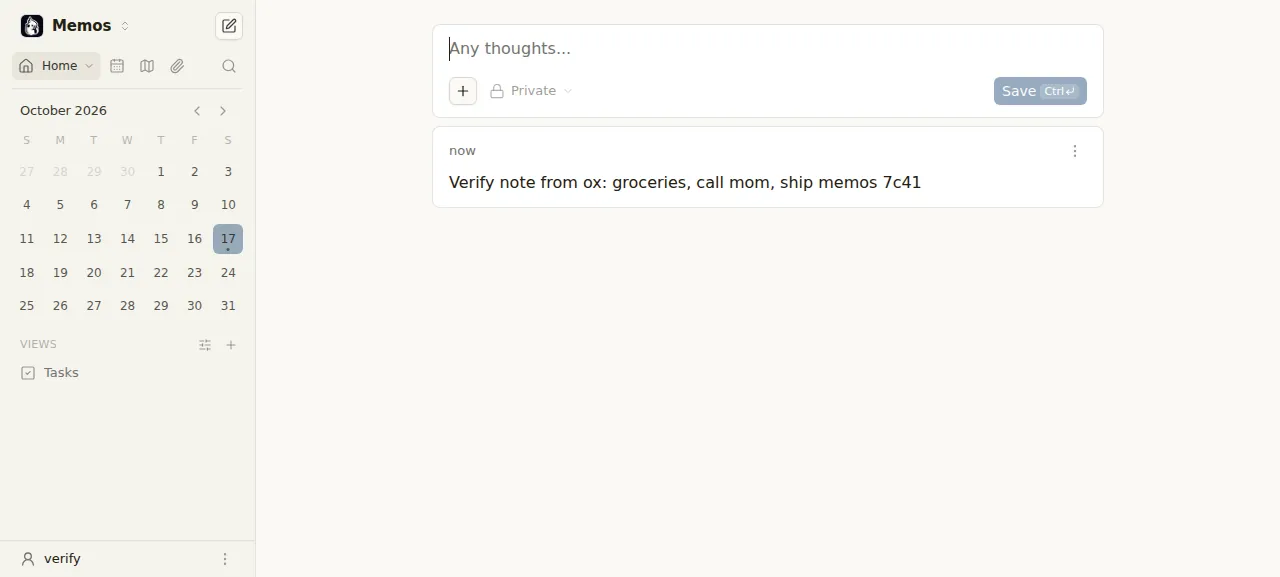
When the deploy is green, open your domain. A new Memos has no users, so it sends you to a page titled Create admin account, and the first account made there becomes the administrator. Make yours before you share the address. The test agent met an instance that already had its first account, so it signed up as an ordinary user, typed a note on Home, pressed Save and reloaded. The note was still in the timeline, and a wrong password at sign-in was refused.
The ox.toml, line by line
# memos v0.31.0 (Go + a React frontend in web/ + postgres), as its operator
# would write it.
domains = ["memos.example.com"]
[app]
# memos takes its port and data folder as flags (or MEMOS_PORT), not PORT.
start  = "exec .ox/bin/app --addr 127.0.0.1 --port $PORT --data $OX_DATA_DIR/memos"
health = "/healthz"
[build]
# The frontend lives in web/; `pnpm release` writes it into
# server/frontend/dist, which the binary embeds.
commands = [
  "cd web && pnpm install --frozen-lockfile && pnpm release",
  "go build -o .ox/bin/app ./cmd/memos",
]
[services]
postgres = {}
[tools]
node = "24"
pnpm = "11.0.1"domainsis the one line you change. Put your own domain where it saysmemos.example.com. It names the site Caddy serves over HTTPS with a free certificate, andPUBLIC_URLis that site's address.startruns the binary the build leaves at.ox/bin/app. Memos reads its port from--portorMEMOS_PORTand ignoresPORT, so the line passes ox's$PORTas the flag.--addr, set to the loopback address, keeps Memos where only Caddy reaches it.--dataputs its data folder inside$OX_DATA_DIR, which every release shares.execlets ox's stop signal reach Memos itself.healthis/healthz, which Memos answers with "Service ready." ox moves traffic to a new release once that path answers.The first build command works in
web/, where the React app lives.pnpm install --frozen-lockfileinstalls exactly whatpnpm-lock.yamllists, andpnpm releaseis the script inweb/package.jsonthat writes the built app toserver/frontend/dist. The second command compiles the Go server, which embeds that folder, so the frontend goes first, as in Memos' Dockerfile.There is no
migratestep, because Memos applies its own pending database migrations when it starts.[services]asks ox for a Postgres database and user for this project. Memos defaults to SQLite, and the variables below point it at Postgres.[tools]installs Node 24 and pnpm 11.0.1.web/package.jsonrequires Node 24 or newer inenginesand names pnpm 11.0.1 inpackageManager. Go is not listed, because ox reads it from thegoline ofgo.mod, which says 1.27.0 at this commit.
There are no workers, because Memos runs as one process.
MEMOS_DRIVER
MEMOS_DSN
MEMOS_INSTANCE_URL
MEMOS_DRIVER picks the database. SQLite is the default, and the run set it to postgres. MEMOS_DSN is the connection string. The run set it to the reference ${postgres.url}, which ox fills from the Postgres it set up, so nobody types a database password. MEMOS_INSTANCE_URL is the address people use to reach your Memos, and the run set it to ${PUBLIC_URL}. See variables for how references work.
The address also sets who may browse a new instance. Present at the first start, it makes the instance public, so a signed-out visitor sees the Explore page with every public memo. Empty, the instance starts private. The Allow public access switch in Memos' settings changes that later, and editing the address does not.
Postgres, sign-up and uploads
Memos gets its own database and user on the server's Postgres, which you can browse in the Services tab or with ox explore memos postgres. The run's backup held the data of its memo and user tables.
After the first account, sign-up stays open, and the test agent's account came from that page. Memos has a Disallow user registration switch in its settings. The run left it off, and turning it on was not tested.
Memos stores uploaded files in its data folder by default, under assets. Here that folder sits in $OX_DATA_DIR, so it stays across deploys, but the run's backup held only a Postgres dump. Uploading a file was not tested.
Updates and backups
To move to a newer release, merge its tag into your fork and push, or run ox deploy memos --wait. ox builds the new release, starts it beside the running one, and switches only when its /healthz answers. Memos migrates its schema when it starts, and it refuses to start an older release on a database a newer one has migrated, with a "cannot downgrade schema version" error. A rollback after such an update was not tested.
The run's backup was a manual one, the kind Back up now makes on the Backups tab, and it came before the redeploy. It held one Postgres dump. Run ox backups memos to list backups. A restore was not tested. The backups page covers copies in an S3 bucket, and self-hosting with ox lists more apps.
Frequently asked questions
Do I need Docker to self-host Memos?
No. Memos' README shows a Docker command first and points to a deployment guide for other ways to run it. The app is a Go program with a React frontend, so ox builds both from your fork on the server and runs the binary as a system service beside Postgres. An update is a push or one deploy command.
Which database does Memos use?
Memos runs on SQLite unless you choose another, and it also supports MySQL and PostgreSQL through its driver setting. This setup uses the Postgres that ox creates for the project, set with MEMOS_DRIVER and MEMOS_DSN. When you press Back up now, ox dumps that database, and the run's dump held the memo and user data.
How do I create the first Memos admin account?
No variable sets it. Open your address after the deploy and Memos sends you to its sign-up page, where the first account made becomes the administrator. Do it before you share the link, because later visitors can sign up too unless an admin turns on Disallow user registration. That switch was not tested.
How much memory does self-hosted Memos use?
After the run's reboot, the whole server used the memory the facts show. That covers Memos, its staging copy, Postgres, Caddy and the ox agent, but not the pnpm and Go builds, which ran earlier. Any server from 1 GB up works with ox, and ox says so when memory is why an app stopped.
What does MEMOS_INSTANCE_URL do?
It is the public address of your Memos. The run set it to the reference ${PUBLIC_URL}, so it follows the project's address. Memos writes it into robots.txt and sitemap.xml, and a new instance starts public when it is set and private when it is empty. Editing it later does not change that choice.
New to running apps on your own server? How ox self-hosts your apps shows what ox sets up on your server.