How to self-host Docmost on your own VPS without Docker
Run Docmost v0.96.0 on your own Ubuntu server with ox: Postgres, Redis and a pnpm build, with the first admin made at deploy. The config that ran.

To self-host Docmost you need an Ubuntu server, a fork of the Docmost repo with an ox.toml and one script added, eleven variables, and an unset line for each optional key the review lists. In our run the first deploy took about 3 minutes, and ox set up Postgres and Redis for it.
How we tested On Oct 17, 2026, ox deployed Docmost v0.96.0 from commit 9b3e5dd3 on a fresh DigitalOcean server with 8 vCPUs and 16 GB of memory. The run then redeployed it, backed it up and rebooted the server. Then a separate test agent, one that did not write the config, signed in, created a page with a title and some text, and saw both after a reload, and checked the app's services and its backup.
Docmost is an open-source wiki for teams. Pages live in spaces, several people can edit one page at once, and it has comments, page history, search, file attachments and diagrams. It is a TypeScript app in a pnpm and nx workspace: a NestJS server answers the API, serves the React client and takes the live editor's websocket at /collab. Postgres holds the data, and Redis holds the job queues, the cache and the rate-limit counters. The core is under the AGPL 3.0 license, and the files in its ee folders, such as apps/server/src/ee, are under a separate enterprise license.
ox deployed Docmost v0.96.0 (commit 9b3e5dd3) on Oct 17, 2026 on a fresh DigitalOcean server with 8 vCPUs and 16 GB of memory; the first deploy took 3 minutes and a redeploy took 2 minutes.
- First deploy: 3 minutes, from adding the project until the app passed the run's first checks.
- Redeploy of the same commit: 2 minutes, until the app passed the checks again.
- Server: DigitalOcean, 8 vCPUs and 16 GB of memory (
s-8vcpu-16gb), with this app alone on it. Every one of the 85 apps we deployed ran on this one size, so it was not picked for this app. - Memory in use after the reboot: 1117 MB of 15986 MB, for the whole server: Ubuntu, the app, its services, Caddy and the ox agent. On a server with no apps, ox's tests on real servers hold the agent to 40 MB or less and Caddy to 50 MB or less.
- Services ox runs for it:
postgres,redis. - Source: github.com/docmost/docmost at v0.96.0, commit
9b3e5dd3.
What you need
An Ubuntu LTS server. The run used the size in the facts above, with Docmost alone on it.
A GitHub account to fork
docmost/docmost, and an ox account, which you open by signing in with GitHub.An email address and a password for the first admin. Docmost sends mail through SMTP or Postmark. The run pointed SMTP at a test mail catcher, so real delivery was not tested, and neither were S3 or Azure file storage.
The steps
Press Add a server in the ox dashboard and run the command it shows, as root, on your VPS. That joins the server to your account.
Fork docmost/docmost on GitHub and check out the tag v0.96.0, the release the run deployed. Add the ox.toml and ox-first-admin.mjs shown below to the root of the fork, then commit and push. Write a docmost.env file with one KEY=value line for each of the eleven keys in the variables list. With the ox CLI signed in, run:
ox new <you>/docmost
ox review docmost --from-file docmost.env --wait
The project is named after the repo, so the commands call it docmost. The review saves your values and starts the first deploy, and --wait prints the run until it ends. The quickstart shows the console's version.
The review also lists keys for features the run did not use: S3 and Azure file storage, Postmark, a Draw.io server, Gotenberg, an SMTP login, an upload size limit and allowed iframe origins. The run answered each one with an unset KEY line in docmost.env, which marks a key not needed, and ox review docmost prints the full list.
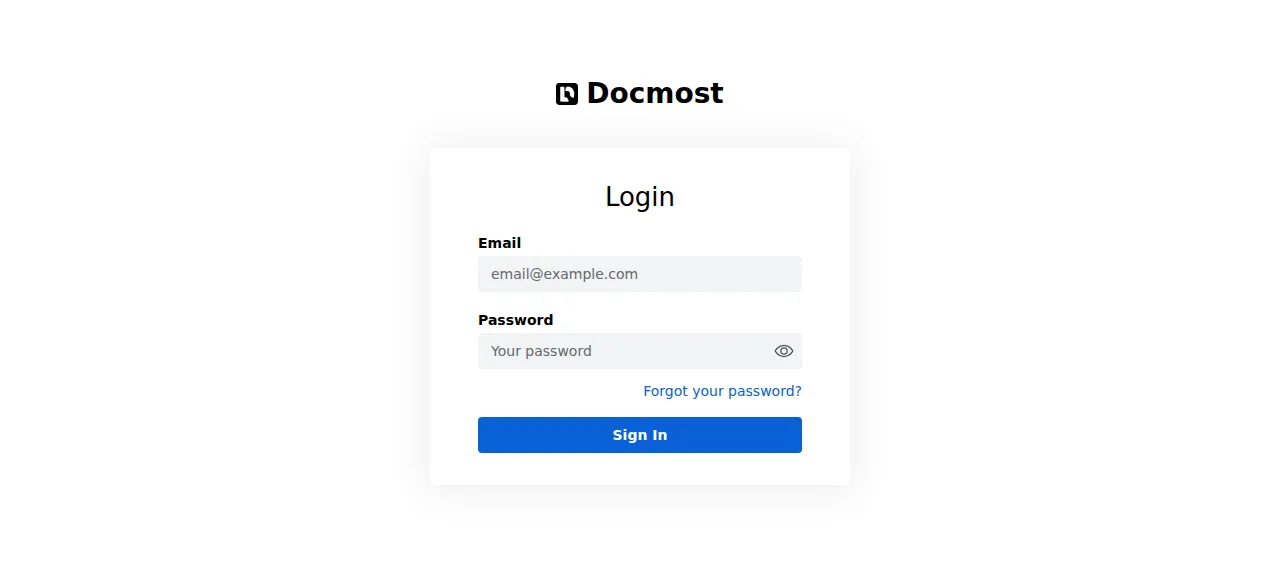
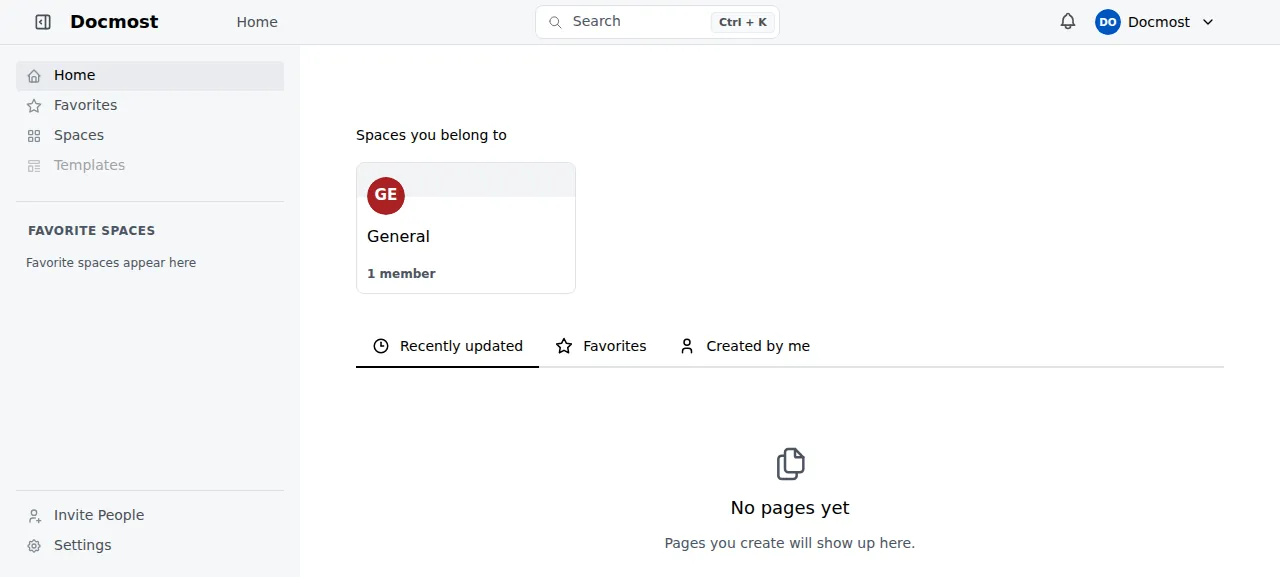
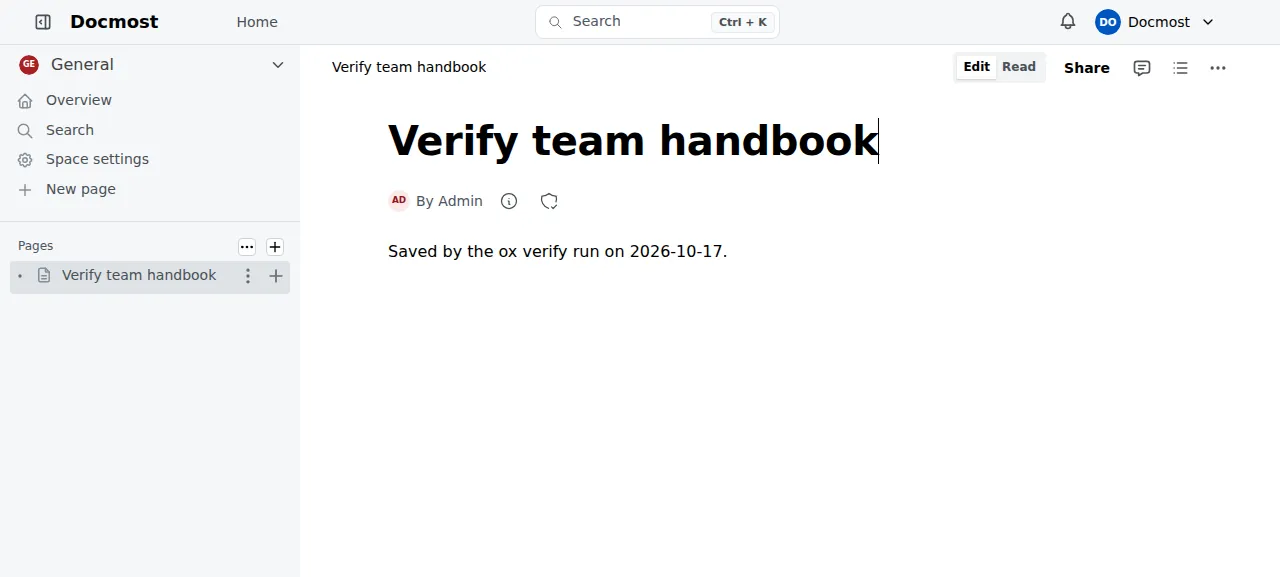
When the deploy is green, open the address ox shows for the project and sign in at /login with ADMIN_EMAIL and ADMIN_PASSWORD. The test agent first tried a wrong password and Docmost refused it. With the right one it reached the home page, opened the General space, clicked New page, typed a title and a line of text, and reloaded. The title, the text and the sidebar entry were all still there.
The run left ADMIN_NAME and WORKSPACE_NAME unset, so the workspace is called Docmost and the admin Admin. It used ox's preview address, so a domain of your own was not tested. The domains page says how ox adds one.
The ox.toml, line by line
# Docmost as its Dockerfile runs it: pnpm install, `pnpm build` (nx), then
# `pnpm start` (apps/server start:prod), which serves the API, the built
# client and the /collab websocket on $PORT.
#
# The first workspace and its admin come from ADMIN_EMAIL and ADMIN_PASSWORD:
# Docmost makes them only through its running server (the setup page posts
# to /api/auth/setup, open while there is no workspace), so migrate does
# that once (ox-first-admin.mjs) and the setup page is closed before the
# deploy goes live.
required_variables = ["ADMIN_EMAIL", "ADMIN_PASSWORD"]

[app]
health = "/api/health"

[build]
# apps/server/src/ee is docmost's private enterprise module; the open-source
# build loads it only when present (app.module.ts), and the Dockerfile ships none.
skip_submodules = ["apps/server/src/ee"]
# The server also migrates at boot in production; running it here first
# keeps a first deploy's 52 migrations out of the start's health wait.
migrate = "pnpm --filter ./apps/server run migration:latest && node ox-first-admin.mjs"

[services]
postgres = {}
redis = {}

[storage]
# STORAGE_DRIVER=local writes uploads to <repo>/data/storage (the image's VOLUME).
keep = ["data/storage"]
The config has no install, build or start line, the three steps of Docmost's Dockerfile. ox reads pnpm-lock.yaml and the packageManager pin (pnpm 11.25.0), installs with the frozen lockfile, runs the build script, and starts the start script on the PORT ox sets.
required_variablesnames the admin's email and password, which ox asks for before the first deploy. Docmost has no command that makes a user. Its Create workspace page posts to/api/auth/setup, which answers whoever calls first until a workspace exists. So the first admin has to come from the deploy.healthis/api/health, Docmost's own route. It pings Postgres and Redis, and ox switches to a new release only once it answers.skip_submodulesleaves outapps/server/src/ee, the enterprise module, which lives in a repository only its vendor can read. Docmost loads it only when the folder holds it, so the open-source build runs without it. Without this line the deploy stops at the fetch.migrateruns the server'smigration:latestscript and thennode ox-first-admin.mjs. Docmost also migrates when it boots in production. Running the migrations here keeps them out of the new release's health wait.[services]asks for Postgres and Redis, and ox fills in theDATABASE_URLandREDIS_URLDocmost needs.[storage]keepsdata/storage, where Docmost stores attachments unlessSTORAGE_DRIVERsays otherwise. ox keeps it across deploys.
There are no workers or cron jobs. Docmost runs its queues inside the app process, and the server had no Docmost timer.
ox-first-admin.mjs
// The first workspace and its admin, made once from ADMIN_EMAIL and
// ADMIN_PASSWORD (ADMIN_NAME and WORKSPACE_NAME are optional).
//
// Docmost makes them only through its running server: the "Create
// workspace" page posts to /api/auth/setup, which answers 403 once a
// workspace exists, and there is no command for it. So, when the database
// has no workspace yet, this starts the built server on a free loopback
// port, waits for its health (database and redis), posts the setup as that
// page does, and stops the server again. It runs in [build] migrate, after
// the migrations, so the deploy goes live with a way in and the setup page
// is closed to visitors.
import { createRequire } from 'node:module';
import { spawn } from 'node:child_process';
import net from 'node:net';
import path from 'node:path';
import { setTimeout as sleep } from 'node:timers/promises';

const server = path.resolve('apps/server');
const require = createRequire(path.join(server, 'package.json'));
const postgres = require('postgres');

function log(msg) {
  console.log(`ox-first-admin: ${msg}`);
}

function fail(msg) {
  console.error(`ox-first-admin: ${msg}`);
  process.exit(1);
}

// The URL as Docmost reads it (normalizePostgresUrl): no schema parameter.
const dbUrl = new URL(process.env.DATABASE_URL);
dbUrl.searchParams.delete('schema');
const sql = postgres(dbUrl.toString(), { max: 1, onnotice: () => {} });
const [{ n }] = await sql`select count(*)::int as n from workspaces`;
await sql.end();
if (n > 0) {
  log(`a workspace exists (${n}), nothing to do`);
  process.exit(0);
}

for (const key of ['ADMIN_EMAIL', 'ADMIN_PASSWORD']) {
  if (!process.env[key]) fail(`${key} is not set; it makes the first admin`);
}

const port = await new Promise((resolve, reject) => {
  const s = net.createServer();
  s.on('error', reject);
  s.listen(0, '127.0.0.1', () => {
    const p = s.address().port;
    s.close(() => resolve(p));
  });
});

log(`no workspace yet: starting the server on 127.0.0.1:${port} to make it`);
const child = spawn(process.execPath, ['dist/main'], {
  cwd: server,
  env: { ...process.env, NODE_ENV: 'production', HOST: '127.0.0.1', PORT: String(port) },
  stdio: 'inherit',
});
let exited = null;
const done = new Promise((resolve) => {
  child.on('exit', (code, signal) => {
    exited = signal || String(code);
    resolve();
  });
});

async function stop() {
  if (exited !== null) return;
  child.kill('SIGTERM');
  await Promise.race([done, sleep(30_000)]);
  if (exited === null) {
    child.kill('SIGKILL');
    await done;
  }
}

const base = `http://127.0.0.1:${port}`;
let status = 0;
let body = '';
try {
  let healthy = false;
  for (let i = 0; i < 180 && exited === null; i++) {
    try {
      const r = await fetch(`${base}/api/health`);
      if (r.ok) {
        healthy = true;
        break;
      }
    } catch {
      // not listening yet
    }
    await sleep(1000);
  }
  if (!healthy) {
    throw new Error(
      exited !== null
        ? `the server exited (${exited}) before it was healthy`
        : 'the server was not healthy after 180 s',
    );
  }
  const r = await fetch(`${base}/api/auth/setup`, {
    method: 'POST',
    headers: { 'content-type': 'application/json' },
    body: JSON.stringify({
      name: process.env.ADMIN_NAME || 'Admin',
      email: process.env.ADMIN_EMAIL,
      password: process.env.ADMIN_PASSWORD,
      workspaceName: process.env.WORKSPACE_NAME || 'Docmost',
    }),
  });
  status = r.status;
  body = (await r.text()).slice(0, 300);
} catch (err) {
  await stop();
  fail(err.message);
}
await stop();

if (status === 200 || status === 201) {
  log(`made the workspace and its admin ${process.env.ADMIN_EMAIL}`);
} else if (status === 403) {
  log('the workspace was made meanwhile (setup answered 403)');
} else {
  fail(`setup answered ${status}: ${body}`);
}
ox-first-admin.mjs runs at the end of migrate and makes the first workspace and admin the way the setup page does. It counts the rows in Docmost's workspaces table and exits if there is one, so later deploys skip it. With none, it starts the built server on a free port of its own, waits up to 180 seconds for /api/health, posts the admin's name, email, password and the workspace name to /api/auth/setup, and stops the server. Any answer but success or a 403, which means someone made the workspace first, stops the deploy before ox switches releases.
APP_URL
APP_SECRET
JWT_TOKEN_EXPIRES_IN
ADMIN_EMAIL
ADMIN_PASSWORD
MAIL_DRIVER
MAIL_FROM_ADDRESS
MAIL_FROM_NAME
SMTP_HOST
SMTP_PORT
SMTP_SECUREAPP_URLis the address people open Docmost at. Docmost builds its links from it and marks its cookies secure when it starts with https. ox gives every project that address asPUBLIC_URL, and variables explains references.APP_SECRETsigns the sign-in tokens. It must be at least 32 characters, and Docmost refuses the example file's placeholder. The example file makes one withopenssl rand -hex 32. Choose it once and keep it.JWT_TOKEN_EXPIRES_INis how long a sign-in lasts: 90 days by default,30din the example file.ADMIN_EMAILandADMIN_PASSWORDare read only byox-first-admin.mjs, and only while no workspace exists.MAIL_DRIVER,MAIL_FROM_ADDRESS,MAIL_FROM_NAME,SMTP_HOST,SMTP_PORTandSMTP_SECUREset up mail for invitations and password resets. WithMAIL_DRIVERunset, Docmost uses a log driver that sends nothing in production.
Postgres and Redis
Postgres is one instance shared by the projects on the server, and Docmost gets its own database and role in it. Redis is a private instance for this project, as its own unit. After the reboot the test agent found both units active with no restarts, and still active minutes later.
Updates and backups
To move to a newer release, merge its tag into your fork and push, or run ox deploy docmost --wait. ox builds the new release beside the running one and switches when /api/health answers. Before each migrate it dumps Postgres. The run's redeploy used the same commit, so a move to a newer Docmost version was not tested.
Backups need no setup. The run's backup folder held two Postgres dumps, one from Back up now and the one ox takes before a migrate. ox backups docmost lists them, and the Backups tab shows the same list. The backups page says a kept folder such as data/storage is archived every day too, and the run did not check that. A restore was not tested.
Frequently asked questions
Do I need Docker to self-host Docmost?
No. Docmost's repo ships a Docker Compose file with Postgres and Redis containers, but the app is a Node server. ox builds it from your fork on the server with pnpm and runs it as a system service beside Postgres and Redis. An update is a push or one deploy command.
Which database does Docmost need?
Postgres and Redis, both required: Docmost's settings check rejects a missing DATABASE_URL or REDIS_URL. Postgres holds the pages and accounts, and Redis holds job queues and cache. ox starts both from two lines of ox.toml and passes their addresses to the app, so neither URL is in your variables file.
How do I create the first Docmost admin?
Docmost makes the first workspace through its Create workspace page, which anyone can use until a workspace exists. With ox, set ADMIN_EMAIL and ADMIN_PASSWORD before the first deploy. The migrate step creates the workspace from them, so the page is closed when the site goes live, and you sign in at /login.
How much memory does Docmost use?
After the run's reboot, the whole server used the memory shown in the facts, with Docmost, Redis, Postgres, Caddy and the ox agent running on it. That is what this one run used. ox takes any server from 1 GB up and tells you when memory is why an app stopped.
Does self-hosted Docmost send data to Docmost?
Yes, by default. Once a day in production, Docmost posts the version, the counts of users, pages, spaces and workspaces, and an anonymous hash of the workspace id to its telemetry address. Set DISABLE_TELEMETRY=true to stop it. The run left it unset, so the default applied.
New to running apps on your own server? How ox self-hosts your apps shows what ox sets up on your server.