How to self-host linkding without Docker on your own VPS
Run linkding v1.47.0, the bookmark manager, on your own Ubuntu server with ox and no Docker: Postgres, uWSGI and a task worker, from the config that ran.

To self-host linkding you need an Ubuntu server, a fork of the linkding repo with two small files added, and 22 variables, of which only two are yours to choose. In our run the first deploy took about 4 minutes, and ox set up Postgres and the background task worker beside the app.
How we tested On Oct 17, 2026, ox deployed linkding v1.47.0 from commit 24b5ad6c on a fresh DigitalOcean server with 8 vCPUs and 16 GB of memory. The run then redeployed it, backed it up and rebooted the server. Then a separate test agent, one that did not write the config, signed in, added a bookmark with a tag and saw both after a reload, and checked the app's services and its backup.
linkding is a bookmark manager you host yourself. You save a link, tag it, and find it again with the search box. It also has Markdown notes, a read-it-later list, sharing with other users or guests, a REST API, browser extensions, and bookmark import and export. The code is under the MIT license.
It is a Django app. esbuild builds its script and themes, uWSGI serves the pages, and a Huey worker runs the background jobs that load icons and preview images. Data goes to SQLite by default, or to Postgres when you ask for it.
ox deployed linkding v1.47.0 (commit 24b5ad6c) on Oct 17, 2026 on a fresh DigitalOcean server with 8 vCPUs and 16 GB of memory; the first deploy took 4 minutes and a redeploy took 65 seconds.
- First deploy: 4 minutes, from adding the project until the app passed the run's first checks.
- Redeploy of the same commit: 65 seconds, until the app passed the checks again.
- Server: DigitalOcean, 8 vCPUs and 16 GB of memory (
s-8vcpu-16gb), with this app alone on it. Every one of the 85 apps we deployed ran on this one size, so it was not picked for this app. - Memory in use after the reboot: 943 MB of 15986 MB, for the whole server: Ubuntu, the app and its staging copy, its services, Caddy and the ox agent. On a server with no apps, ox's tests on real servers hold the agent to 40 MB or less and Caddy to 50 MB or less.
- Services ox runs for it:
postgres. - Background processes:
jobs, each its own systemd unit beside the web process. - Source: github.com/sissbruecker/linkding at v1.47.0, commit
24b5ad6c.
What you need
An Ubuntu LTS server where you can run one command as root. The run used the size in the facts above, with linkding alone on it. ox works on any server from 1 GB up and tells you when memory is why an app stopped.
A GitHub account to fork
sissbruecker/linkding, and an ox account, which you open by signing in with GitHub.No outside account. linkding has no email settings, and loading a site's icon needs the server to reach the web.
The steps
Open Servers in the ox dashboard, press Add a server, and run the command it shows as root on the machine. It installs the ox agent and Caddy, and nothing else of ox's.
Fork sissbruecker/linkding, check out the commit named in the box above (v1.47.0), and add ox.toml and ox-uwsgi.ini at the repo's root, as shown below. Commit and push. Then write linkding.env on your laptop with the 22 keys from the variables section. You choose the admin's name and password, and the run used admin and a made-up password. With the ox CLI signed in, run:
ox new <you>/linkding
ox review linkding --from-file linkding.env --wait
The project is named after the repo. The review saves your values and starts the first deploy, and --wait prints the run until it ends. In the browser the same steps are New project and the review screen, as the quickstart shows.
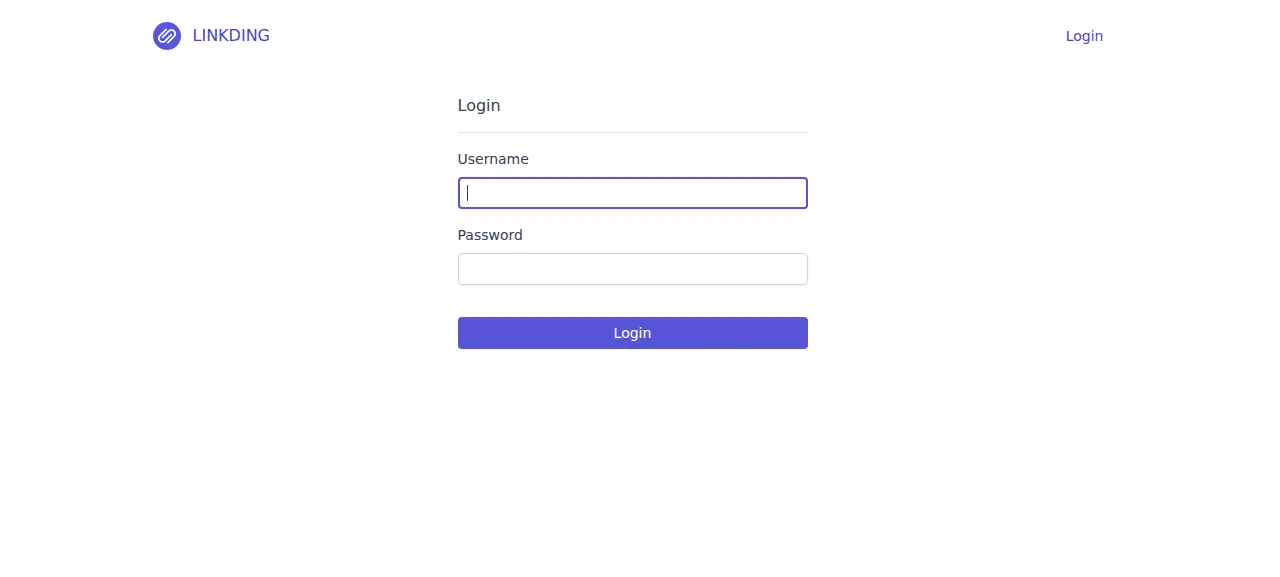
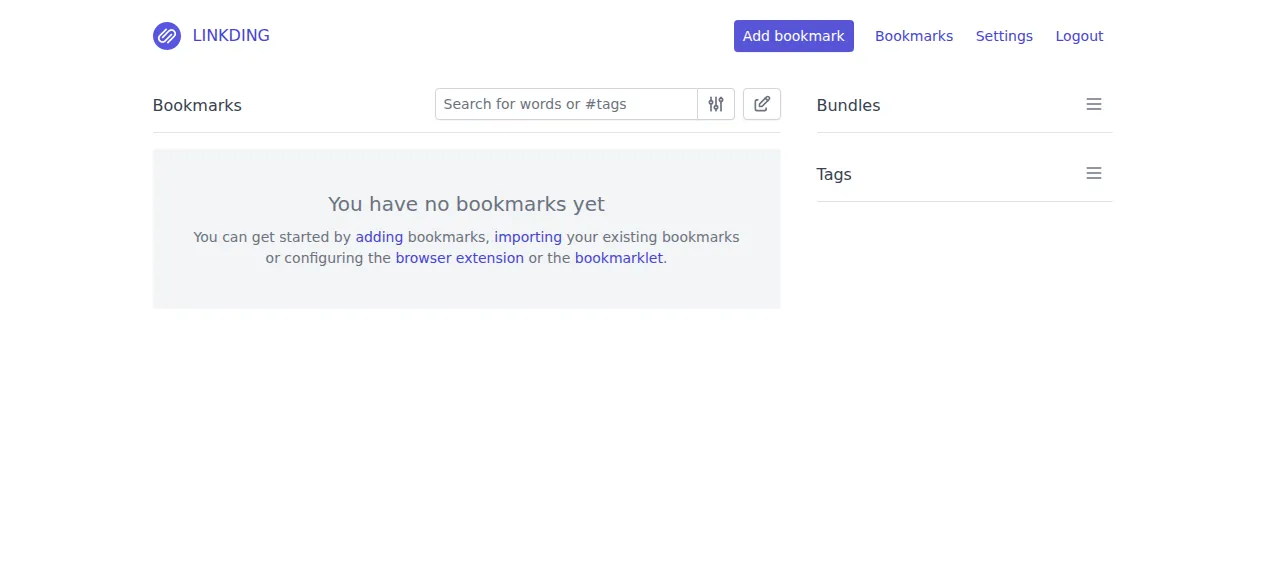
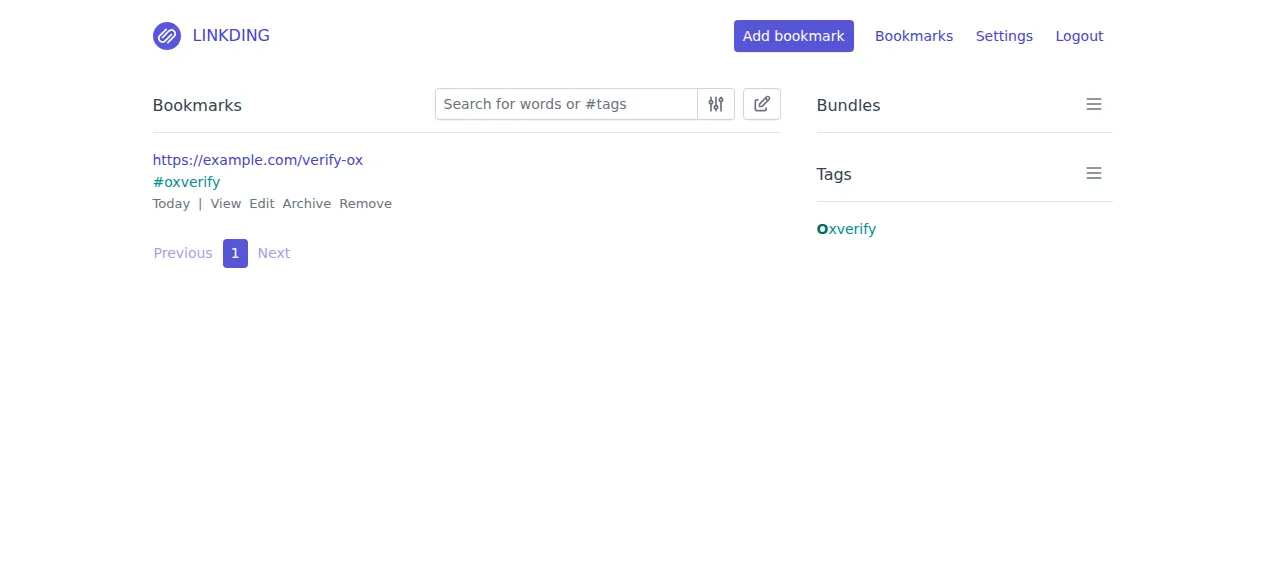
When the deploy is green, open the project's address and go to /login/, because linkding has no sign-up page. The test agent also tried a wrong password, and linkding refused it. Then press Add bookmark, enter a web address and a tag, and save. The test agent reloaded the page and found both. Browser extensions, the REST API, file import and page snapshots were not tested.
The run served linkding on its preview address only. A domain of your own was not part of it, and the domains page shows how ox adds one.
The ox.toml, line by line
# linkding v1.47.0 (Django + a huey task worker, uwsgi, postgres), run outside
# Docker the way bootstrap.sh and its Dockerfile run it. The frontend is built
# with esbuild, the Postgres driver from source (the `postgres` group).
# psycopg[c] (the `postgres` group below) is built from source and needs
# libpq's headers, which detection does not read from a dependency group.
packages = ["libpq-dev"]
[app]
# bootstrap.sh's uwsgi, with the ini's static-map lines for the folders ox
# keeps. The upstream ini drops to www-data, writes /tmp/linkding.pid and
# opens a stats port, and two releases overlap during a deploy (D-8), so the
# overlay keeps a copy without those three.
start  = "exec uv run uwsgi --http 127.0.0.1:$PORT ox-uwsgi.ini"
health = "/health"
[build]
# The Postgres client is built from source, as the Dockerfile's postgres
# group does.
install = "uv sync --frozen --no-dev --group postgres"
# `npm run build` makes bookmarks/static/bundle.js and the themes, which
# collectstatic then gathers.
# The huey queue (data/tasks.sqlite3) is opened when settings load, in
# collectstatic too: ox makes the kept data folder before the build.
commands = [
  "npm ci && npm run build",
  "uv run python manage.py collectstatic --noinput",
]
# bootstrap.sh's order: the data folders and the secret key (kept in the data
# folder), migrations, the first user from LD_SUPERUSER_*, and the move of
# legacy tasks to huey.
migrate = "mkdir -p data/favicons data/previews data/assets && uv run python manage.py generate_secret_key && uv run python manage.py migrate --noinput && uv run python manage.py create_initial_superuser && uv run python manage.py migrate_tasks"
[workers]
# The background task processor bootstrap.sh starts under supervisord.
jobs = "exec uv run python manage.py run_huey -f"
[storage]
# data/ holds the secret key, the task queue, favicons, previews and assets.
keep = ["data"]
[tools]
# The Dockerfile's Node major; uv reads requires-python for the rest.
node = "22"
[services]
postgres = {}
The config follows linkding's bootstrap.sh and Dockerfile, without the container.
packagesaddslibpq-dev. Thepostgresdependency group builds the Postgres driver from source, which needs libpq's headers.startruns uWSGI underuvon the loopback address and the port in$PORT, with Caddy in front.healthis linkding's own/health. It opens a database connection and answers healthy, or 500 when it cannot. ox switches to a new release only when this page answers.installinstalls whatuv.lockpins, without the dev tools, plus thepostgresgroup.The build
commandsbundle the script and themes with esbuild, then runcollectstatic. linkding's settings open the task queue file indata/as they load, so ox makes the kept folder before the build.migratekeeps the order ofbootstrap.sh: make the icon, preview and asset folders, write the secret key todata/secretkey.txtunless it exists, migrate Postgres, make the first user, and move tasks left by an older linkding to Huey. The user step does nothing when the name exists, so every deploy can run it.[workers]runs Huey as a unit of its own, where the Docker image uses supervisord. The test agent saw its journal report two threads and a scheduler that wakes every 10 seconds.[storage]keepsdataacross releases: the secret key, the task queue, icons, previews and assets.[tools]pins Node 22, the Dockerfile's major. For Python,uvreadsrequires-python, which asks for 3.13 or newer.[services]asks for Postgres, and ox makes the database and its user.
ox-uwsgi.ini
[uwsgi]
module = bookmarks.wsgi:application
env = DJANGO_SETTINGS_MODULE=bookmarks.settings.prod
route = ^/static/ addheader:Content-Security-Policy: sandbox
static-map = /static=static
static-map = /static=data/favicons
static-map = /static=data/previews
static-map = /robots.txt=static/robots.txt
processes = 2
threads = 2
vacuum = True
buffer-size = 8192
die-on-term = true
This is linkding's uwsgi.ini minus three things: the drop to www-data, a pid file under /tmp, and a statistics port. ox runs the old and new release side by side during a switch, so a shared pid file and a fixed port would collide, and the app already runs as its own user, ox-linkding. The upstream blocks for LD_CONTEXT_PATH, LD_REQUEST_TIMEOUT, LD_REQUEST_MAX_CONTENT_LENGTH, LD_LOG_X_FORWARDED_FOR and LD_DISABLE_REQUEST_LOGS are left out too, so the uWSGI side of those options does nothing here. The run used none of them.
DJANGO_SETTINGS_MODULE
LD_DB_ENGINE
LD_DB_HOST
LD_DB_PORT
LD_DB_DATABASE
LD_DB_USER
LD_DB_PASSWORD
LD_SUPERUSER_NAME
LD_SUPERUSER_PASSWORD
LD_CSRF_TRUSTED_ORIGINS
HOST_NAME
LD_CONTAINER_NAME
LD_HOST_PORT
LD_HOST_DATA_DIR
LD_CONTEXT_PATH
LD_DISABLE_BACKGROUND_TASKS
LD_DISABLE_URL_VALIDATION
LD_ENABLE_AUTH_PROXY
LD_AUTH_PROXY_USERNAME_HEADER
LD_AUTH_PROXY_LOGOUT_URL
LD_DISABLE_LOGIN_FORM
LD_DB_OPTIONS
DJANGO_SETTINGS_MODULE is bookmarks.settings.prod, because manage.py otherwise picks the development settings. LD_DB_ENGINE is postgres. LD_DB_HOST, LD_DB_PORT, LD_DB_DATABASE, LD_DB_USER and LD_DB_PASSWORD are references like ${postgres.host} that ox fills in from the database it made. LD_SUPERUSER_NAME and LD_SUPERUSER_PASSWORD are yours. LD_CSRF_TRUSTED_ORIGINS is ${PUBLIC_URL}, the project's own address, which linkding trusts for POSTs such as the login form. HOST_NAME is ${PUBLIC_HOST}: when it is set, the production settings let in only that host.
The run saved a value for every other key in linkding's .env.sample. Three are for Docker Compose and mean nothing here: LD_CONTAINER_NAME, LD_HOST_PORT and LD_HOST_DATA_DIR. The rest are linkding's options at their defaults: no context path, background tasks on, URL validation on, no authentication proxy, the login form shown, and no extra database options. The variables page explains references.
Postgres and the worker
Postgres is shared with the server's other apps, each with its own database and user. The run also deployed a staging copy beside production, so the memory figure above counts two copies of the app and its worker.
The worker loads icons and preview images only when the matching switches in linkding's Settings are on. The test agent turned on Enable Favicons, and the worker wrote an icon file for the bookmark's site. linkding gets icons from a Google service unless you set LD_FAVICON_PROVIDER, which the run left unset.
Updates and backups
To move to a new release, merge its commit into your fork and push, or run ox deploy linkding --wait. ox builds beside the running release, runs the migrations, and switches when the new one answers. It dumps Postgres before each migrate, and the run's redeploy left that dump. Read linkding's CHANGELOG.md first.
Backups need no setup. The run's backups held a Postgres dump, an archive of data and a copy of the task queue file, daily and from Back up now. List them with ox backups linkding. linkding's own full_backup command is written for SQLite, and its docs send Postgres users to back up by hand. A restore was not tested. The backups page covers an S3 bucket, and the self-hosting list shows the other apps ox has run.
Frequently asked questions
Do I need Docker to self-host linkding?
No. linkding's own docs lead with Docker, but the app is plain Django. ox builds it on the server from your fork, runs uWSGI and the Huey worker as system services, and installs Postgres beside them. An update is a push to your fork or one deploy command.
How do I create the first linkding user?
Set LD_SUPERUSER_NAME and LD_SUPERUSER_PASSWORD before the first deploy. The migrate step makes that user, and you sign in at /login/. Leave the password empty and the user gets no usable password, so only an authentication proxy can sign it in.
Does linkding need Postgres, or is SQLite enough?
linkding supports both, and SQLite is its default. The run used Postgres, by setting LD_DB_ENGINE to postgres and pointing the other LD_DB keys at the database ox made. Running linkding on SQLite under ox was not tested, so this guide covers the Postgres setup only.
How much memory does self-hosted linkding use?
After the reboot, the whole server held the memory the facts above show: production and staging copies of linkding with their workers, Postgres, Caddy and the ox agent. The build runs npm and compiles the Postgres driver on the server too. ox takes any server from 1 GB up and says so when memory is why an app stopped.
Why does linkding say CSRF verification failed at login?
linkding answers 403 when a form's Origin header does not match the Host header it received, which a proxy that rewrites Host can cause. Its docs say to list your address in LD_CSRF_TRUSTED_ORIGINS. The run set that key to the project's own address, and sign-in worked on the preview address.
New to running apps on your own server? How ox self-hosts your apps shows what ox sets up on your server.