How to self-host Linkwarden (bookmarks) on your own VPS
Run Linkwarden v2.16.3, a bookmark manager that keeps copies of pages, on your own Ubuntu server with ox: Next.js, Postgres and Meilisearch, no Docker.

To self-host Linkwarden you need an Ubuntu server, a fork of the Linkwarden repo with an ox.toml and two more files, and eight variables. In our run the first deploy took about 7 minutes, and ox set up Postgres and Meilisearch beside the web app and a worker that saves a copy of every link.
How we tested On Oct 17, 2026, ox deployed Linkwarden v2.16.3 from commit 474dd116 on a fresh DigitalOcean server with 8 vCPUs and 16 GB of memory. The run then redeployed it, backed it up and rebooted the server. Then a separate test agent, one that did not write the config, signed in, saved a link and saw the copies the worker made of it after a reload, and checked the app's services and its backup.
Linkwarden is an open source bookmark manager under the AGPL-3.0. You file links into collections and tags, and for each one it keeps a screenshot, a PDF and a single HTML file of the page, so the copy outlives the original. It also has a reader view, public sharing, API keys, a browser extension and mobile apps. The web app is Next.js on Postgres through Prisma, a separate worker opens each saved link in headless Chromium, and Meilisearch does the search.
ox deployed Linkwarden v2.16.3 (commit 474dd116) on Oct 17, 2026 on a fresh DigitalOcean server with 8 vCPUs and 16 GB of memory; the first deploy took 7 minutes and a redeploy took 6 minutes.
- First deploy: 7 minutes, from adding the project until the app passed the run's first checks.
- Redeploy of the same commit: 6 minutes, until the app passed the checks again.
- Server: DigitalOcean, 8 vCPUs and 16 GB of memory (
s-8vcpu-16gb), with this app alone on it. Every one of the 85 apps we deployed ran on this one size, so it was not picked for this app. - Memory in use after the reboot: 1248 MB of 15986 MB, for the whole server: Ubuntu, the app, its services, Caddy and the ox agent. On a server with no apps, ox's tests on real servers hold the agent to 40 MB or less and Caddy to 50 MB or less.
- Services ox runs for it:
meilisearch,postgres. - Background processes:
worker, each its own systemd unit beside the web process. - Source: github.com/linkwarden/linkwarden at v2.16.3, commit
474dd116.
What you need
An Ubuntu LTS server. The run used the size in the facts above, with Linkwarden alone on it.
A GitHub account to fork
linkwarden/linkwarden, and an ox account, which you open by signing in with GitHub.No outside account. Linkwarden can send mail, tag links with an AI model, keep files in S3 and sign people in through single sign-on. The run set up none of them, and the mobile apps and the browser extension were not tested either.
Install Linkwarden on Ubuntu without Docker
In the ox dashboard, press Add a server and run the command it shows, as root, on the new machine. It installs only ox's agent and Caddy.
Fork linkwarden/linkwarden and put the tag v2.16.3, the release the run deployed, on your fork's default branch, the one ox deploys. Add the ox.toml shown below at the repo root, change the one line in apps/web/package.json that the diff below shows, add packages/prisma/create-admin.js, and push.
Next write linkwarden.env with the eight values from the variables section. Linkwarden's sample file lists more than 300 other keys, for single sign-on, AI services, S3, mail and limits, and ox lists them as needed before the first deploy. The run marked all of them not needed, so Linkwarden kept its defaults. A line unset KEY does that, and ox check lists the keys. With the ox CLI signed in, run:
ox new <you>/linkwarden
ox review linkwarden --from-file linkwarden.env --wait
The review saves the values and starts the first deploy, and --wait prints the run until it ends. The browser has the same two steps, as the quickstart shows.
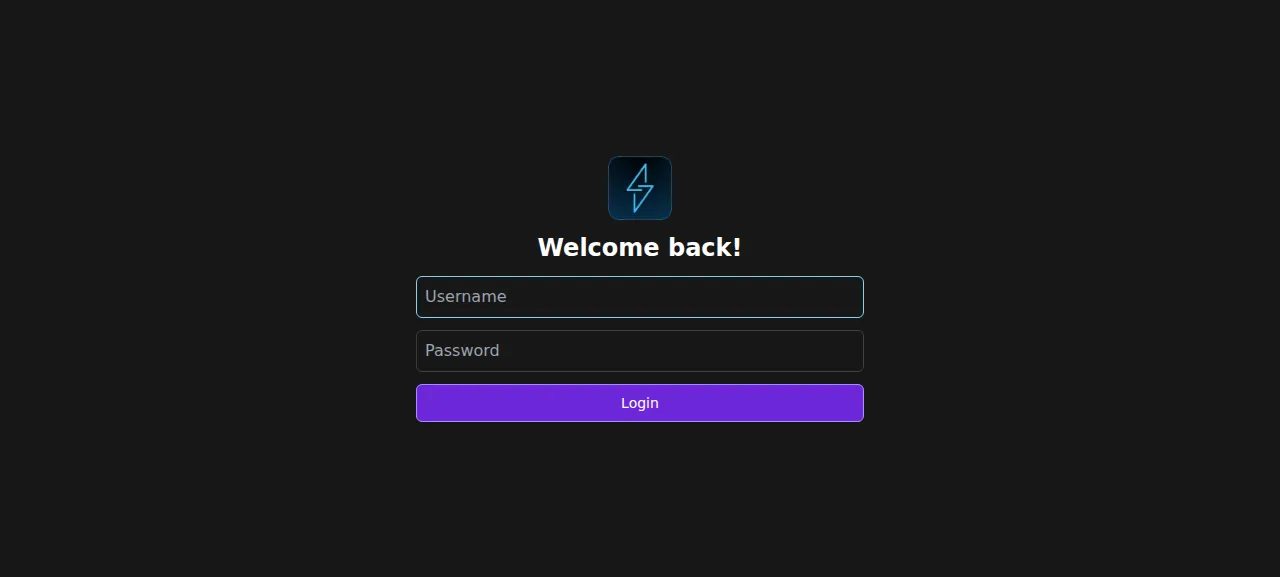
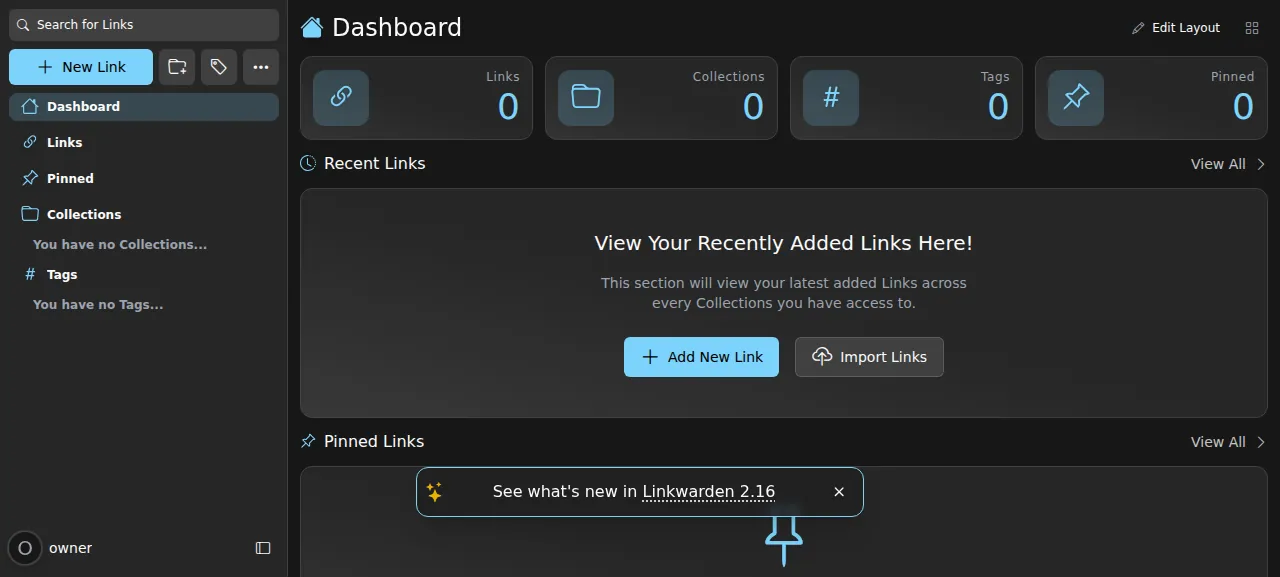
When the deploy is green, open the address ox shows for the project. Sign-up is closed, so sign in with the ADMIN_USERNAME and ADMIN_PASSWORD you set.
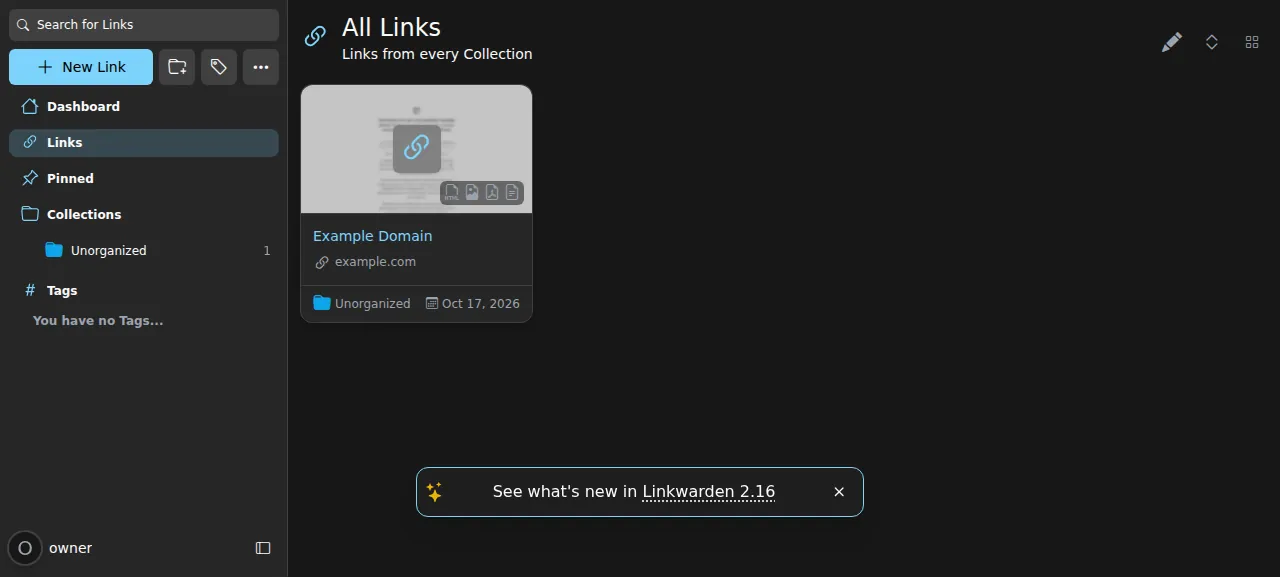
To save a link, press New Link, paste a web address and press Create Link. The test agent saved https://example.com/. After a reload the All Links page still listed "Example Domain", and within a minute the worker had added four preserved copies. The run used the preview address, so a domain of your own was not tested. The domains page covers how ox adds one.
The ox.toml, line by line
# Linkwarden as its Dockerfile builds and runs it: the web app (Next.js) and
# the worker that archives pages with Playwright's Chromium and monolith.
# The admin comes from ADMIN_USERNAME and ADMIN_PASSWORD (create-admin.js).
required_variables = ["ADMIN_USERNAME", "ADMIN_PASSWORD"]

[app]
start = "cd apps/web && exec next start -H 127.0.0.1 -p \"$PORT\""

[build]
install  = "yarn workspaces focus linkwarden @linkwarden/web @linkwarden/worker"
commands = ["yarn prisma:generate", "yarn web:build"]
migrate  = "cd packages/prisma && prisma migrate deploy && node create-admin.js"

[workers]
worker = "cd apps/worker && exec tsx worker.ts"

[services]
postgres    = {}
meilisearch = {}

[tools]
"github:y2z/monolith" = "2.10.1"

[storage]
keep = ["data", "apps/web/.next/cache"]required_variablesnames the two keys the first admin cannot be made without.startruns Next.js fromapps/webon the loopback address and the port ox gives it, so Caddy is the only way in. The Dockerfile runs the web app and the worker with a helper called concurrently. ox runs them as two services.installis the Dockerfile's command. It installs only the web app, the worker and what they need, so the mobile app and the browser extension in the repo stay out. ox takes Node 22.23 from the Dockerfile and yarn 4.12.0 frompackage.json, so no tool line is needed for them.The build
commandsgenerate the Prisma client and build the web app, as the Dockerfile does.migraterunsprisma migrate deploy, which the image runs at start, and thencreate-admin.js.The
workerrunstsx worker.tsfromapps/worker. It archives new links, builds the search index and polls RSS subscriptions.[services]asks for Postgres and Meilisearch.[tools]installs monolith 2.10.1 from its GitHub releases. Monolith saves a page as one HTML file, and the worker starts it by name. The Dockerfile builds it with cargo.[storage]keeps two folders across deploys.dataholds the preserved copies.apps/web/.next/cacheis Next.js's image cache, which the Dockerfile makes writable too. Each release is built fresh from the commit, and ox links a kept folder to a writable place outside it.
packages/prisma/create-admin.js
// The first admin, from ADMIN_USERNAME and ADMIN_PASSWORD, made the way
// Linkwarden's sign-up makes a user (apps/web/lib/api/controllers/users/postUser.ts):
// a bcrypt hash of 10 rounds and the three dashboard sections. The admin is the
// first user (NEXT_PUBLIC_ADMIN defaults to user 1). It runs on every deploy and
// does nothing once that username exists.
const { PrismaClient } = require("@prisma/client");
const bcrypt = require("bcrypt");

const prisma = new PrismaClient();

async function main() {
  const username = (process.env.ADMIN_USERNAME || "").toLowerCase().trim();
  const password = process.env.ADMIN_PASSWORD || "";
  if (!/^[a-z0-9_-]{3,50}$/.test(username))
    throw new Error("ADMIN_USERNAME must be 3 to 50 of a-z, 0-9, _ and -");
  if (password.length < 8)
    throw new Error("ADMIN_PASSWORD must be at least 8 characters");

  const existing = await prisma.user.findUnique({ where: { username } });
  if (existing) {
    console.log(`admin: ${username} exists (id ${existing.id}), nothing to do`);
    return;
  }

  const user = await prisma.user.create({
    data: {
      name: username,
      username,
      emailVerified: new Date(),
      password: bcrypt.hashSync(password, 10),
      dashboardSections: {
        createMany: {
          data: [
            { order: 0, type: "STATS" },
            { order: 1, type: "RECENT_LINKS" },
            { order: 2, type: "PINNED_LINKS" },
          ],
        },
      },
    },
  });
  console.log(`admin: created ${user.username} (id ${user.id})`);
}

main()
  .catch((e) => {
    console.error(e);
    process.exitCode = 1;
  })
.finally(() => prisma.$disconnect());apps/web/package.json, the lines the deploy changed in the app's own file
--- a/apps/web/package.json
+++ b/apps/web/package.json
@@ -13,7 +13,7 @@
     "lint": "next lint",
     "e2e": "playwright test e2e",
     "format": "prettier --write \"**/*.{ts,tsx,js,json,md}\"",
-    "postinstall": "playwright install --with-deps chromium"
+    "postinstall": "playwright install chromium-headless-shell"
   },
   "dependencies": {
     "@apple/app-store-server-library": "^3.1.0",
The postinstall script in apps/web/package.json runs playwright install --with-deps chromium, and --with-deps installs system packages through sudo, which a build cannot do. The change above makes it run playwright install chromium-headless-shell instead, the browser the Dockerfile ships, and ox installs the system libraries Chromium needs. Playwright 1.57.0 has no browser build for Ubuntu 26.04, so ox points it at the Ubuntu 24.04 build.
With sign-up closed, create-admin.js makes the first account from the variables, the way Linkwarden's sign-up makes a user: a bcrypt hash at cost 10 and the three dashboard sections. The first user is Linkwarden's server admin. The script does nothing once the username exists, and it stops with a message when the username is not 3 to 50 characters of a-z, 0-9, _ and -, or the password is under 8.
ADMIN_USERNAME
ADMIN_PASSWORD
NEXT_PUBLIC_DISABLE_REGISTRATION
NEXTAUTH_SECRET
NEXTAUTH_URL
BASE_URL
MEILI_HOST
NODE_ENV
ADMIN_USERNAME and ADMIN_PASSWORD are the first admin. NEXT_PUBLIC_DISABLE_REGISTRATION is true, which closes sign-up while the admin can still add users. Leaving the key out keeps sign-up open, which the run did not test.
NEXTAUTH_SECRET signs sessions and API tokens: use 32 random bytes in base64, such as the output of openssl rand -base64 32. NEXTAUTH_URL is ${PUBLIC_URL}/api/v1/auth, with PUBLIC_URL filled in by ox. BASE_URL is ${PUBLIC_URL}, the address Linkwarden puts in the links of its mail. The run sent no mail.
MEILI_HOST is ${MEILI_URL}, the Meilisearch ox set up. Without it Linkwarden looks for a host named meilisearch, the Docker name. ox hands the app MEILI_MASTER_KEY and DATABASE_URL, the names Linkwarden reads, so neither is in the list. NODE_ENV is production. See variables for how references work, and Linkwarden's environment variable docs for the other keys.
Postgres, Meilisearch and the worker
Postgres is shared with other apps on the server, and ox gives each its own database and role. Meilisearch runs only for this project. You can look inside each from the Services tab, or with ox explore linkwarden postgres.
The worker saves the screenshot, the PDF, the reader text and the HTML file of each link. It starts its headless browser only while links are waiting.
Updates and backups
To move to a newer release, merge its tag into your fork and push, or run ox deploy linkwarden --wait. ox builds the new release beside the running one, runs the migrations, and switches once it answers. It dumps Postgres before each migrate. An upgrade to a later version was not tested.
Backups need no setup. The run's Back up now left a Postgres dump, a Meilisearch archive and an archive of the kept cache folder. ox backups linkwarden lists them. Whether a backup holds the copies in data was not checked, and a restore was not tested. The backups page covers S3 copies.
Frequently asked questions
Do I need Docker to self-host Linkwarden?
No. Linkwarden's own setup is a Docker Compose file with the app, Postgres and Meilisearch in containers. ox builds the app from your fork with yarn, runs the web app and the worker as two system services, and installs Postgres and Meilisearch on the host. An update is a push.
How do I create the first Linkwarden account?
Set ADMIN_USERNAME and ADMIN_PASSWORD before the first deploy. With sign-up closed, the migrate step runs create-admin.js, which makes that user, and you sign in on the login page. The admin is user 1 and can add other users. Email sign-in and password reset were not tested.
Which database does Linkwarden need?
Postgres, which it reaches through the DATABASE_URL variable. Linkwarden uses Meilisearch for search only when MEILI_MASTER_KEY is set. The config declares both services, so ox installs them and hands the app DATABASE_URL, MEILI_URL and MEILI_MASTER_KEY. You set only MEILI_HOST to point at Meilisearch.
How much memory does Linkwarden use?
On the run's server, the whole machine used the memory the facts show after a reboot, counting the app, its worker and services, Caddy and the ox agent. The peak while the browser archives a page was not measured. ox takes any server from 1 GB up, and says so when memory is why an app stopped.
Why does a new Linkwarden link show no saved copies?
The worker looks for new links every 10 seconds, then loads each page in a headless browser, so copies appear a little after you save. In the run they were there within a minute. A link to a private network address gets none, because Linkwarden refuses those unless ALLOW_PRIVATE_NETWORK_ACCESS is true.
New to running apps on your own server? How ox self-hosts your apps shows what ox sets up on your server.