How to self-host Odoo 19 on your own VPS, no Docker
Run Odoo 19.0 on your own Ubuntu server with ox: Python 3.12, PostgreSQL and one threaded server process, from the config that ran on a new server.

To self-host Odoo you need an Ubuntu server, a fork of the Odoo repo with one ox.toml file added, and a nine-line variables file. In our run the first deploy took about 3 minutes, and ox set up Postgres and installed Odoo's base module into it.
How we tested On Oct 17, 2026, ox deployed Odoo 19.0 from commit e1ed4fe0 on a fresh DigitalOcean server with 8 vCPUs and 16 GB of memory. The run then redeployed it, backed it up and rebooted the server. Then a separate test agent, one that did not write the config, signed in, turned on the Contacts app, added a company, and saw it listed after a reload, and checked the app's services and its backup.
Odoo is a suite of web business apps: CRM, a website builder, eCommerce, warehouse, projects, accounting, point of sale, HR, marketing, manufacturing and more. You switch on the ones you need from the Apps screen, and they work alone or together as an ERP. The server is a Python program, odoo-bin, that keeps its records in PostgreSQL and its attachments in a data folder. The code is under the LGPL version 3.
ox deployed Odoo 19.0 (commit e1ed4fe0) on Oct 17, 2026 on a fresh DigitalOcean server with 8 vCPUs and 16 GB of memory; the first deploy took 3 minutes and a redeploy took 71 seconds.
- First deploy: 3 minutes, from adding the project until the app passed the run's first checks.
- Redeploy of the same commit: 71 seconds, until the app passed the checks again.
- Server: DigitalOcean, 8 vCPUs and 16 GB of memory (
s-8vcpu-16gb), with this app alone on it. Every one of the 85 apps we deployed ran on this one size, so it was not picked for this app. - Memory in use after the reboot: 746 MB of 15986 MB, for the whole server: Ubuntu, the app, its services, Caddy and the ox agent. On a server with no apps, ox's tests on real servers hold the agent to 40 MB or less and Caddy to 50 MB or less.
- Services ox runs for it:
postgres. - Source: github.com/odoo/odoo at 19.0, commit
e1ed4fe0.
What you need
An Ubuntu LTS server with root access. The facts above name the size the run used and the memory in use after its reboot.
A GitHub account to fork
odoo/odoo, and an ox account, which you open by signing in with GitHub.An email address and a password for the first admin. The run used an
example.comaddress.A mail server, if you want Odoo to send invitations and password resets. The run used a test mail catcher, so no real mail left the server, and email was not tested.
The steps
Open Add a server in the ox dashboard. It shows one command with a token that works once. Run it as root on your server. It installs the ox agent and Caddy only.
Fork odoo/odoo on GitHub and check out commit e1ed4fe0, the Odoo 19.0 code the run deployed. Put the ox.toml shown below at the root of the repo, then commit and push. No other file was added. Next write odoo.env on your laptop with the nine keys from the variables section. You choose the admin email and password, the five database keys are references ox fills in, and the two mail keys name the mail server Odoo sends through. With the ox CLI signed in, run:
ox new <you>/odoo
ox review odoo --from-file odoo.env --wait
The project is named odoo, after the repo. The review saves your values and starts the first deploy, and --wait prints the log until it ends. The quickstart shows the same two steps in the browser.
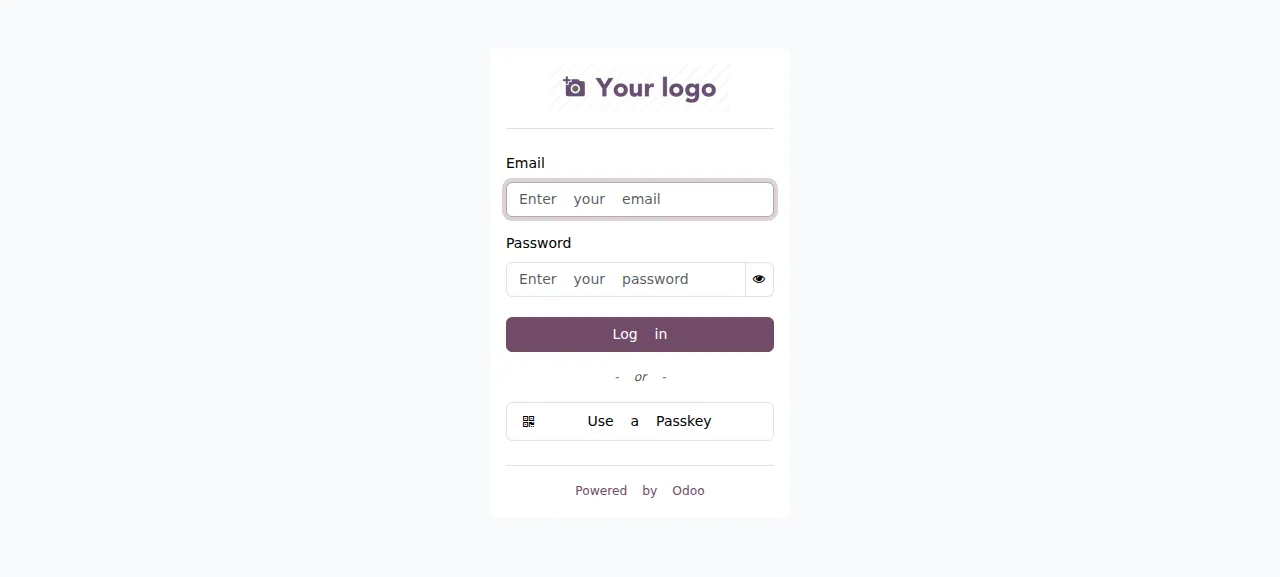
When the run is green, open the project's address and sign in with the admin email and password. The first page after a deploy builds Odoo's web assets, so it loads slower than later ones.
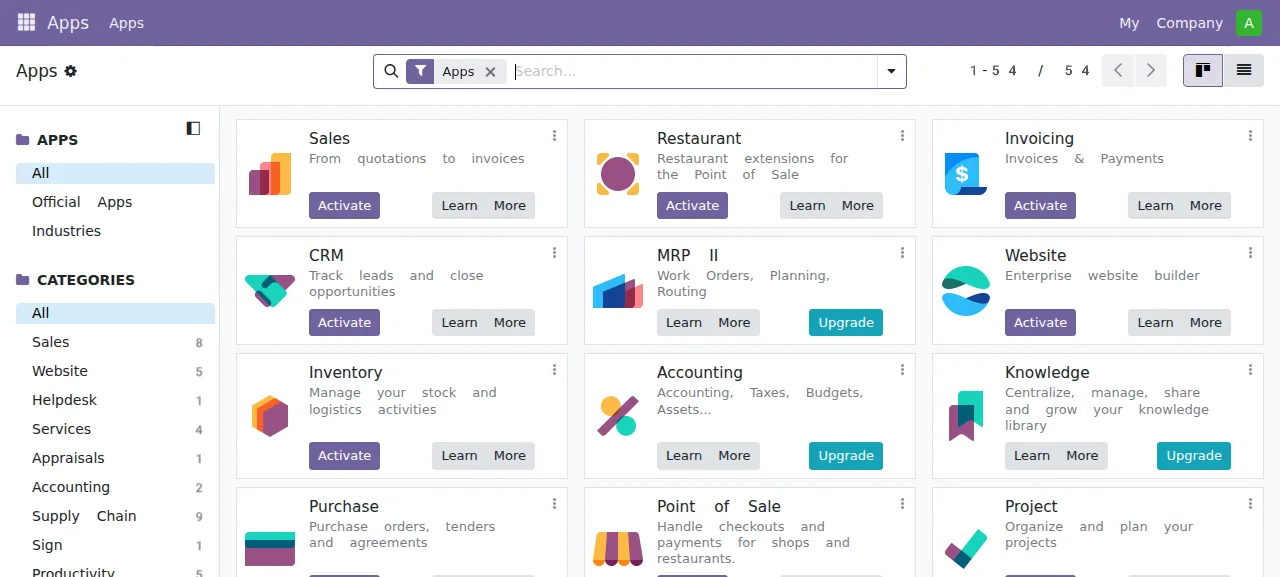
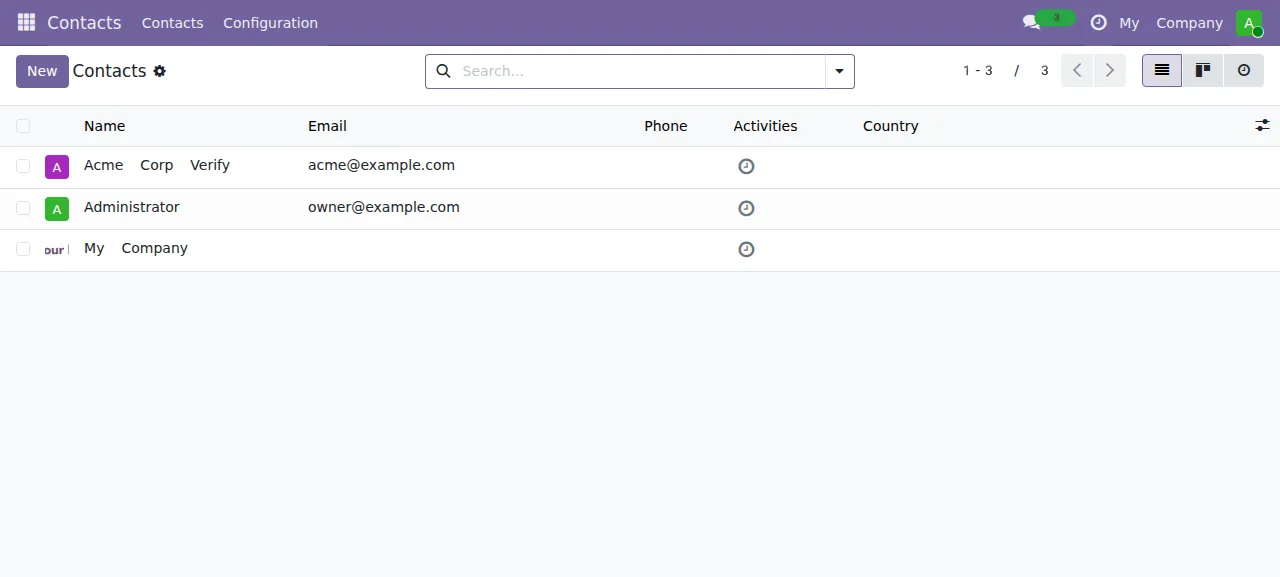
A new Odoo shows only the Apps and Settings menus. Open the Apps screen, find Contacts and press Activate. Odoo installs it, which takes a few seconds to about a minute behind a loading overlay, then reloads. Open Contacts, press New, type a name and an email, and save. The test agent added a company this way, reloaded, and found it in the list.
The run served Odoo on its preview address only. A domain of your own was not part of it, and the domains page shows how ox adds one. Users beyond the admin were not tested either.
The ox.toml, line by line
# Odoo 19 from source, as Odoo's own docker image runs it: one threaded
# server (workers = 0) that serves the web client, /websocket and the cron
# threads on one port. Odoo reads its database from PGHOST, PGPORT, PGUSER,
# PGPASSWORD and PGDATABASE (set in ox.vars from the postgres service), and
# keeps its filestore (attachments, asset bundles) and sessions in the kept
# `data` folder. The database manager is off (--no-database-list), so no
# visitor can create, copy or drop a database.

required_variables = ["ODOO_ADMIN_EMAIL", "ODOO_ADMIN_PASSWORD"]

packages = [
  "libmagic1t64",   # python-magic
  # wkhtmltox's .deb dependencies (PDF reports), unpacked by the build
  "ca-certificates", "fontconfig", "fonts-dejavu-core", "libfreetype6",
  "libjpeg-turbo8", "libpng16-16t64", "libssl3t64", "libstdc++6", "libx11-6",
  "libxcb1", "libxext6", "libxrender1", "xfonts-75dpi", "xfonts-base", "zlib1g",
]

[tools]
python = "3.12"   # requirements.txt pins Ubuntu 24.04's versions for 3.12

[app]
start  = 'export PATH="$PWD/wkhtmltox/usr/local/bin:$PATH"; exec python odoo-bin --data-dir data --http-interface 127.0.0.1 --http-port "$PORT" --proxy-mode --workers 0 --no-database-list'
health = "/web/health"

[build]
# wkhtmltopdf is not packaged for Ubuntu 26.04: unpack the patched-Qt build
# Odoo's docker image installs (wkhtmltox 0.12.6.1-3) into the release.
commands = [
  'arch=$(dpkg --print-architecture) && mkdir -p wkhtmltox && curl -fsSL -o wkhtmltox.deb "https://github.com/wkhtmltopdf/packaging/releases/download/0.12.6.1-3/wkhtmltox_0.12.6.1-3.jammy_${arch}.deb" && dpkg-deb -x wkhtmltox.deb wkhtmltox && rm wkhtmltox.deb && wkhtmltox/usr/local/bin/wkhtmltopdf --version',
]
# First deploy: install `base` into the empty database. Later deploys update
# the modules whose version on disk is newer. Then the default admin/admin
# account becomes the operator's login, once. Each guard prints its answer,
# and a connection error stops the deploy instead of re-initialising.
migrate = '''
state=$(python - <<'PY'
import psycopg2
cur = psycopg2.connect('').cursor()
cur.execute("SELECT to_regclass('public.ir_module_module') IS NOT NULL")
if cur.fetchone()[0]:
    cur.execute("SELECT state FROM ir_module_module WHERE name = 'base'")
    row = cur.fetchone()
    print('yes' if row and row[0] == 'installed' else 'no')
else:
    print('no')
PY
)
echo "odoo database initialised: $state"
if [ "$state" = no ]; then
  python odoo-bin --data-dir data --no-http --stop-after-init -i base
else
  python odoo-bin module upgrade all --outdated -D data
fi
python odoo-bin shell --data-dir data --no-http <<'PY'
import os
admin = env.ref('base.user_admin')
if admin.login == 'admin':
    admin.write({'login': os.environ['ODOO_ADMIN_EMAIL'], 'email': os.environ['ODOO_ADMIN_EMAIL'], 'password': os.environ['ODOO_ADMIN_PASSWORD']})
    env.cr.commit()
    print('odoo admin login set to', admin.login)
else:
    print('odoo admin already set up as', admin.login)
PY
'''

[services]
postgres = { extensions = ["pg_trgm"] }   # Odoo's trigram indexes and search

[storage]
keep = ["data"] # filestore (attachments, asset bundles) and sessionsrequired_variablesnames the admin email and password. ox asks for them before the first deploy starts, because the last migrate step needs both.packageshaslibmagic1t64, the library behindpython-magic, and the fonts, SSL, X11 and image libraries the unpackedwkhtmltopdflinks against.There is no
installline. ox seesrequirements.txtand installs it with uv into a virtual environment, adding the C compilers and the LDAP and PostgreSQL headers its packages build with.ox checklists them.[tools]pins Python 3.12. Odoo 19 accepts 3.10 to 3.14, andrequirements.txtmarks its pins for 3.12 as the versions Ubuntu 24.04 ships.[app] startputs the unpackedwkhtmltopdfonPATHand runsodoo-binwithexec.--data-dir datakeeps attachments and sessions in the kept folder. The interface and port flags listen on loopback and the port ox gives it, with Caddy in front.--proxy-modemakes Odoo trust forwarded headers, which its help allows only behind a trusted proxy.--workers 0is threaded mode: one process serves the web client and runs the scheduled jobs.--no-database-listturns off the database manager and picker.healthis/web/health, Odoo's own check, which answers{"status": "pass"}. ox switches traffic to a new release only once it answers.The build
commandsset up PDF reports. Odoo callswkhtmltopdfto print them, and the config's comment says Ubuntu 26.04 does not package it. The command downloads the 0.12.6.1-3 build for the server's CPU type, unpacks it into the release withdpkg-deband prints its version, so a binary that cannot run stops the build. Printing a PDF was not tested.migratestarts with a guard: a short Python script asks the database whether Odoo'sbasemodule is installed. On an empty database,odoo-bin -i baseinstalls it. On later deploys,odoo-bin module upgrade all --outdatedupgrades the modules whose version on disk is newer. A connection error stops the deploy, so an unreachable database never looks empty.The rest of
migrateturns Odoo's stock admin into yours. A fresh install has the loginadminwith the passwordadmin. Anodoo-bin shellscript sets that account's login, email and password from the two variables, once, and only while the login is stilladmin.[services]asks for Postgres with thepg_trgmextension. Odoo's database tools create it in every database they make, and its trigram search indexes use it.[storage] keeplinksdatato the project's data folder, so the filestore and sessions survive each deploy.
There are no workers or cron jobs. Odoo runs its scheduled jobs as threads in the web process, and the test agent saw one, "Mail: Email Queue Manager", finish in that process's log.
ODOO_ADMIN_EMAIL
ODOO_ADMIN_PASSWORD
PGDATABASE
PGHOST
PGPORT
PGUSER
PGPASSWORD
ODOO_SMTP_SERVER
ODOO_SMTP_PORT
ODOO_ADMIN_EMAIL and ODOO_ADMIN_PASSWORD are the first admin's login, the two values you choose.
Odoo reads its database from libpq's usual names. The run set PGHOST, PGPORT, PGUSER, PGPASSWORD and PGDATABASE to ${postgres.host}, ${postgres.port}, ${postgres.user}, ${postgres.password} and ${postgres.database}, references to the Postgres service. ox fills such names in by itself only when a repo's example file lists one, and Odoo's repo has none. PGDATABASE names the one database Odoo uses, which its help says to set when the database list is off. See variables for how references work.
ODOO_SMTP_SERVER and ODOO_SMTP_PORT set Odoo's outgoing mail server, like its --smtp and --smtp-port options. The run pointed both at a test mail catcher.
Postgres and the data folder
Odoo gets one database and one login role on the server's shared Postgres. With the database list off, /web/database/manager says it is disabled and /web/database/list answers Access Denied, so no visitor can create or drop a database.
Updates and backups
To update, push a newer commit to your fork or run ox deploy odoo --wait. ox builds the new release beside the running one and runs migrate, which upgrades the modules with newer code. Traffic moves over when /web/health answers. Moving to a new Odoo major version was not tested.
Backups need no setup. The run's backups held two Postgres dumps, one from Back up now and one ox took just before the redeploy's migrate, and an archive of the data folder. Run ox backups odoo to list them. A restore was not tested. The backups page covers keeping copies in an S3 bucket.
Frequently asked questions
Do I need Docker to self-host Odoo?
No. Odoo is a Python program that runs from its source tree. ox installed Python 3.12 and the packages in requirements.txt on the server and ran odoo-bin as a system service beside Postgres and Caddy. There is no image, and an update is a push to your fork.
How do I sign in to a new Odoo?
Set ODOO_ADMIN_EMAIL and ODOO_ADMIN_PASSWORD before the first deploy. The migrate step swaps them in for the stock admin login and password, once, and you sign in at the project's address with that email. The log-in page has no sign-up link. Adding other users was not tested.
Which database does Odoo need?
PostgreSQL. Odoo reads the connection from PGHOST, PGPORT, PGUSER, PGPASSWORD and PGDATABASE. In this run they pointed at the Postgres ox set up for the project, with the pg_trgm extension on. Odoo installed its base module into that empty database on the first deploy.
How much memory does Odoo use?
The facts above give what the whole server used after the run's reboot, with Odoo's base module installed, Postgres, Caddy and the ox agent running. Apps you turn on later, and real data, were not measured. ox works on any server from 1 GB up and tells you when memory is why Odoo stopped.
New to running apps on your own server? How ox self-hosts your apps shows what ox sets up on your server.