How to self-host Open WebUI on your own VPS, no Docker
Run Open WebUI v0.12.2 on your own Ubuntu server with ox: FastAPI, Postgres with pgvector and local embedding models, from the config that ran.

To self-host Open WebUI you need an Ubuntu server, a fork of its repo with one ox.toml file added, and twelve variables, of which you choose only three. In our run the first deploy took about 9 minutes, and ox set up Postgres with the vector extension for it.
How we tested On Oct 17, 2026, ox deployed Open WebUI v0.12.2 from commit 6a18585f on a fresh DigitalOcean server with 8 vCPUs and 16 GB of memory. The run then redeployed it, backed it up and rebooted the server. Then a separate test agent, one that did not write the config, signed in, made a knowledge base from a text file, which the server embedded with its local model, and opened the file after a reload, and checked the app's services and its backup.
Open WebUI is a chat interface for AI models that you host yourself. It talks to Ollama and to any OpenAI-compatible API. It adds users and roles, and a document library called Knowledge, which it indexes so a model can look things up in your files. The backend is FastAPI. The web interface is SvelteKit, built into a folder that the backend serves.
The license is BSD 3-Clause plus one rule: with more than 50 end users in 30 days, you may not change or remove the Open WebUI name and logo without written permission or an enterprise license. Read the repo's LICENSE before you rebrand it.
ox deployed Open WebUI v0.12.2 (commit 6a18585f) on Oct 17, 2026 on a fresh DigitalOcean server with 8 vCPUs and 16 GB of memory; the first deploy took 9 minutes and a redeploy took 7 minutes.
- First deploy: 9 minutes, from adding the project until the app passed the run's first checks.
- Redeploy of the same commit: 7 minutes, until the app passed the checks again.
- Server: DigitalOcean, 8 vCPUs and 16 GB of memory (
s-8vcpu-16gb), with this app alone on it. Every one of the 85 apps we deployed ran on this one size, so it was not picked for this app. - Memory in use after the reboot: 1367 MB of 15986 MB, for the whole server: Ubuntu, the app, its services, Caddy and the ox agent. On a server with no apps, ox's tests on real servers hold the agent to 40 MB or less and Caddy to 50 MB or less.
- Services ox runs for it:
postgres. - Source: github.com/open-webui/open-webui at v0.12.2, commit
6a18585f.
What you need
An Ubuntu LTS server with root access. The facts above name the size the run used and the memory in use after its reboot.
A GitHub account to fork
open-webui/open-webui, and an ox account, which you open by signing in with GitHub.An email address and a password for the first admin. The run set up no mail, so email was not tested.
Nothing else. The run connected no model provider, neither Ollama nor an OpenAI key, so chat was not tested.
The steps
In the ox dashboard, press Add a server. It shows an install command with a fresh token in it. Paste that into a root shell on your server. It installs only the ox agent and Caddy.
Fork open-webui/open-webui on GitHub and check out the tag v0.12.2, which is what the run deployed. Add the ox.toml shown below to the root of the fork, then commit and push. Next write open-webui.env on your laptop with the twelve keys from the variables section. The app's source asks for a long random WEBUI_SECRET_KEY, and openssl rand -base64 48 makes one. With the ox CLI signed in, run:
ox new <you>/open-webui
ox review open-webui --from-file open-webui.env --wait
The project takes the repo's name. The review saves your values and starts the first deploy, and --wait prints the log. In the browser the same two steps are New project and the review screen, as the quickstart shows.
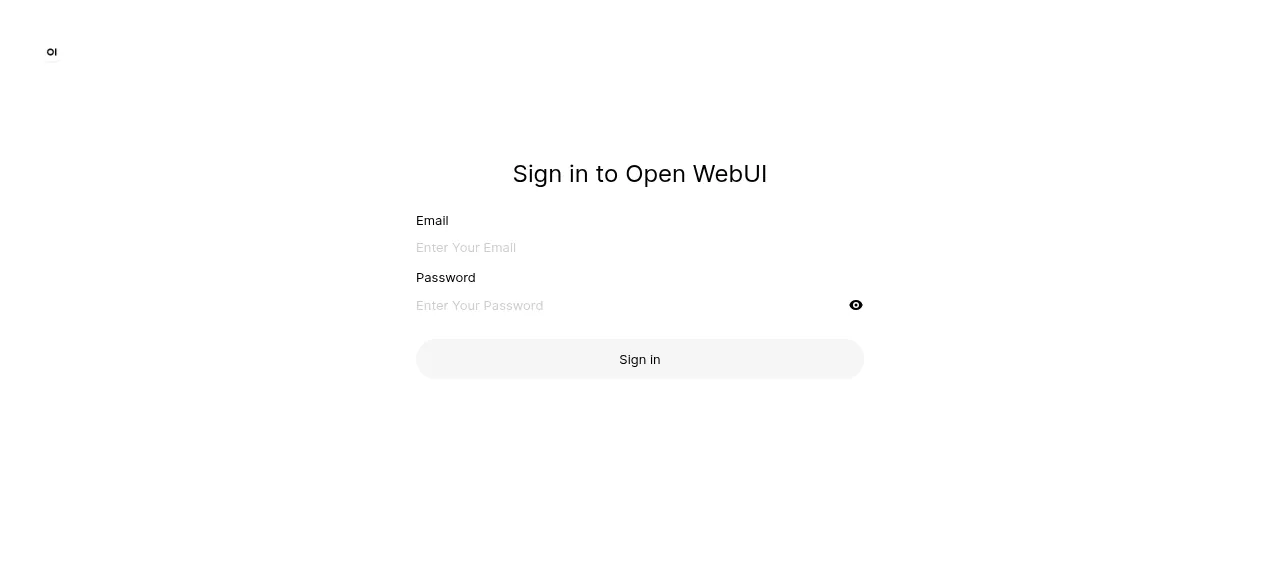
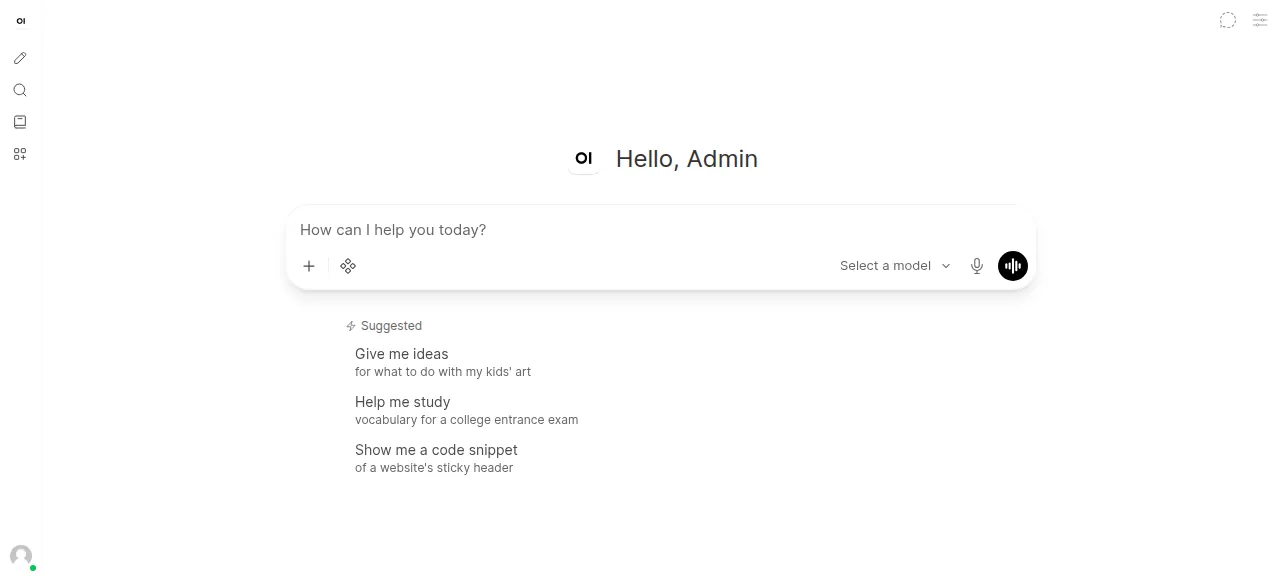
When the deploy is green, open the project's address and sign in with the admin email and password. After a start the app can take 20 to 60 seconds to answer while Python loads the app and the embedding model. A note about a new version may pop up after your first sign-in. Close it.
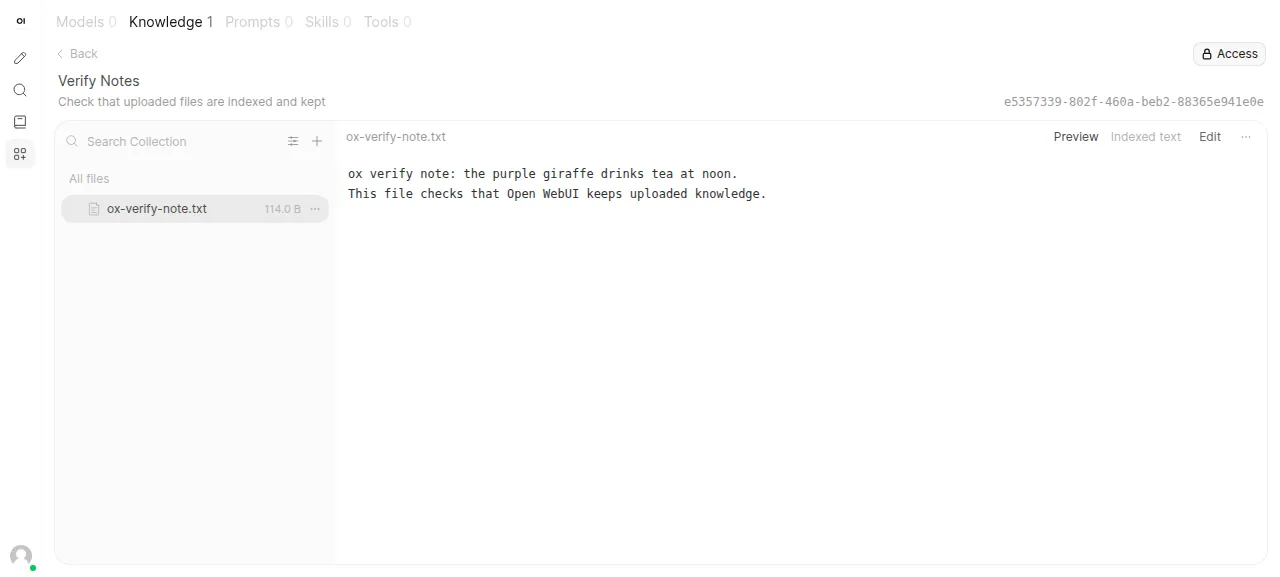
To try the document library, open Workspace in the left sidebar, then the Knowledge tab, and press Create. Name the knowledge base and press Create Knowledge. Use Add Content, choose Upload files, and pick a small text file. The server splits the file, embeds it with its local model, and lists it. The test agent did this, reloaded, and opened the file to see its text again.
The run served Open WebUI on its preview address. A domain of your own was not part of it, and the domains page covers how ox adds one.
The ox.toml, line by line
# Open WebUI on ox: the FastAPI backend (backend/open_webui) serves the
# SvelteKit build in ./build, as the Dockerfile's image does.

# The app makes its first admin at boot from WEBUI_ADMIN_EMAIL and
# WEBUI_ADMIN_PASSWORD, then closes sign-up, so they are the way in.
# WEBUI_SECRET_KEY signs sessions; without it start.sh would write a new key
# into each release and sign everyone out on every deploy.
required_variables = ["WEBUI_SECRET_KEY", "WEBUI_ADMIN_EMAIL", "WEBUI_ADMIN_PASSWORD"]

# The Dockerfile's runtime apt packages: git for tool requirements, pandoc
# for document conversion, ffmpeg for audio, libsm6 and libxext6 for OpenCV.
packages = ["git", "pandoc", "ffmpeg", "libsm6", "libxext6"]

[app]
# start.sh's command; the app runs its Alembic migrations as it imports its config.
start  = "cd backend && exec python -m uvicorn open_webui.main:app --host 127.0.0.1 --port $PORT --forwarded-allow-ips '*' --workers 1 --ws-per-message-deflate true"
health = "/health"

[build]
# As the Dockerfile: CPU-only torch first, then backend/requirements.txt, on Python 3.11.
install  = "uv venv --python 3.11 .venv && uv pip install --python .venv 'torch<=2.9.1' torchvision torchaudio --index-url https://download.pytorch.org/whl/cpu && uv pip install --python .venv -r backend/requirements.txt"
commands = ["npm run build"]

[services]
# VECTOR_DB=pgvector keeps the embeddings in the app's database; the app
# creates the extension from code at boot, so it is named here.
postgres = { extensions = ["vector"] }

[storage]
# DATA_DIR: uploads and caches (whisper, tiktoken).
keep = ["backend/data"]

[models]
# The Dockerfile bakes these in: the RAG embedding model and the auxiliary one.
huggingface = ["sentence-transformers/all-MiniLM-L6-v2", "TaylorAI/bge-micro-v2"]

[tools]
python = "3.11"required_variablesnames three keys. With sign-in on, the app refuses to start withoutWEBUI_SECRET_KEYunless its ownstart.shmakes one, and this config does not use that script. The admin pair is your way in: at its first start the app makes the admin from them if no user exists, then closes sign-up.packageslists five system packages from the Dockerfile's standard image:gitfor tools that list git requirements,pandocandffmpegfor document and audio processing, and two small libraries,libsm6andlibxext6.[app] startrunsuvicornfrom thebackendfolder, on the loopback address and the port ox gives it, with Caddy in front. The other flags are the ones the app'sstart.shpasses. There is nomigrateline, because the app runs its own database migrations when it loads its config.healthis/health, which answers{"status": true}. ox switches traffic to a new release only once it does.[build] installfollows the Dockerfile's CPU path: a virtual environment on Python 3.11, CPU-only PyTorch at 2.9.1 or older from PyTorch's CPU index, thenbackend/requirements.txt. The one build command,npm run build, makes the web interface.[services]asks for Postgres with thevectorextension. The app asks for that extension from its own code at start, so the config names it for ox.[storage] keeplinksbackend/data, where the app writes by default, to the project's data folder. Uploads and caches survive each deploy.[models]has ox download two Hugging Face models before the build.sentence-transformers/all-MiniLM-L6-v2is the app's default embedding model for documents, andTaylorAI/bge-micro-v2is the one its model evaluations use. The Dockerfile bakes in both.[tools]pins Python 3.11, the version the README asks for.
There are no workers or cron jobs, and no file besides ox.toml was added to the repo.
WEBUI_SECRET_KEY
WEBUI_ADMIN_EMAIL
WEBUI_ADMIN_PASSWORD
WEBUI_URL
CORS_ALLOW_ORIGIN
ENV
PYTHONUNBUFFERED
SCARF_NO_ANALYTICS
DO_NOT_TRACK
ANONYMIZED_TELEMETRY
VECTOR_DB
ENABLE_OLLAMA_APIWEBUI_SECRET_KEY,WEBUI_ADMIN_EMAILandWEBUI_ADMIN_PASSWORDare the three you choose.WEBUI_URLandCORS_ALLOW_ORIGINare both${PUBLIC_URL}, a reference ox fills in with the project's address. The app's default for the second is*, which it warns against for production. See variables for how references work.ENVisprod, which switches off the app's built-in API docs pages.PYTHONUNBUFFEREDis1, so log lines reach the journal at once.SCARF_NO_ANALYTICS,DO_NOT_TRACKandANONYMIZED_TELEMETRYturn the app's telemetry off, with the values the Dockerfile uses.VECTOR_DBispgvector, so document embeddings go into Postgres. Without it the app uses Chroma, which keeps its files in the data folder.ENABLE_OLLAMA_APIisfalse, because no Ollama runs on this server.
Postgres
With no DATABASE_URL, Open WebUI keeps its data in a SQLite file. Here ox sets DATABASE_URL to the Postgres it runs for the project, and the pgvector client reads the same database. Postgres is shared with any other apps on the server, each with its own database and user. You can browse it from the Services tab, or with ox explore open-webui postgres.
Updates and backups
To update, merge a newer tag into your fork and push, or run ox deploy open-webui --wait. ox starts the new release beside the running one and switches when /health answers. The app migrates its own database as it starts. Read the repo's CHANGELOG.md first.
Backups need no setup. ox backs up each entry daily, and the run made one on demand: a Postgres dump and an archive of the kept backend/data folder. Run ox backups open-webui to list them. A restore was not tested. The backups page covers S3 copies.
Frequently asked questions
Do I need Docker to self-host Open WebUI?
No. The project's quick start uses Docker, and it also ships a pip package. This run used neither. ox installed the Python packages into a virtual environment on the server, built the web interface with npm, and ran the app as a system service beside Postgres.
How do I create the first Open WebUI admin?
Set WEBUI_ADMIN_EMAIL and WEBUI_ADMIN_PASSWORD before the first deploy. At its first start, with no users yet, the app creates that admin and closes sign-up, so the sign-in page shows only the login form. You add other people afterwards from the Admin Panel. Email and adding more users were not tested.
Which database does self-hosted Open WebUI use?
By default a SQLite file in its data folder, with Chroma for document vectors. This run used Postgres with the vector extension, set with VECTOR_DB=pgvector, so chats, users and embeddings sit in one database that ox dumps for backups. Moving an existing SQLite install over to Postgres was not tested.
Does Open WebUI work without Ollama or an API key?
The site and the Knowledge library do. Embeddings come from a model on the server, so the upload worked with no key. Chat needs a model provider, which you add under Admin Panel, Settings, Connections. The run connected none, so the chat page had no model to pick and chat was not tested.
How much memory does Open WebUI use?
The facts above show what the whole server used after a reboot, with Open WebUI, Postgres, Caddy and the ox agent running. The install also pulls PyTorch and builds the web interface on the server. ox takes any server from 1 GB up, and it says so when memory is why the app stopped.
New to running apps on your own server? How ox self-hosts your apps shows what ox sets up on your server.