How to self-host a Jekyll static site on your own VPS
Build and serve Jekyll v4.4.1 from your own Ubuntu server with ox: Ruby 3.4 builds the pages, Caddy serves them, and the site needs no variables.

To self-host Jekyll you need an Ubuntu server and a fork of the Jekyll repo with one ox.toml file added. The site asks for no variables and no database, and in our run the first deploy took about 3 minutes.
How we tested On Oct 17, 2026, ox deployed Jekyll v4.4.1 from commit 1f319fb2 on a fresh DigitalOcean server with 8 vCPUs and 16 GB of memory. The run then redeployed it and rebooted the server. Then a separate test agent, one that did not write the config, opened the site, moved through the docs to the tutorial, opened a news post, and used the search box, and checked that its pages and links answer.
Jekyll is a static site generator written in Ruby and released under the MIT license. It reads Markdown and Liquid templates and writes a finished website that Apache, Nginx or another web server can serve. It is blog-aware, so posts, pages, categories and permalinks are built in, and it is the engine behind GitHub Pages.
Jekyll has no production server of its own. Its usage page says jekyll serve is for working locally, and jekyll build writes the site to _site when you need it live. Its manual deployment page says that folder can go to almost any hosting provider. With ox, the build happens on your server and Caddy serves the folder.
The run deployed the website in the repo's docs folder, the source of jekyllrb.com, with its docs, a step-by-step tutorial, news posts and a showcase. The Jekyll in the same checkout built it. A site of your own, made with jekyll new, was not part of the run.
ox deployed Jekyll v4.4.1 (commit 1f319fb2) on Oct 17, 2026 on a fresh DigitalOcean server with 8 vCPUs and 16 GB of memory; the first deploy took 3 minutes and a redeploy took 69 seconds.
- First deploy: 3 minutes, from adding the project until the app passed the run's first checks.
- Redeploy of the same commit: 69 seconds, until the app passed the checks again.
- Server: DigitalOcean, 8 vCPUs and 16 GB of memory (
s-8vcpu-16gb), with this app alone on it. Every one of the 85 apps we deployed ran on this one size, so it was not picked for this app. - Memory in use after the reboot: 643 MB of 15986 MB, for the whole server: Ubuntu, the app, its services, Caddy and the ox agent. On a server with no apps, ox's tests on real servers hold the agent to 40 MB or less and Caddy to 50 MB or less.
- Source: github.com/jekyll/jekyll at v4.4.1, commit
1f319fb2.
What you need
An Ubuntu LTS server. The run used the size in the facts above and measured the memory there. Jekyll's install page asks for Ruby 2.7 or newer with its headers, RubyGems, GCC and Make. ox installs the Ruby the config names, along with the C compilers that Ruby brings.
A GitHub account to fork
jekyll/jekyll, and an ox account, which you open by signing in with GitHub.No other account. The site has no sign-in, no mail and no API key. Its pages do load a few things from other sites, as jekyllrb.com does, and the section on what runs lists them. Changing any of them was not tested.
The steps
Start with Add a server in the ox dashboard. It prints one install command with a token that works once. Run it as root on the Ubuntu machine, and it installs the ox agent and Caddy.
Fork jekyll/jekyll on GitHub and start from the tag v4.4.1, the release the run deployed. Save the ox.toml shown below in the top folder of the repo, then commit it and push it to the branch ox follows. With the ox CLI signed in, run:
ox new <you>/jekyll
ox deploy jekyll --wait
The project takes the name of the repo, so it is jekyll here. No variables are asked for, so the first deploy can start at once, and --wait prints the build log until the run ends. In the browser the same two steps are New project and Deploy, and the quickstart walks through them.
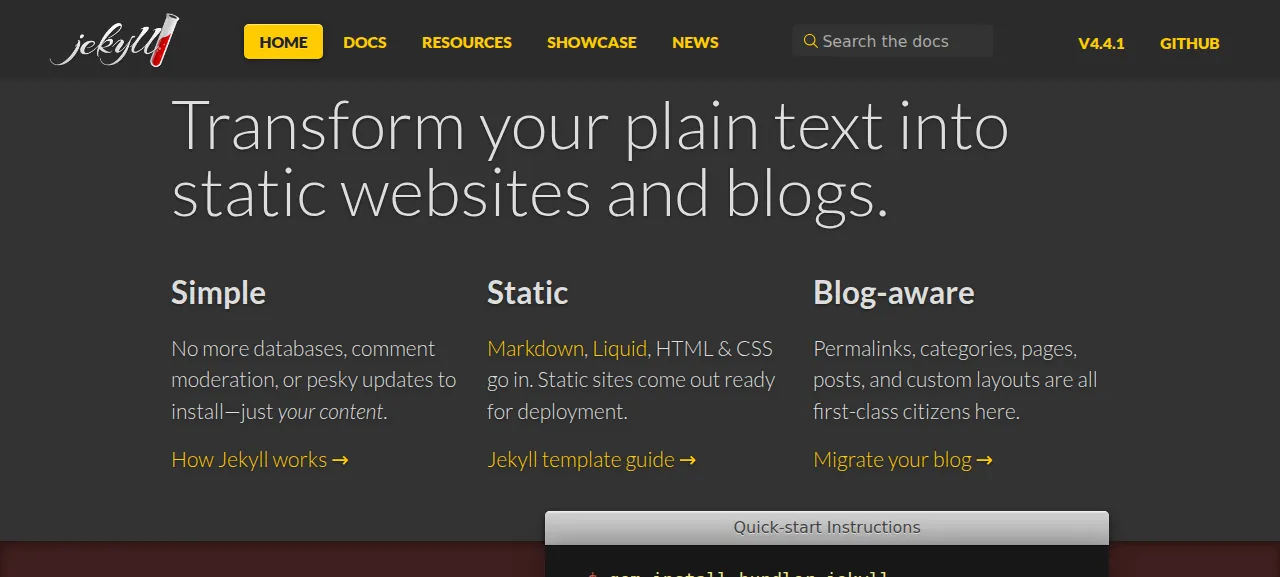
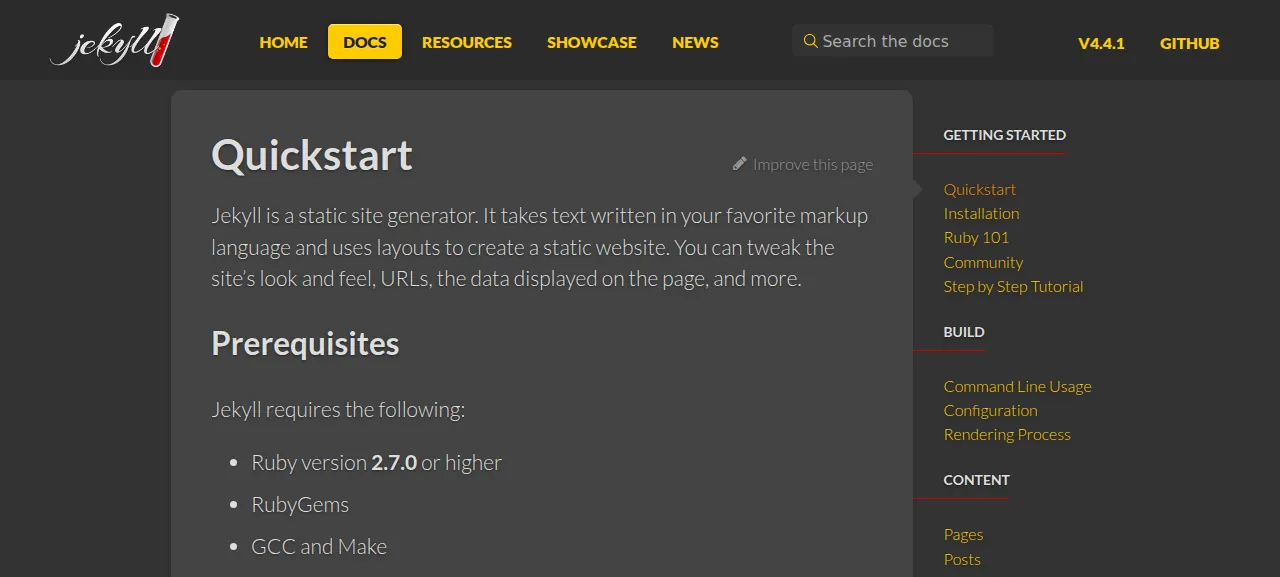
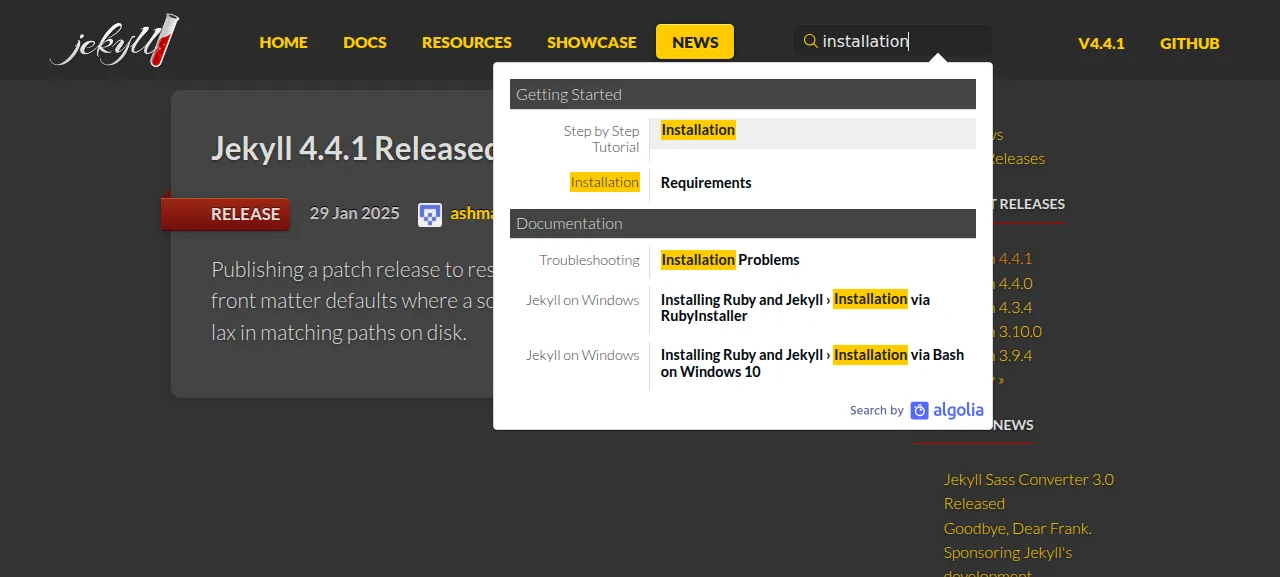
When the run is green, open the address ox shows for the project. The test agent started at the home page and pressed Docs. It followed the sidebar to the Step by Step Tutorial, opened the Jekyll 4.4.1 release post under News, and typed "installation" into the search box. Every page came up with its styles, fonts and images. A check in the run also followed the old address /conduct/, and it ended on /docs/conduct/ of the deploy, not on jekyllrb.com.
The run used the preview address only. A domain of your own was not part of it, and the domains page explains how ox adds one.
The ox.toml, line by line
# The jekyllrb.com documentation site in docs/, built with this checkout's
# own Jekyll as .github/workflows/docs.yml does, and served by Caddy as
# static files.

[tools]
ruby = "3.4"  # ci.yml tests 2.7, 3.3 and 3.4; 2.7 (docs.yml's) is end of life

[build]
# No Gemfile.lock is committed. Skip the development, test and benchmark
# groups, as docs/readme.md's `bundle install --without test test_legacy
# benchmark` does; the docs' plugins are in the default groups.
install = "bundle config set --local without 'development test test_legacy benchmark' && bundle install"
# docs/_config.yml sets url: https://jekyllrb.com, which jekyll-redirect-from,
# the feed, the sitemap and the SEO tags write into every page. Point it at
# the address this release is served on instead.
commands = [
  "printf 'url: %s\\n' \"$PUBLIC_URL\" > .ox-site-url.yml",
  "bundle exec jekyll build --source docs --destination docs/_site --config docs/_config.yml,.ox-site-url.yml --trace",
]
migrate = ""

[static]
dir = "docs/_site"
The config builds the docs site the way the repo's own docs workflow does, from the same docs source folder into docs/_site. The root Gemfile loads the repo's gemspec, so bundle exec jekyll runs the checkout's own Jekyll code.
[tools] ruby = "3.4"picks the Ruby version. The repo's CI matrix lists 2.7, 3.3 and 3.4, and the docs workflow names 2.7, which has reached its end of life. ox installs the version with mise.[build] installis written out because the repo commits noGemfile.lock. Thebundle configpart leaves out the development, test, test_legacy and benchmark groups, as thebundle install --withoutline indocs/readme.mddoes. The plugins the docs use, such asjekyll-feed,jekyll-redirect-from,jekyll-seo-tagandjekyll-sitemap, sit in groups it keeps.The first of the two
commandswrites a small file,.ox-site-url.yml, holdingurl:and the value ofPUBLIC_URL. The repo'sdocs/_config.ymlsetsurltohttps://jekyllrb.com, and the redirect, feed, sitemap and SEO plugins write that address into pages. ox setsPUBLIC_URLto the address the release will be served at before the build starts, so the pages point at your deploy.The second command is the build.
--source docsand--destination docs/_sitename the folders.--configtakes two files, and Jekyll's docs say settings in later files override earlier ones, so onlyurlchanges.--traceprints the full backtrace if the build fails.migrate = ""says there is no migration to run. The site has no database.[static]withdir = "docs/_site"names the folder of finished pages. The file has no[app], so ox starts no web process and Caddy serves that folder.There is no
[services], worker, cron job or[storage]. Once built, the pages are plain files.
This config asks for no variables.
Jekyll reads no variables here. The site's settings live in docs/_config.yml, in git. The one value the build takes from ox is PUBLIC_URL, which ox provides on every deploy. See variables for how that works.
What runs on the server
Only Caddy serves the site, and ox already runs it on the host. The test agent found Caddy active, no unit of this project and no failed unit. Ruby is used for the build and does not stay running.
The search box is Algolia DocSearch, set in the repo's
docs/_includes/search/script.htmlto the Jekyll project's own index. Its suggestions open the matching page on jekyllrb.com, not on your deploy. The site's CSS hides the box on narrow screens.The config in
docs/_config.ymlcarries the Jekyll project's own Google Analytics id, so the pages load Google's script, as on jekyllrb.com.Some images on the Showcase page load from Cloudinary, and links to GitHub, the import tool and release notes leave the site on purpose.
Updates and backups
To move to a new release, merge its tag into your fork and push, or run ox deploy jekyll --wait. The deploy repeats the build, and the run's redeploy of the same commit took about a minute.
The site has no database and no kept folder, and the server held no backup files for the project after the run. Your fork holds the source, and a deploy rebuilds the pages from it. A restore was not tested. The backups page covers what ox saves for projects with data. The Docusaurus guide shows another static site generator deployed the same way.
Frequently asked questions
Do I need Docker to self-host Jekyll?
No. Jekyll's install page lists Ruby, RubyGems, GCC and Make, and no container. ox installs Ruby with mise on your server, runs the build there, and Caddy serves the finished files. Nothing of Jekyll stays running once the pages exist, so there is no image to pull.
Can I host Jekyll without GitHub Pages?
Yes. GitHub Pages is one way to publish what Jekyll builds, and Jekyll's deployment docs say the _site folder can go to almost any host. The run used an ordinary Ubuntu server where ox built the docs site and Caddy served it, with no GitHub Pages setting involved.
How much memory does a self-hosted Jekyll site use?
After the reboot the whole server used the memory the facts show, with Caddy and the ox agent running and no process of the site. Only the build runs Ruby on the server. ox takes any server from 1 GB up, and says so when memory is why a build stopped.
Can I deploy my own Jekyll blog this way?
The run deployed Jekyll's own documentation site, so no step here was tested on a site made with jekyll new. It did show how ox treats a build: it runs the commands under [build], and Caddy serves the folder named in [static]. Jekyll's usage page names _site as the default output folder.
Does the search box work on a self-hosted Jekyll site?
On the run's deploy it showed suggestions, because the docs site uses Algolia DocSearch with the Jekyll project's index. A visitor's browser must be able to reach Algolia, and each suggestion opens a page on jekyllrb.com, not on your deploy. Search for a site of your own was not tested.
New to running apps on your own server? How ox self-hosts your apps shows what ox sets up on your server.