How to self-host a VitePress docs site on your own VPS
Serve the VitePress v1.6.4 docs site from your own Ubuntu server with ox: pnpm builds the pages, Caddy serves them, and it needs no variables or database.

To self-host VitePress you build its pages and serve the files, and ox does both on your own Ubuntu server from a fork of the repo with one ox.toml file added. The run deployed VitePress's own documentation site, which asks for no variables and no database, and the first deploy took about 3 minutes.
How we tested On Oct 17, 2026, ox deployed VitePress v1.6.4 from commit 1fc537b7 on a fresh DigitalOcean server with 8 vCPUs and 16 GB of memory. The run then redeployed it and rebooted the server. Then a separate test agent, one that did not write the config, opened the site, moved through the guide and the reference, and used the search to open a page, and checked that its pages and links answer.
VitePress is a static site generator from the Vue project, built on Vite and released under the MIT license. It turns Markdown files into a website with a theme made for documentation, and each page is also a Vue component, so a page can carry interactive parts. The Vite, Rollup, Pinia and Vitest docs are built with it.
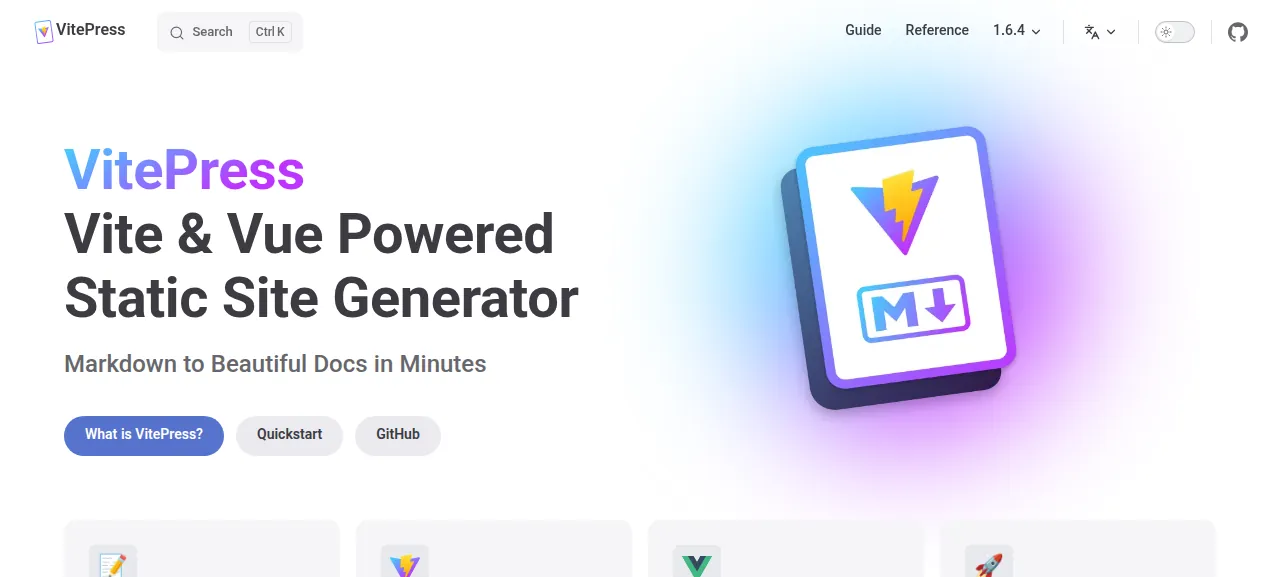
VitePress has no production server of its own. A build writes plain HTML, CSS and JavaScript, and the docs say a site can be deployed anywhere. Its preview command is a local web server for checking a build before it goes live. The run deployed the docs site in the repo's docs folder, the source of vitepress.dev, which has seven languages and a search box. A site of your own, made with vitepress init, was not part of the run.
ox deployed VitePress v1.6.4 (commit 1fc537b7) on Oct 17, 2026 on a fresh DigitalOcean server with 8 vCPUs and 16 GB of memory; the first deploy took 3 minutes and a redeploy took 2 minutes.
- First deploy: 3 minutes, from adding the project until the app passed the run's first checks.
- Redeploy of the same commit: 2 minutes, until the app passed the checks again.
- Server: DigitalOcean, 8 vCPUs and 16 GB of memory (
s-8vcpu-16gb), with this app alone on it. Every one of the 85 apps we deployed ran on this one size, so it was not picked for this app. - Memory in use after the reboot: 635 MB of 15986 MB, for the whole server: Ubuntu, the app, its services, Caddy and the ox agent. On a server with no apps, ox's tests on real servers hold the agent to 40 MB or less and Caddy to 50 MB or less.
- Source: github.com/vuejs/vitepress at v1.6.4, commit
1fc537b7.
What you need
An Ubuntu LTS server. The run used the size in the facts above and measured the memory there. VitePress asks for Node.js 18 or higher, and ox installs the Node and pnpm the build names, so the server needs neither first.
A GitHub account to fork
vuejs/vitepress, and an ox account, which you open by signing in with GitHub.No other account. The site has no sign-in, no mail and no API key. Two outside sites are involved: the build reaches GitHub, and the search box asks Algolia. The config notes and the list under what runs on the server explain both.
The steps
Open the ox dashboard and press Add a server. The command it shows carries a token that works once. Paste it into a root shell on your Ubuntu machine, and it adds the ox agent and Caddy.
Fork vuejs/vitepress on GitHub and start from the tag v1.6.4, the release the run deployed. Put the ox.toml shown below at the top of the repo, then commit and push it to the branch ox follows. With the ox CLI signed in, run:
ox new <you>/vitepress
ox deploy vitepress --wait
The project takes the repo's name, so it is vitepress here. Nothing needs answering first, since the config asks for no variables. --wait prints the build's log until it ends. In the browser, New project and Deploy do the same, as the quickstart shows.
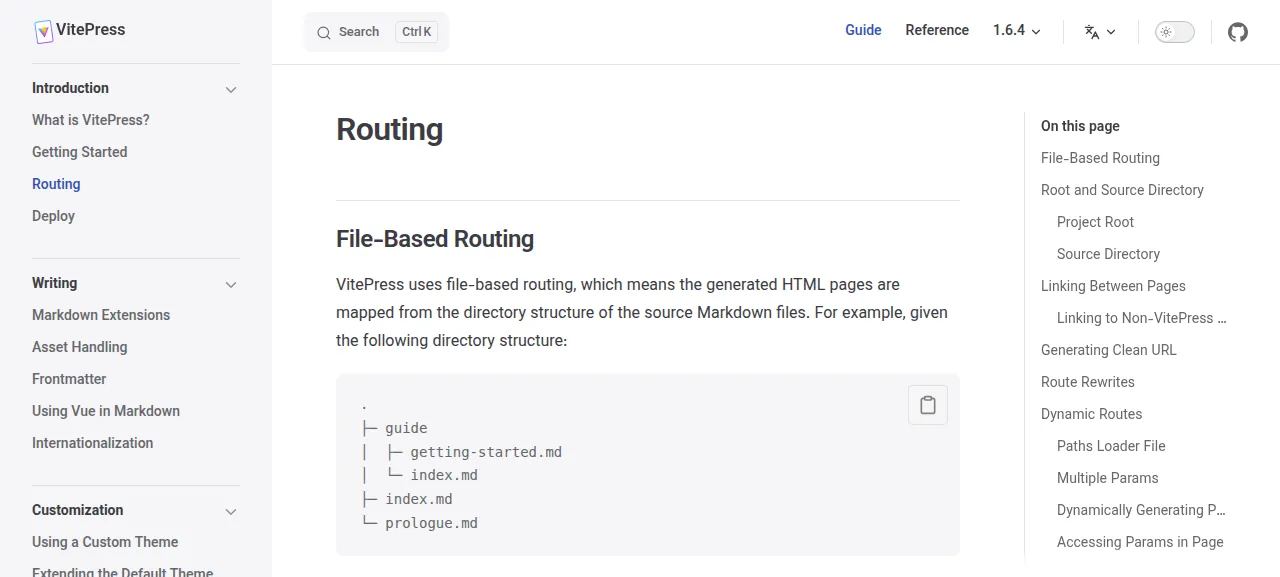
When the deploy is green, open the address ox shows for the project. The test agent started at the home page, pressed Quickstart, read Getting Started, and followed Next page to Routing. It opened Reference and then Site Config, typed "frontmatter" into the search box, and the top result opened the Frontmatter page. It also loaded /guide/deploy by typing the address. On the home page every request answered 200. All of this happened on the preview address. A domain of your own was not tried, and the domains page explains how ox adds one.
The ox.toml, line by line
# Deploys VitePress's own docs site (vitepress.dev) as its netlify.toml does:
# the same build command and the same publish folder. The root `build`
# script alone builds the vitepress library into dist/, which is no site.

[static]
dir = "docs/.vitepress/dist"
# No spa: every page is prerendered, and the docs' cleanUrls pages
# (guide/getting-started.html) answer at /guide/getting-started.

[build]
# netlify.toml: the library, then the docs, then Lunaria's translation
# dashboard (/_translations). Lunaria sees the build's one-commit .git as
# shallow and fetches the history it needs from github.com/vuejs/vitepress.
commands = ["pnpm docs:build", "pnpm docs:lunaria:build"]

[tools]
# netlify.toml pins Node 20, which reached its end of life in 2026-04; the
# repo's CI (test.yml) tests 22 too.
node = "22"
The config deploys the docs site as the repo's own netlify.toml does, with the same build commands and folder. ox plans the install itself: the repo has a pnpm-lock.yaml, so ox check shows a frozen-lockfile pnpm install.
[static]withdir = "docs/.vitepress/dist"names the folder of finished pages. VitePress writes its build to.vitepress/distinside the project root, which here is thedocsfolder. The file has no[app], so ox starts no web process and Caddy serves the folder.There is no
spaline because every page is prerendered into its own HTML file. The docs site also turns oncleanUrls, which drops.htmlfrom its addresses. VitePress warns that this needs a server able to answer/foowith/foo.htmlwithout a redirect. Caddy under ox does: the agent reached/guide/getting-startedby clicking and/guide/deployby address.[build] commandsreplaces the build step ox detects. Detection picks the rootbuildscript, which builds the VitePress library intodistand makes no site.pnpm docs:buildbuilds the library and then runsvitepress build docs.pnpm docs:lunaria:buildmakes the page at/_translationswith Lunaria, a translation status dashboard. Lunaria wants the repo's git history and the build's copy holds one commit, so it fetches the rest from github.com/vuejs/vitepress during the build.[tools] node = "22"picks the Node version. Netlify's file names Node 20, which has reached its end of life, and the repo's own tests cover 18, 20 and 22. The pnpm version needs no line, because ox reads9.15.4from thepackageManagerfield inpackage.json.There is no
[services],[workers],[cron]or[storage], since the finished site is plain files.
This config asks for no variables.
The site reads no variables. Its settings live in docs/.vitepress/config, in git. VitePress assumes the site sits at the root of a domain, and its base option is for a sub-path. The run served the site at the root of its preview address and left base alone. See variables for how ox handles the ones other apps need.
What runs on the server
Only Caddy serves the site, and ox already runs it on the host. The test agent found Caddy active, no unit of this project and no failed unit. Node and pnpm are used for the build only.
The search box is Algolia DocSearch, set up with the VitePress project's own settings. The visitor's browser asks Algolia's servers, and the results open pages on your deploy.
The address
/guide/alone answers 404. On vitepress.dev a Netlify redirect sends it to Getting Started, and that redirect is a Netlify setting, not part of the built files. No link in the site points there.The
/_translations/page is the translation status dashboard from the build, and no menu links to it.The "Last updated" line comes from git, and the build sees one commit, so every page shows that one commit's date.
Updates and backups
To move to a new release, merge its tag into your fork and push, or run ox deploy vitepress --wait. The deploy repeats the build, and the run's redeploy of the same commit took about 2 minutes.
The run's backup step found nothing to back up, since the project has no database and no kept folder. A deploy rebuilds the pages from your fork. A restore was not tested. The backups page covers what ox saves for projects that do have data. The Docusaurus guide shows another static site generator deployed the same way.
Frequently asked questions
Do I need Docker to self-host VitePress?
No. VitePress turns Markdown into static HTML, and its docs say the output can be deployed anywhere. ox runs the build with Node and pnpm on your server, and Caddy serves the finished files. Nothing from VitePress keeps running afterward, so there is no container and no image to pull.
Do I need Netlify or GitHub Pages to host VitePress?
No. VitePress's deploy guide lists Netlify, Vercel, GitHub Pages and others, and it also gives an Nginx example, because the output is plain files. The run used the same two build commands as the repo's netlify.toml, then had Caddy on an Ubuntu server serve the folder they write.
How much memory does a self-hosted VitePress site use?
After the reboot the whole server used the memory the facts show, with Caddy and the ox agent running and no process of the site. The build runs Node on the server, which is when memory counts. ox works on any server from 1 GB up, and its run log says when memory stopped a build.
Can I host a site made with vitepress init this way?
The run deployed the VitePress project's own docs, not a site made with vitepress init, so no step here is tested for one. The run did show how ox treats a build: it runs the commands under [build], and Caddy serves the folder named in [static]. VitePress's docs name .vitepress/dist as the default output.
Does the search box work on a self-hosted VitePress site?
On the run's deploy it did. The docs site uses Algolia DocSearch with the VitePress project's own settings, so a visitor's browser must be able to reach Algolia, and the results open pages on your deploy. Search for a site of your own was not tested. VitePress's docs also describe a local search.
New to running apps on your own server? How ox self-hosts your apps shows what ox sets up on your server.